From Copper Lines to Cloud: Fax Number Porting and Virtual Numbers Explained
Faxing has evolved far beyond noisy machines and copper phone lines. Modern online fax services let teams send and receive documents securely from anywhere, yet many organizations still rely on long-standing fax numbers tied to physical lines. If you are considering a move to the cloud, you likely have two questions: Can we keep our existing fax number, and what are virtual fax numbers? This guide demystifies fax number porting and virtual numbers, and shows how a thoughtful approach protects business continuity while unlocking the benefits of online fax.
Understanding fax number porting
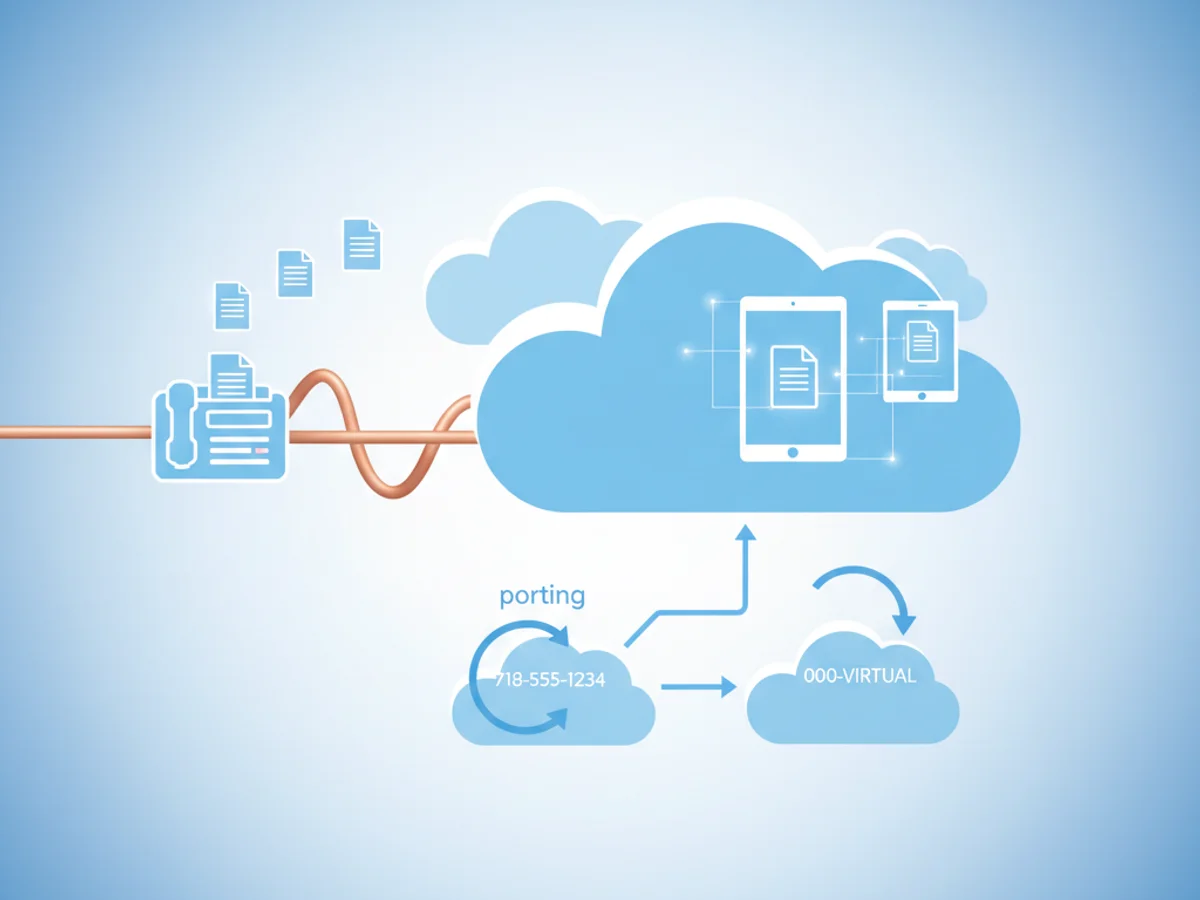
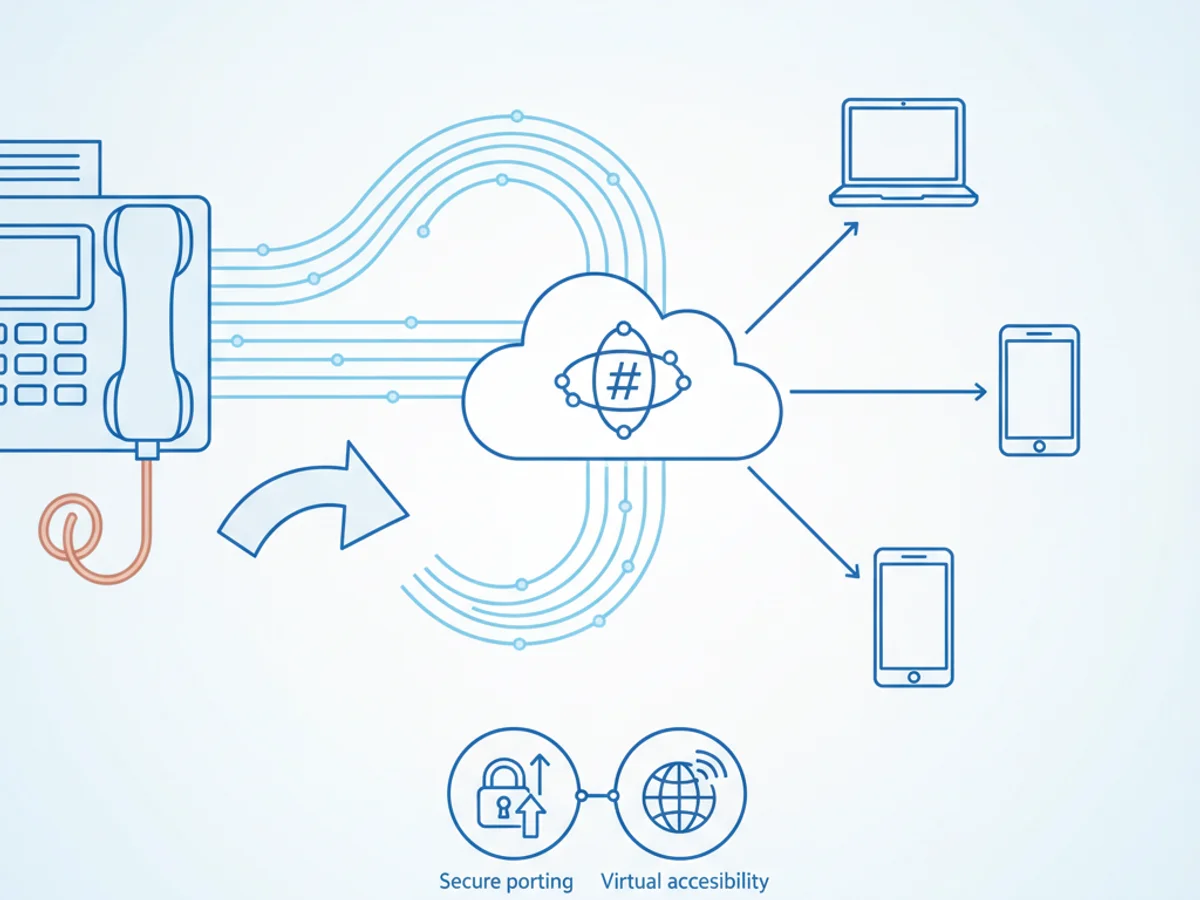
Fax number porting is the process of moving your existing fax number from a traditional carrier to an online fax provider without changing the number your contacts use. In other words, you retain the same public-facing number while the routing and delivery move into the cloud.
Why port a fax number?
- Continuity and trust: Customers, partners, and regulators already know your number. Keeping it reduces confusion and eliminates updates across business cards, forms, and directories.
- Branding and compliance: Regulated industries often publish fax numbers in filings or contracts. Porting avoids re-approval cycles and document changes.
- Cost and simplicity: Retiring dedicated analog lines and consolidating into one cloud platform reduces maintenance and complexity.
How porting works at a high level:
- Eligibility check: Confirm the number type (local, toll-free, DID) can be ported. Most business numbers are eligible, but some legacy systems may require special handling.
- Gather documentation: Your provider typically needs a recent phone bill and a Letter of Authorization (LOA) matching the current account holder details.
- Submit a port request: The new provider sends the request to the losing carrier. Accurate account information speeds this up.
- Scheduling: Choose a port date and window. Aim for off-peak hours to minimize impact.
- Parallel run and forwarding: If possible, set up call forwarding or parallel handling so inbound faxes are captured during the transition.
- Cutover and testing: On the port date, inbound traffic routes to your cloud fax inbox. Send and receive test faxes with key partners to verify.
- Decommission legacy lines: After successful testing and a brief monitoring period, retire old hardware and cancel unused services.
Considerations for a smooth port:
- Do not cancel your existing service before the port completes; it can cause rejection or loss of number.
- Expect short, scheduled downtime during cutover. Mitigate with forwarding and off-peak scheduling.
- Align legal and compliance teams if the number appears in external contracts or regulated documents.
- Communicate the timeline to staff so they know where to find inbound faxes post-cutover.
What are virtual fax numbers?
Virtual fax numbers are cloud-based numbers provided by an online fax service. They are not tethered to a physical line or machine, and can be created, reassigned, or retired in minutes. Organizations use virtual numbers to build flexible, scalable fax workflows without maintaining telephony hardware.
Common options include local numbers for regional presence, toll-free numbers for nationwide reach, and department-specific numbers for direct routing.
Key advantages of virtual numbers:
- Fast provisioning: Spin up numbers on demand for new locations, projects, or teams.
- Smart routing: Deliver faxes to the right inbox based on department, time of day, or sender.
- Scalability: Handle spikes in volume without busy signals or capacity constraints.
- Centralized management: Admins can assign permissions, set retention policies, and audit activity from one dashboard.
- Geographic flexibility: Establish a local presence in multiple markets without physical offices.
With virtual numbers, your fax infrastructure becomes software. Instead of wiring new lines or buying modems, you configure users, policies, and routing rules. The result is a more agile and resilient fax operation.
Porting vs new virtual numbers: choosing the right path
Deciding whether to port or adopt new virtual numbers depends on your goals, timelines, and stakeholder needs. Many teams choose a hybrid approach: port critical published numbers while adding new virtual numbers for internal workflows.
When porting makes the most sense:
- The number is widely published on contracts, forms, and signage.
- External partners rely on the number and changing it would cause confusion.
- You need an uninterrupted brand and regulatory footprint.
When new virtual numbers are ideal:
- You are reorganizing departments or opening new locations.
- You want dedicated numbers for high-volume workflows (claims, intake, billing).
- You need temporary numbers for projects, events, or pilots.
A hybrid strategy can unlock the best of both:
- Port your flagship number for continuity.
- Create department-level virtual numbers to streamline routing and reduce internal bottlenecks.
- Use toll-free numbers for customer-facing lines and local numbers for regional presence.
Migration tips that reduce risk:
- Inventory your current fax flows: devices, lines, recipients, and key senders.
- Map routing: define who should receive which documents in the new system.
- Notify partners: give heads-up to high-volume senders about the port window.
- Test thoroughly: send and receive test faxes with top partners and confirm delivery to the correct inbox.
- Update references: refresh websites, email signatures, and directories if you add or change numbers.
The business impact of moving to online fax is significant: faster delivery, better visibility, and improved security posture. With strong access controls, encryption in transit and at rest, audit trails, and retention policies, you can meet internal governance needs while simplifying daily operations.
Why an online fax service helps:
- Any-device access: Send and receive from desktop, mobile, or email.
- Reliability: Redundant infrastructure reduces busy signals and failed transmissions.
- Searchable archives: Find documents quickly with metadata, tags, and full-text search where available.
- Admin controls: Centralized user management, permissions, and compliance settings.
- Integrations: Connect with EHR, CRM, or document management workflows via APIs.
Ready to modernize without disruption? BestFax makes it straightforward to port your existing fax number and launch virtual numbers tailored to your teams. With guided porting, smart routing, and secure delivery, you can move to the cloud confidently and start seeing benefits fast.
Call to action:
If you are planning a migration or exploring virtual numbers, start a free trial with BestFax. Our team will help verify port eligibility, schedule a smooth cutover, and set up the virtual numbers you need for efficient, secure faxing.
Related Posts
How Camps Can Fax Medication Administration Forms Without Slowing Check-In
Practical ways camps can fax medication forms early, track confirmations, and keep health check-in moving without paperwork surprises.
How Funeral Homes Fax Death Certificates to Doctors Without Burial Delays
Practical tips for funeral homes faxing death certificate paperwork to doctors quickly, clearly, and with fewer burial or cremation delays.
How ASCs Can Fax Operative Reports to Referring Doctors Without Follow-Up Delays
Practical steps ASCs can use to fax operative reports to referring doctors quickly, accurately, and with fewer follow-up delays.