Fax Cover Sheets Done Right: Practical Best Practices for Clarity, Privacy, and Speed
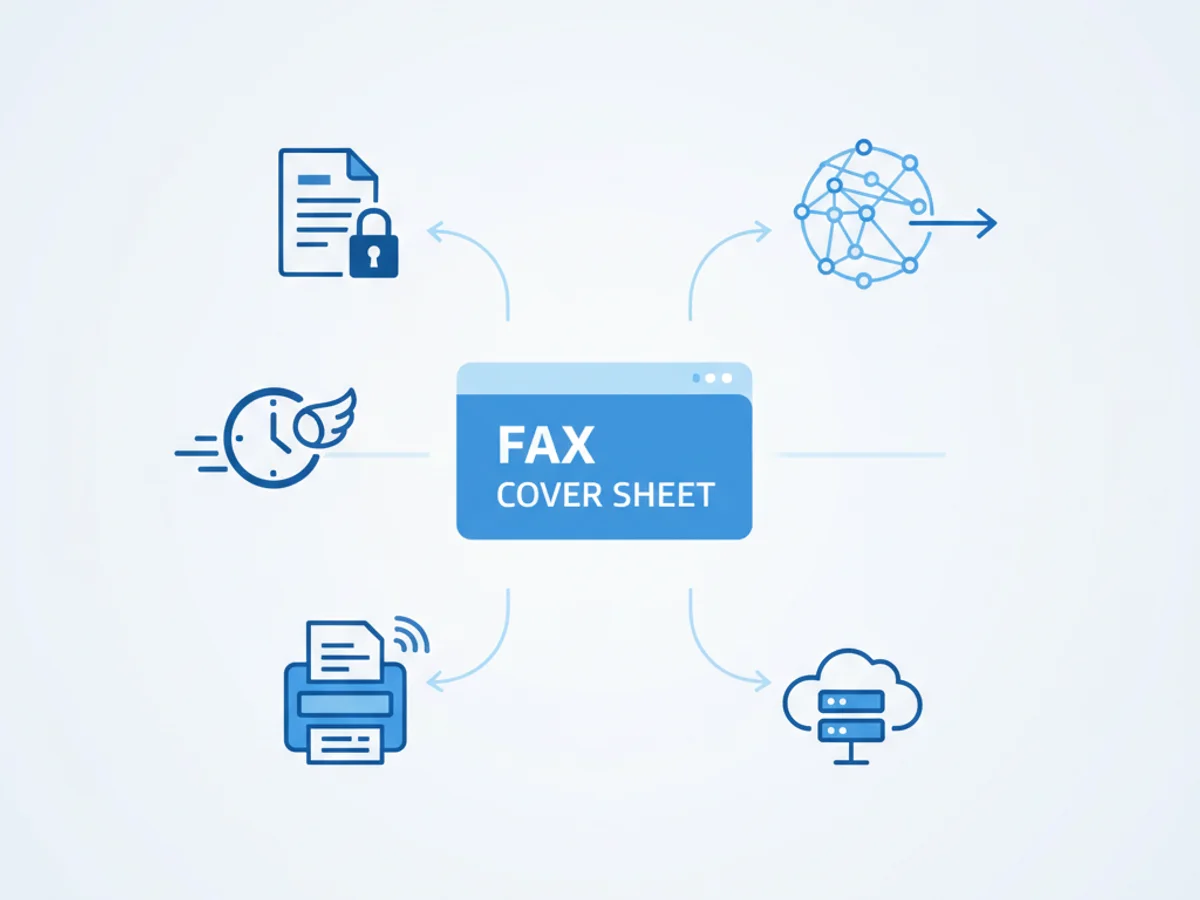
A well-crafted fax cover sheet is more than a formality. It’s a routing label, a safeguard for sensitive information, and a quick way to give recipients the context they need to act fast. Whether you still use a physical machine or rely on an online fax service, the cover sheet sets the tone for a secure, professional transmission.
Why fax cover sheets still matter
If you’ve ever lost time chasing down a misdirected document, you know the value of getting the basics right. A good cover sheet helps you:
- Route documents accurately by making the recipient and department impossible to miss
- Protect privacy by separating identifying details from sensitive content
- Provide context at a glance with subject, urgency, and requested actions
- Confirm delivery and maintain records through timestamps, page counts, and contact details
- Reduce back-and-forth by including the right reference numbers and next steps
In regulated or privacy-conscious industries, a clean, consistent cover sheet also supports compliance workflows by clearly labeling what’s inside and who should see it.
What to include on a fax cover sheet
Use this checklist as your fax cover sheet template. Keeping to one page and using clear labels will save time on both ends.
- Sender details
- Name and title
- Company or organization
- Phone number and email address
- Fax number (if applicable)
- Recipient details
- Name and title
- Department and company
- Fax number
- “Attention” line if routing through a central inbox
- Date and time
- Auto-stamped by most online fax services; include it manually if sending from a machine
- Subject line
- Keep it specific (e.g., “Q3 contract addendum for signature” rather than “Documents”)
- Page count
- Total number of pages including the cover sheet; this is crucial for verifying completeness
- Priority or urgency
- Examples: Routine, Time-sensitive, Urgent
- Action requested
- Examples: Review, Sign and return, For records, Call to confirm
- Reference numbers
- Purchase order, invoice, claim, case, or patient ID as appropriate
- Brief message or notes
- One or two short sentences with context or special instructions
- Confidentiality notice
- A concise disclosure reminding unintended recipients to notify the sender and destroy the fax; avoid dense legal jargon
- Optional elements
- Company logo or branding (kept small and clear)
- Checklist of included attachments
- Return by date or reply instructions
Pro tip: Don’t include sensitive personal details (like full account numbers or full dates of birth) on the cover sheet itself. Save those for the secure pages that follow.
Smart formatting, privacy, and modern workflows
A cover sheet should be readable at a glance and friendly to both scanning and screen viewing. A few practical guidelines:
- Keep it simple
- Use a clean font and clear headers (Recipient, Sender, Subject, Pages)
- Aim for generous white space and consistent left alignment
- Avoid tiny text, dense blocks, or decorative elements that don’t scan well
- Make it accessible
- Use descriptive labels instead of generic abbreviations
- Keep contrast high for better readability on faxed or scanned copies
- Standardize your file naming when sending digitally
- Example: 2025-01-15_AcmeCo_Contract_Addendum_Cover.pdf
- Double-check the destination
- Confirm the recipient’s fax number and include an attention line for shared machines
- When possible, send a quick test page to new destinations
- Verify page counts
- Mismatched counts are one of the most common causes of confusion; always count the cover page
- International faxes
- Include country and city codes, consider time zones, and spell out dates to avoid ambiguity (e.g., 15 Jan 2025)
- Keep your confidentiality notice short and clear
- One or two sentences is enough to instruct unintended recipients to destroy the fax and contact the sender
- Use secure transmission
- With online fax, look for encrypted transmission and storage, role-based access, and delivery confirmations
- Store confirmations and logs
- Retain delivery receipts and sent logs as part of your record-keeping policy
Common mistakes to avoid
- Leaving off the total page count (or miscounting pages)
- Using vague subjects like “Documents” that slow routing
- Handwritten cover sheets that are hard to read after scanning
- Including sensitive data (e.g., SSNs, full card numbers) on the cover sheet
- Forgetting the “Attention” line for organizations with centralized fax numbers
How online fax services make cover sheets easier
Modern online fax platforms streamline the entire process without sacrificing security:
- Templates you can reuse
- Save a branded cover sheet with your fields, disclaimer, and logo; no need to recreate it every time
- Auto-fill and address book integration
- Pull recipient details, fax numbers, and department names from contacts to reduce typos
- Automatic page counts and timestamps
- The system adds timestamps and confirms the total page number to support audit trails
- Delivery confirmations and status tracking
- See when a fax is delivered or if it needs to be resent, without printing a confirmation slip
- Secure-by-design workflow
- Encryption in transit and at rest, plus access controls, help protect sensitive documents end-to-end
- Scheduled send and retries
- Queue faxes for off-peak times or different time zones; automatic retries minimize manual follow-up
These features not only make your cover sheets cleaner and more consistent—they also reduce errors and speed up responses.
Putting it all together: a quick example
- Recipient: Jane Park, Contracts, Horizon Legal
- Sender: Alex Rivera, Operations, North Ridge Supply
- Date: 15 Jan 2025 (10:36 AM)
- Subject: Q3 MSA addendum for countersignature
- Pages: 7 total (including cover)
- Action requested: Sign page 6 and return by 19 Jan
- References: PO #45723; Matter #NL-221
- Note: Please confirm receipt at the sender’s email address
- Confidentiality: Short notice instructing unintended recipients to delete and notify sender
With this information, Jane knows who it’s for, what to do, and by when—no need to leaf through pages to figure it out.
A final word—and an easy next step
Great fax cover sheets are consistent, concise, and privacy-aware. They route information correctly, protect recipients’ time, and support secure record keeping. If your team still cobbles together cover pages or retypes the same fields, it’s time to simplify.
BestFax includes ready-to-use cover sheet templates, auto-fill from your address book, secure transmission, and delivery confirmations—so you can focus on the work behind the fax, not the paperwork in front of it. Create your free BestFax account today and send your next cover sheet with confidence.
Related Posts

How Funeral Homes Fax Death Certificates to Doctors Without Burial Delays
Practical tips for funeral homes faxing death certificate paperwork to doctors quickly, clearly, and with fewer burial or cremation delays.

How Mobile Phlebotomists Fax Lab Requisitions Without Specimen Delays
Practical field tips for mobile phlebotomists to fax lab requisitions clearly, confirm delivery, and avoid paperwork-related specimen delays.
How Title Companies Fax Payoff Statements Without Closing Delays
Payoff statements can stall closings when faxing is slow or disorganized. Learn practical steps title companies can use to send, confirm, and track payoff faxes.