Skip the App: Why Web‑Based Fax Beats Mobile Fax Apps (and How BestFax.com Makes It Effortless)
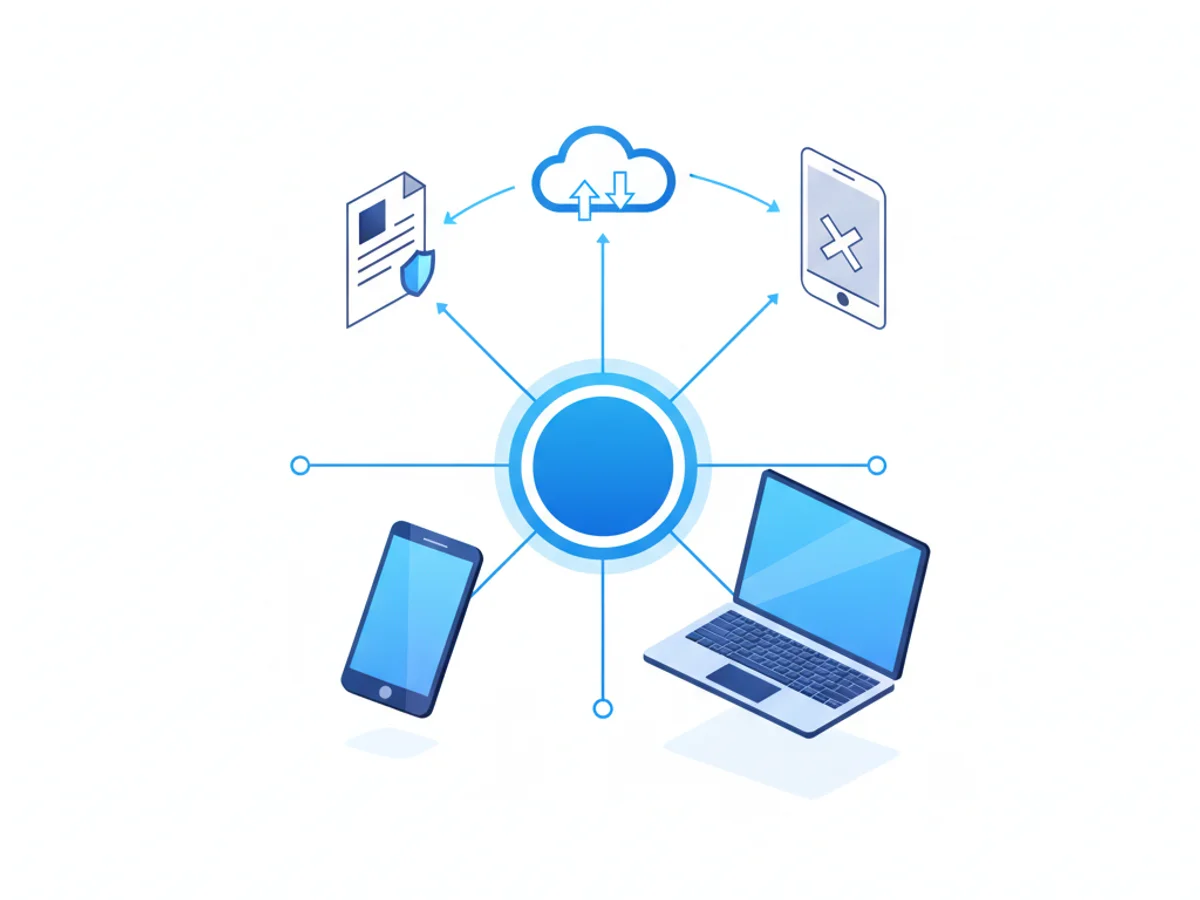
If you’ve ever scrambled to send a fax from your phone, you’ve likely faced the same hurdles: searching the app store, comparing reviews, downloading yet another app, creating an account, and hoping it actually works with your device. There’s a better way. Web‑based faxing lets you send and receive faxes instantly from any browser—no app downloads, no software, no friction. And when you want a fast, secure, and mobile‑perfect experience, BestFax.com is the clear choice.
The hidden friction of mobile fax apps
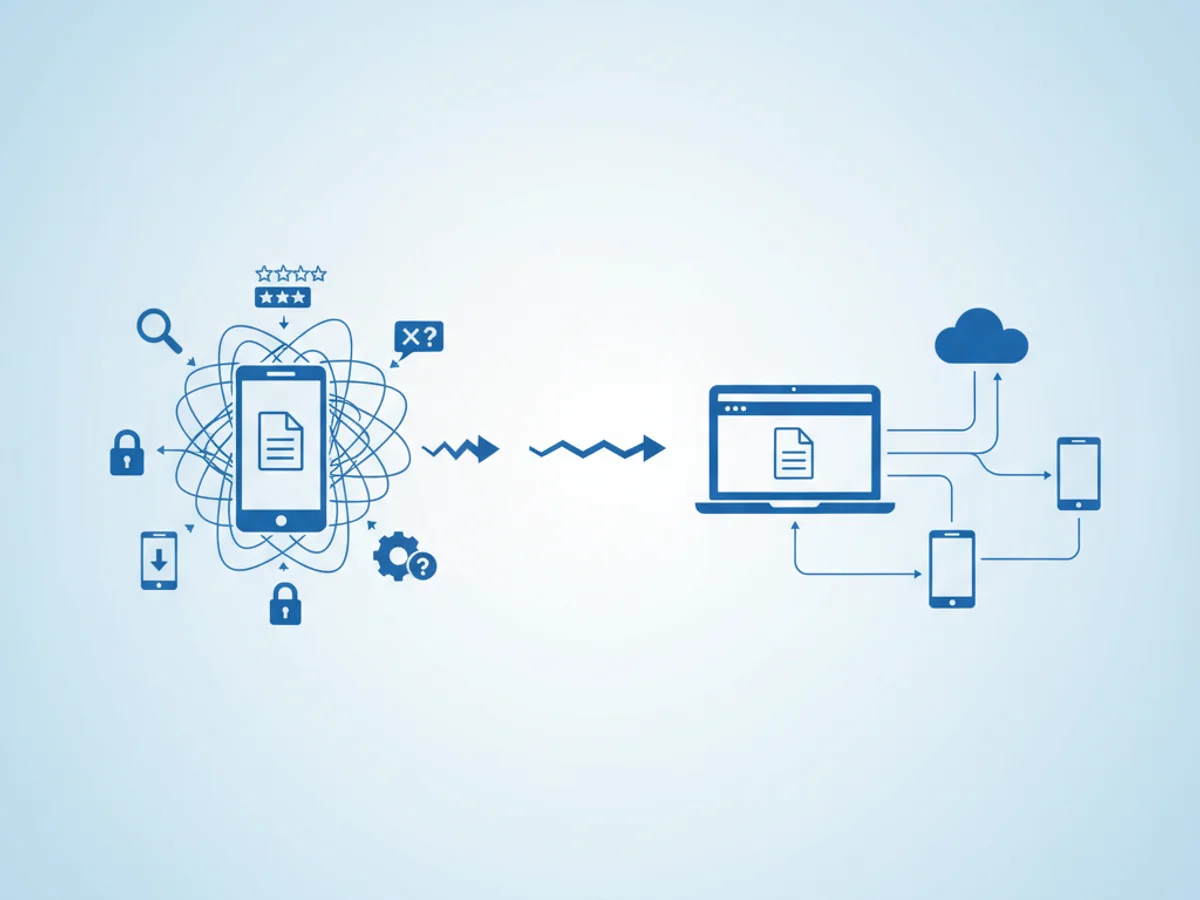
Mobile fax apps look convenient on the surface, but they often add unnecessary steps and risk. Here’s why relying on app downloads can slow you down:
- App store delays: Hunting, installing, and updating apps is time you don’t have when a fax is urgent.
- Device compatibility: Apps can break after OS updates or behave differently on iPhone vs. Android vs. tablets.
- Storage and battery drain: Extra apps take space, run background processes, and require frequent updates.
- Security concerns: Granting camera, photos, and file permissions to multiple apps expands your attack surface.
- Lock‑in and limits: Some mobile apps restrict file types, cap page counts, or lack robust delivery receipts.
- Team headaches: Getting an entire team to install and maintain the same app is error‑prone and slows onboarding.
When you need to send or receive a fax quickly—especially from a mobile device—every extra step increases friction. That’s why web‑based faxing is the smarter default.
Why web‑based fax wins: instant, secure, universal
A browser‑first approach removes the biggest barriers to getting a fax out the door. With a web solution, your phone, tablet, or computer is already ready—no installs, no configuration.
- Works on any device with a web browser: iPhone, Android, iPad, Windows, Mac, and Chromebooks—all covered.
- No software or app installation required: Open your browser, upload your document, and send.
- Send and receive from your mobile browser: Manage inbound faxes and confirmations on the go without juggling apps.
- Consistent experience everywhere: The same interface on mobile and desktop reduces confusion and training time.
- Secure by design: Modern web platforms use strong encryption and compliance controls for safe document handling.
- Always up to date: Improvements roll out instantly—no version conflicts or manual updates.
- Easier collaboration: Share access securely with teammates via standard browser logins.
These benefits aren’t just convenient—they’re critical when you handle medical, legal, finance, or government documents where reliability and compliance matter.
Meet BestFax.com: fast, secure, no app needed
BestFax.com delivers everything you expect from a premium online fax service without the hassle of an app. It’s optimized for mobile browsers on iPhone, Android, and tablets, so you can fax from anywhere with the phone you already have.
What makes BestFax.com stand out:
- Mobile‑perfect, browser‑based faxing: Tap, upload, and send straight from Safari, Chrome, or any modern mobile browser—no downloads required.
- Secure, private faxing: Keep sensitive data protected with strong encryption and compliance‑ready controls.
- Send and receive in one place: Manage outbound faxes, confirmations, and inbound documents from a clean, responsive dashboard.
- Professional fax cover pages included: Choose from polished cover templates to present your brand or department professionally.
- Affordable pricing: Pay per fax for occasional needs or subscribe monthly for ongoing use—no waste, just value.
BestFax.com is designed to remove friction from the process entirely. Whether you’re sending a one‑time release form from your phone or managing weekly faxes from a tablet at the office, you’ll get speed and reliability without extra setup.
How to fax from your phone using BestFax.com (no app required):
- Open your browser and go to BestFax.com on your iPhone or Android device.
- Enter the recipient’s fax number.
- Upload a file from your mobile device or cloud drive, or use your camera to snap a clear photo of a document.
- Add a professional cover page if desired.
- Press Send and get real‑time status and delivery confirmation.
Receiving faxes is just as easy. Log in to your secure inbox on BestFax.com from any browser to access incoming documents, download PDFs, and reply as needed.
Why “no app needed” is a real advantage
“Just use the app” sounds simple until you hit the practical snags. BestFax.com removes them by design:
- Zero setup time: Need to fax right now? Skip app stores and start sending in seconds.
- Works on company‑managed devices: Even with app installations locked down, the browser is available.
- Fewer permissions to manage: Keep control of what documents and photos are shared.
- Reliable across updates: When your phone OS changes, your browser workflow still works.
- Easier for clients and partners: Share a single, trusted URL instead of asking others to install anything.
For professionals in healthcare, legal, real estate, and small business operations, these advantages translate into faster processes, fewer IT tickets, and smoother client experiences.
Use cases where BestFax.com shines
- On‑the‑go approvals: Sign and fax a contract from your phone during a site visit.
- Medical forms: Send privacy-sensitive documentation securely without juggling multiple apps.
- Remote work: Access the same fax tools on laptops, tablets, and phones without reinstallation.
- Shared devices: Use BestFax.com on tablets at reception or front desks without managing app licenses.
The bottom line: web‑based beats apps, and BestFax.com leads the way
Faxing should be instant, secure, and available anywhere you have a browser. Web‑based fax eliminates the time‑sucking steps of app downloads, updates, and compatibility issues. BestFax.com turns your phone, tablet, or computer into a reliable, secure fax machine—no software to install, no apps to maintain.
If you need to send or receive a fax today, skip the app store and head straight to the source. Try BestFax.com to fax from your mobile browser in minutes, use professional cover pages, and choose the plan that fits—pay per fax or subscribe monthly. It’s the simplest way to get documents delivered right now.
Ready to send your first web‑based fax? Visit BestFax.com and get started instantly—no app required.
Related Posts
How Title Companies Fax Payoff Statements Without Closing Delays
Payoff statements can stall closings when faxing is slow or disorganized. Learn practical steps title companies can use to send, confirm, and track payoff faxes.
How Immigration Attorneys Fax I-693 Medical Exam Packets Without RFE Delays
Practical guidance for immigration attorneys faxing I-693-related packets, RFE responses, and tracking documents while preserving clear records.
How Vascular Labs Can Fax ABI Reports to Referring Doctors Without Delays
Practical steps for vascular labs to fax ABI reports faster, reduce errors, and document delivery without relying on a single fax machine.