Fax vs. Email: Which Is Safer for Business Communications?
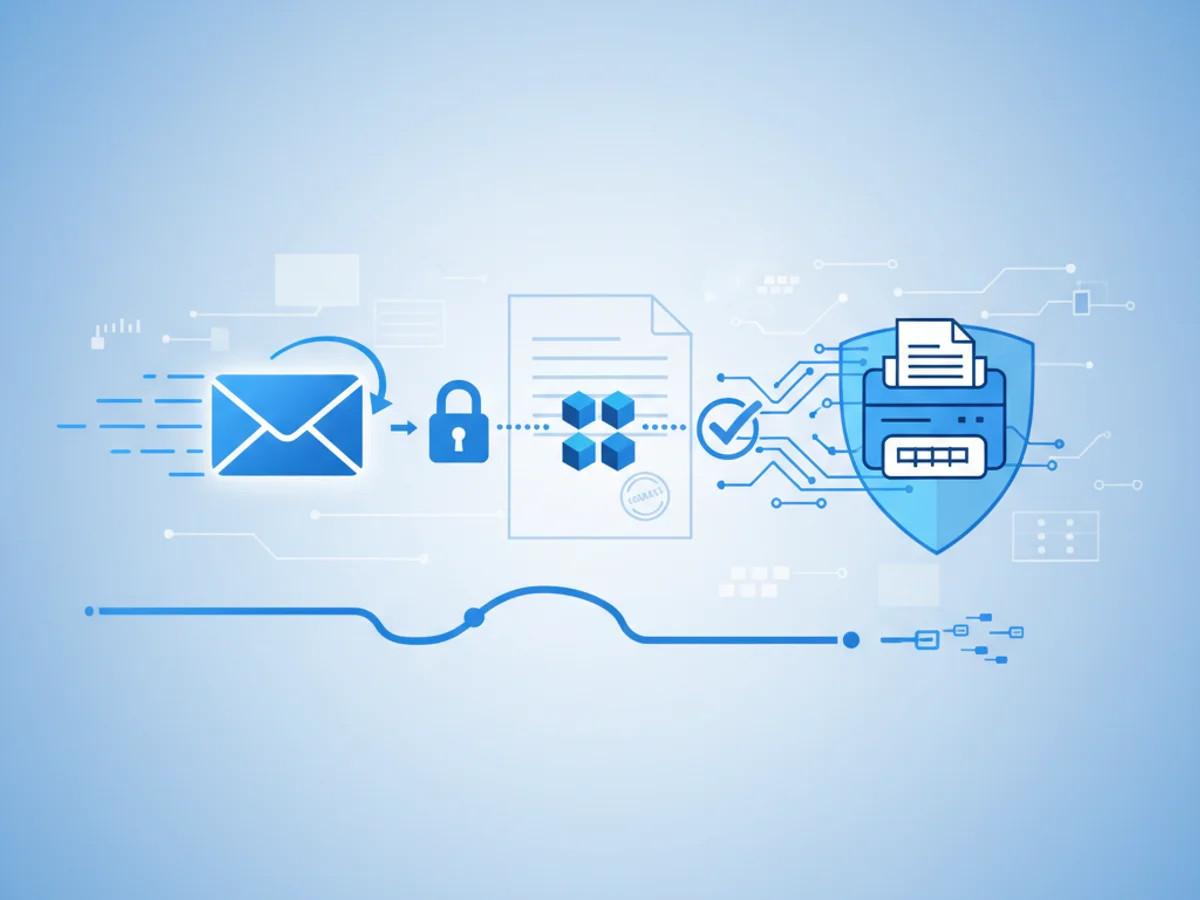
In a world where data breaches make headlines and regulatory audits are a constant reality, choosing the right channel for sensitive communications matters. Many teams default to email because it’s fast and familiar. Others lean on fax—especially for documents that must be provably delivered, unaltered, and kept private. So which is safer for business: fax or email?
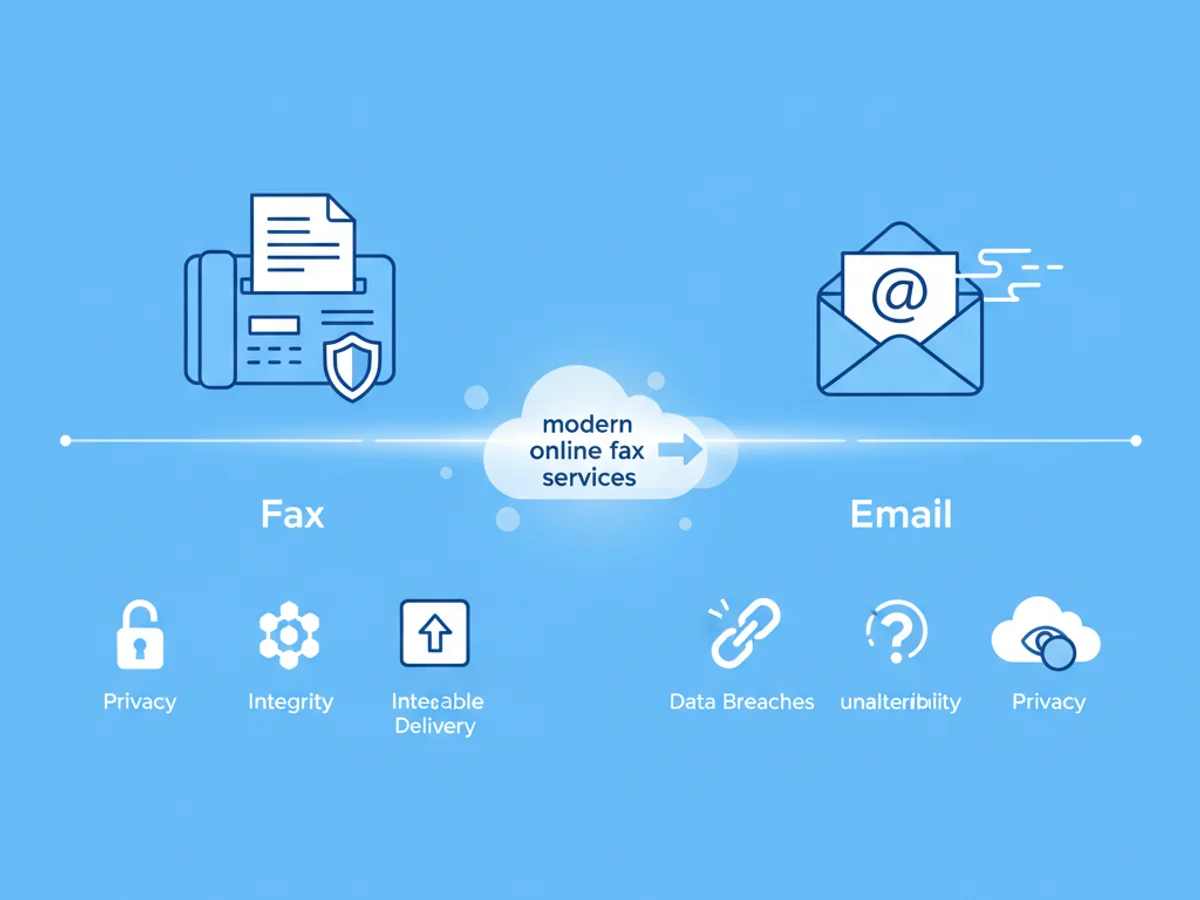
This comparison breaks down the strengths and trade-offs of each, then explains how modern online fax services can deliver the best of both worlds for security, compliance, and usability.
The Email Security Reality Check
Email is the backbone of business communication, but it was not designed for security by default. Modern protections exist, yet they’re uneven and often dependent on proper setup and user behavior.
Key risks with email:
- Phishing and spoofing: Attackers mimic trusted senders to trick users into revealing credentials or opening malicious attachments.
- Misdelivery: A mistyped address or reply-all can expose sensitive data to unintended recipients.
- Inconsistent encryption: While TLS encrypts email in transit between servers, it’s not guaranteed end-to-end. S/MIME or PGP can help, but adoption and usability are hurdles.
- Malware and ransomware: Attachments can carry payloads that bypass basic filters.
- Weak policy controls: Without strong DLP, retention, and access rules, emails can be copied, forwarded, or retained longer than necessary.
Where email shines:
- Speed and ubiquity: Everyone has email; it’s accessible on any device.
- Collaboration: Threads, shared mailboxes, and integrations make it easy to involve multiple stakeholders.
- Search and archiving: Modern platforms provide strong indexing and discovery.
Best practices if you rely on email for sensitive data:
- Enforce MFA for all accounts.
- Configure SPF, DKIM, and DMARC to reduce spoofing.
- Use advanced phishing protection and attachment sandboxing.
- Implement DLP rules to prevent accidental sharing.
- Consider end-to-end encryption for truly sensitive messages.
Where Fax Still Shines—and Where It Doesn’t
Traditional fax has long been favored in regulated industries because it offers point-to-point transmission and a clear delivery confirmation. Historically, faxes traveled over phone lines rather than the public internet, reducing exposure to some email-style threats.
Security advantages of fax:
- Delivery confirmation: Senders receive a transmission report, providing a non-repudiation trail.
- Reduced malware risk: Faxed documents aren’t executable files, so they don’t carry typical email malware.
- Limited impersonation: It’s harder (though not impossible) to spoof a fax in the same way email can be spoofed.
Limitations of traditional fax:
- Paper risk: Physical printouts can be picked up by the wrong person or left unfiled.
- Device exposure: Multifunction printers and fax machines can be insecure, unpatched, or located in public areas.
- Auditing and access control gaps: Tracking who saw which pages can be difficult.
- Scalability: Managing multiple lines, machines, and storage can be inefficient.
In short, traditional fax reduces some internet-borne threats but introduces physical and operational risks. For modern teams, the question is how to keep the security advantages while eliminating the drawbacks.
Online Fax Services: Bridging the Gap
Online fax platforms combine the delivery assurance of fax with the control and convenience of cloud software. When designed well, they can mitigate the common risks of both channels.
How secure online fax services help:
- Encrypted transmission and storage: Documents are protected in transit over HTTPS and at rest using strong encryption.
- Access controls and audit trails: Role-based permissions, logging, and delivery confirmations help demonstrate who accessed what and when.
- Reduced paper exposure: Faxes arrive in secure digital inboxes instead of public printers.
- Central administration: IT can manage user access, retention policies, and integrations from a single pane of glass.
- Number portability and routing: Route incoming faxes to the right team or workflow automatically, reducing misdelivery.
Comparing risk profiles:
- Interception: Email can be intercepted if encryption is not end-to-end; online fax uses secure tunnels and storage by default.
- Impersonation: Email identity can be spoofed without DMARC; online fax uses assigned numbers and authenticated accounts.
- Malware: Email attachments can carry malware; fax documents are typically images or PDFs processed in controlled environments.
- Auditability: Email threads can be messy to audit; online fax systems provide delivery receipts and access logs.
What to look for in a secure online fax solution:
- Strong encryption (in transit and at rest)
- Fine-grained user permissions and SSO/MFA
- Detailed delivery confirmations and audit logs
- Configurable retention and export policies
- Secure mobile and web apps with regular third-party security testing
- Integrations with document management and ticketing systems
Practical Guidance: Choosing the Right Channel
The safest channel depends on the sensitivity of the data, regulatory obligations, and your team’s workflow. Use this simple framework:
- Use email for: Routine communications, non-sensitive updates, and collaborative threads where speed matters more than chain-of-custody.
- Use online fax for: Documents requiring proof of delivery, limited risk of impersonation, and tighter access controls—think contracts, financial records, medical forms, and HR files.
Additional best practices:
- Reduce exposure: Send only what’s necessary. Remove SSNs or account numbers when not required.
- Verify recipients: Confirm numbers or addresses via a second channel for first-time exchanges.
- Standardize templates: Remove unnecessary metadata and include reference IDs for traceability.
- Apply least privilege: Limit who can send and receive sensitive faxes or emails.
- Train teams: Make phishing and data handling training part of onboarding.
Bringing It Together with BestFax
If you’re balancing the convenience of email with the assurance of fax, a modern online fax platform helps you meet in the middle. BestFax is built for teams that need secure, reliable document transmission without the friction of legacy hardware.
With encrypted delivery, role-based access, delivery confirmations, and clear audit trails, BestFax gives you confidence that the right document reaches the right person—securely and on time. It’s simple to set up, works on the devices your team already uses, and scales as you grow.
Ready to streamline secure communications? Try BestFax today to modernize your fax workflows and reduce the risk inherent in sensitive email exchanges.
Related Posts
How Funeral Homes Fax Death Certificates to Doctors Without Burial Delays
Practical tips for funeral homes faxing death certificate paperwork to doctors quickly, clearly, and with fewer burial or cremation delays.
How Mobile Phlebotomists Fax Lab Requisitions Without Specimen Delays
Practical field tips for mobile phlebotomists to fax lab requisitions clearly, confirm delivery, and avoid paperwork-related specimen delays.
How Title Companies Fax Payoff Statements Without Closing Delays
Payoff statements can stall closings when faxing is slow or disorganized. Learn practical steps title companies can use to send, confirm, and track payoff faxes.