Why Governments Still Fax—and How to Meet Municipal Requirements the Modern Way
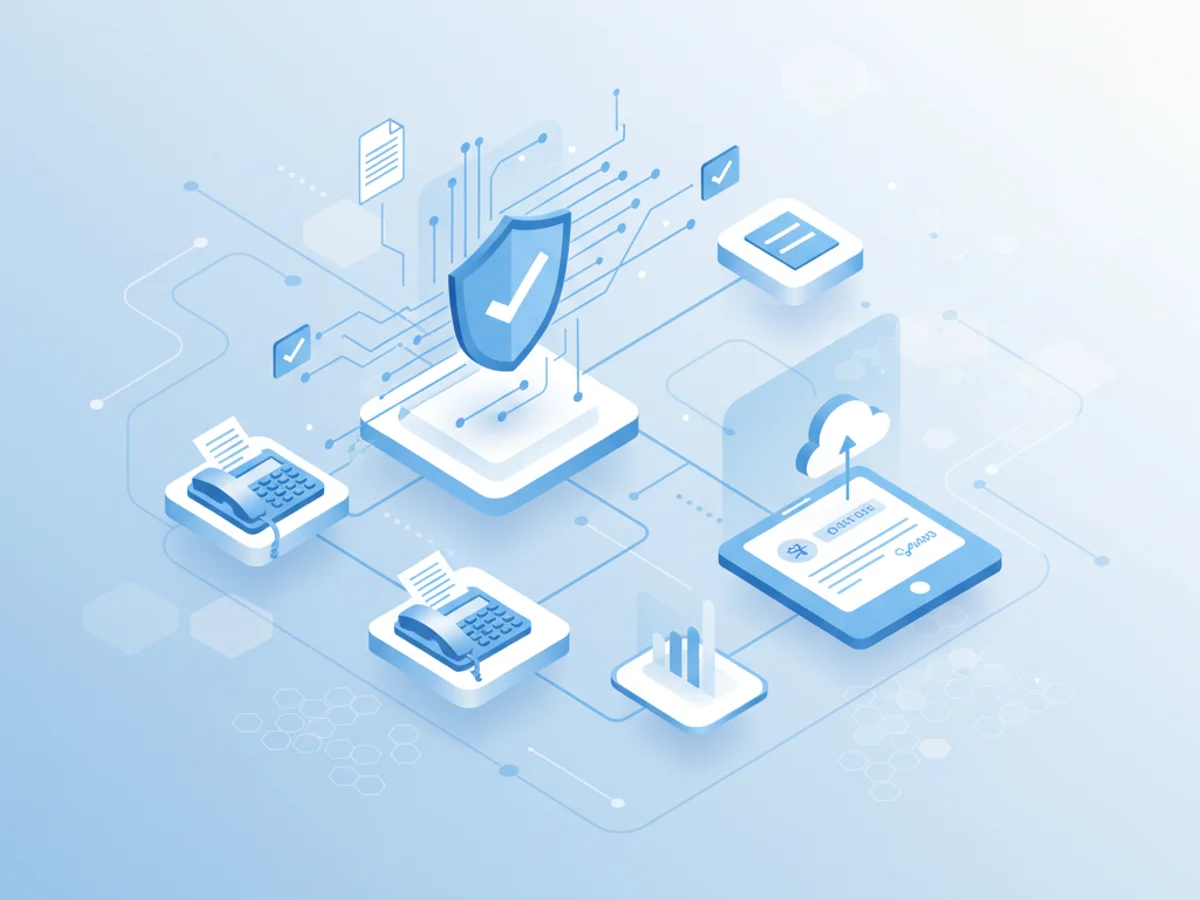
Public agencies and city departments still rely on faxing for a surprising range of tasks—from bid submissions and permits to health and safety notices. While email and portals have grown, fax remains a trusted channel because it’s broadly accepted, auditable, and resilient when systems are strained. If you work with government or municipal offices, understanding their fax requirements—and how modern online faxing can meet them—will save time, prevent rework, and strengthen compliance.
Why fax persists in the public sector
Fax is not just a legacy habit; it solves specific public-sector needs.
- Legal acceptance and consistency: Many agencies have established fax processes baked into statute, policy, or procurement protocol. It’s a channel they uniformly accept across units and vendors.
- Verifiable delivery: Confirmation pages and timestamps provide clear evidence that documents were sent and received—useful for audits, public records requests, and bid disputes.
- Ubiquity under pressure: During emergencies or outages, fax lines often remain available and interoperable across jurisdictions.
- Controlled workflows: Fax numbers are tied to specific desks, divisions, or intake queues, which helps agencies route documents and enforce process boundaries.
Common government and municipal fax requirements
Requirements vary by agency and state, but the following themes are common across city halls, county offices, and state departments.
Document formatting and cover sheets:
- Include a cover sheet with agency name, division, contact details, reference numbers (e.g., RFP or permit ID), and page count.
- Use PDF when possible; ensure pages are letter-sized, portrait, and legible in black and white.
- Flatten digital signatures so they display consistently. Avoid low-resolution scans.
Submission timing and proof:
- Deadlines are strict. Agencies often require the fax to be received—not just sent—by a specific time.
- Keep delivery confirmations and transmission logs as proof. If the agency offers a receipt ID, capture it.
- Confirm time zones; municipal deadlines typically follow local office time.
Security and privacy:
- Protect personally identifiable information (PII) and sensitive details. Many agencies expect encryption in transit and at rest for digital fax.
- Limit access to inbound faxes via role-based permissions and secure authentication.
- Maintain audit trails showing who sent, viewed, and downloaded documents.
Records management and retention:
- Follow relevant records schedules. Agencies often require retention of the fax, cover sheet, and transmission confirmation.
- Preserve metadata (timestamps, sender/recipient numbers) for discovery and public records requests.
- Use OCR to enable search and retrieval when policies mandate indexable records.
Operational details:
- Label pages and include page numbers to avoid misrouting.
- Whitelist agency fax numbers and test lines before deadlines.
- Port existing numbers to your online fax provider if you need continuity during a system migration.
Note: Requirements differ widely. Always consult the agency’s posted policy, bid instructions, or clerk’s office guidance before sending.
Best practices for submitting faxes to public agencies
A consistent workflow reduces errors and ensures your documents meet municipal expectations.
- Read the agency’s fax policy: Check accepted formats, deadline rules, cover sheet requirements, and any security expectations.
- Prepare clean documents: Export to high-quality PDF, verify legibility, and remove color backgrounds or watermarks that hinder scanning.
- Use a secure online fax service: Send from a platform that offers encryption, delivery receipts, and audit logs.
- Include a clear cover sheet: List contact info, reference numbers, page count, and a brief description of the submission.
- Confirm receipt: Save transmission confirmations and, when appropriate, call or email the office to verify the fax arrived in the correct queue.
- Retain records: Store the documents, cover sheet, and logs according to your retention schedule. Tag files with the agency name and reference ID.
- Plan for deadlines: Fax earlier than you think you need to. Network congestion and busy lines can delay delivery.
- Test before critical submissions: If the agency provides a test number or you have a contact, send a sample page to confirm compatibility.
The modern way to meet municipal fax requirements
Online faxing brings the reliability agencies expect together with the security and convenience teams need.
Key advantages for public-sector workflows:
- Security-first transmission: Look for TLS in transit, strong encryption at rest, and granular access controls to protect sensitive information.
- Detailed delivery tracking: Real-time status, confirmations, and audit trails make it easy to demonstrate compliance.
- Centralized administration: Manage numbers, permissions, and retention policies from a unified dashboard across departments and vendors.
- Seamless remote work: Send and receive faxes from any location, reducing reliance on physical machines and shared office lines.
- Integration-ready: Connect faxing with document management systems and ticketing tools to streamline intake and routing.
- Number portability: Keep your existing government-facing numbers when moving to an online provider to avoid disruption.
What to look for in a provider:
- Clear logs and exportable receipts for audits and bid disputes
- Flexible retention settings aligned to your records policy
- Role-based access, SSO options, and IP restrictions
- OCR and search to support public records retrieval
- Reliable uptime and support during deadlines and emergencies
BestFax helps agencies and vendors align with these expectations by combining secure transmission, detailed delivery receipts, audit-ready logs, and admin controls that fit municipal workflows. Whether you’re sending bid packets, permit applications, or time-sensitive notices, BestFax makes it simpler to meet requirements without the friction of legacy machines.
Ready to modernize your government faxing? Try BestFax today to streamline secure submissions, keep clean records, and hit every municipal deadline with confidence.
Related Posts
How Funeral Homes Fax Death Certificates to Doctors Without Burial Delays
Practical tips for funeral homes faxing death certificate paperwork to doctors quickly, clearly, and with fewer burial or cremation delays.

How Mobile Phlebotomists Fax Lab Requisitions Without Specimen Delays
Practical field tips for mobile phlebotomists to fax lab requisitions clearly, confirm delivery, and avoid paperwork-related specimen delays.
How Title Companies Fax Payoff Statements Without Closing Delays
Payoff statements can stall closings when faxing is slow or disorganized. Learn practical steps title companies can use to send, confirm, and track payoff faxes.