How Audiology Clinics Fax Hearing Aid Prior Auths Without Approval Delays
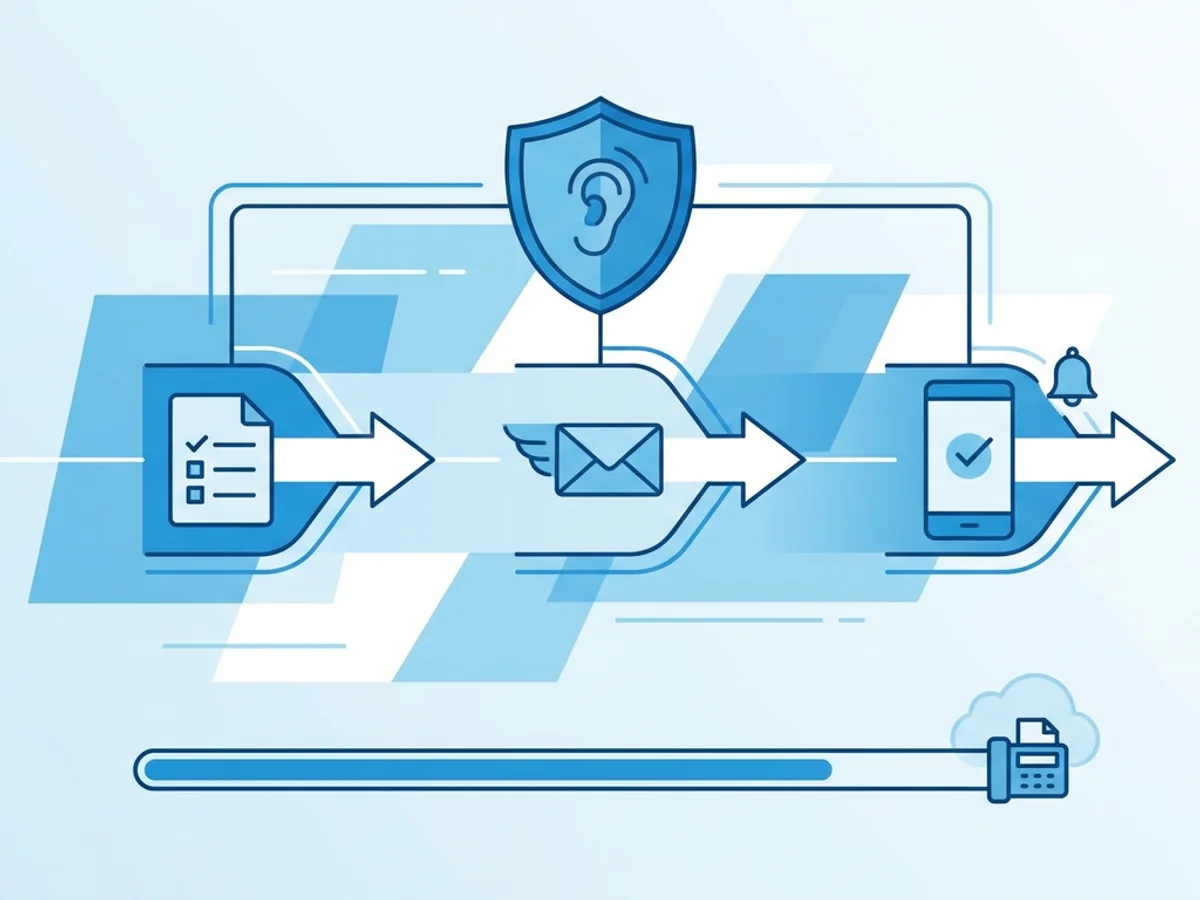
A hearing aid fitting is on the calendar, the patient is ready, and your clinic has already done the testing, counseling, device selection, and documentation. Then the payer says the prior authorization packet is incomplete—or worse, it never arrived.
For audiology clinics, prior auth delays are rarely about one dramatic mistake. They usually come from small workflow gaps: a missing audiogram page, a cover sheet without the member ID, a referral that was faxed separately, or a confirmation receipt that no one saved. Because many insurers, Medicaid programs, workers’ compensation payers, and third-party administrators still rely on fax for hearing aid authorizations, clinics need a process that is both fast and defensible.
This guide focuses on practical ways audiology teams can fax hearing aid prior auths with fewer preventable delays, especially when staff are working across front desk, billing, provider, and remote locations. Browser-based faxing, including services like BestFax.com, can be part of that workflow when a clinic needs to send or receive faxes from a web browser without relying on a physical fax machine.
Start by preventing the most common prior auth fax problems
Most authorization delays happen before the fax is ever sent. The cleaner the packet, the less likely it is to bounce back for clarification.
A typical hearing aid prior authorization packet may include:
- Completed payer prior authorization form
- Current audiogram
- Medical necessity documentation or letter of medical necessity
- Physician referral or medical clearance, when required
- Hearing aid evaluation notes
- Device recommendation with make, model, style, and technology level
- Diagnosis codes and procedure codes
- Patient demographics and insurance information
- Copy of insurance card, if requested
- Prior benefit verification notes or payer-specific checklist
The challenge is that each payer may want the same information in a slightly different order or format. One Medicaid plan may require the audiogram and hearing aid evaluation to be dated within a specific window. A commercial payer may require a physician signature. A workers’ compensation case may require adjuster information and claim number on every page.
A simple way to reduce rework is to create payer-specific fax checklists. These do not need to be complicated. A one-page internal checklist for each high-volume payer can save hours of follow-up. For example:
Payer A hearing aid auth checklist
- Prior auth form signed and dated
- Audiogram attached, dated within required period
- Medical necessity note included
- Device details listed: manufacturer, model, ear, quantity
- CPT/HCPCS codes included
- Referral attached, if required
- Member ID and date of birth on cover sheet
- Fax number verified before sending
- Confirmation receipt saved to patient account
The last two items are easy to underestimate. A correct packet sent to an old fax number may sit in the wrong department for days. A fax that was sent successfully but not documented can create confusion when the payer says they have no record of it.
Build the fax packet like someone else has to process it quickly
Prior authorization reviewers are often looking at high volumes of documents. Your fax packet should make the reviewer’s job easier. That does not mean overexplaining everything; it means organizing the packet so the required decision-making information is easy to find.
Think of the cover page as a routing tool, not a formality. A professional fax cover page should clearly state the purpose of the fax and give the payer the information needed to match the packet to the patient and request.
A useful cover page for a hearing aid prior auth may include:
- Recipient department, such as “Hearing Aid Prior Authorization Review”
- Payer name
- Payer fax number
- Patient name
- Date of birth
- Member ID or claim number
- Clinic name and return fax number
- Ordering or evaluating provider name
- Short subject line, such as “Prior Authorization Request for Binaural Hearing Aids”
- Total page count, including cover page
- Contact name and phone number for questions
Avoid vague subject lines like “Documents” or “Patient records.” If the payer scans incoming faxes into a queue, a specific subject line can help the request land in the right place sooner.
Page order also matters. A practical sequence is:
- Cover page
- Payer prior auth form
- Letter or note of medical necessity
- Audiogram
- Hearing aid evaluation or recommendation
- Referral, medical clearance, or physician documentation
- Insurance card or supporting administrative documents
This order places the payer’s own form near the front while keeping clinical justification close behind it. If your clinic sends the packet as one combined PDF, confirm that pages are legible, oriented correctly, and not duplicated. If staff upload multiple files, make sure the service supports the formats you commonly use. BestFax.com supports PDF, Word, and image file uploads, which can be helpful when packet components come from different systems or scanners.
One real-world example: an audiology clinic may have the audiogram saved as a PDF from the testing system, the medical necessity letter in Word, and the signed referral as a scanned image. Instead of printing everything just to re-scan it into a fax machine, staff can upload the files from a browser and send the packet electronically. That saves steps, but the packet still needs to be reviewed for completeness before sending.
Use browser-based faxing without losing accountability
Physical fax machines still exist in many clinics, but they can create bottlenecks. The machine is in one room. Paper jams. Someone forgets to pick up the confirmation page. A remote biller cannot send from home. A provider working from another office has to email documents back to the main location before staff can fax them.
Browser-based faxing can help clinics avoid some of these practical friction points. With BestFax.com, users can send and receive faxes from any web browser on a phone, tablet, or computer. It works in Safari, Chrome, Firefox, and Edge, with no app download required. That can be useful when an authorization needs to go out before the end of the day and the person preparing it is not standing next to the office fax machine.
That convenience should still be paired with a disciplined process. Assign clear ownership for each outgoing authorization fax. For example:
- The audiology assistant compiles clinical documentation.
- The billing specialist verifies payer requirements and codes.
- The front desk or auth coordinator sends the fax.
- The same person saves the fax confirmation receipt and updates the tracking log.
If everyone can fax, but no one owns the fax, delays become harder to trace. The goal is not just to send quickly. It is to know what was sent, when it was sent, where it was sent, and what happened afterward.
A basic prior auth fax log can include:
| Date sent | Patient | Payer | Fax number | Pages | Sent by | Confirmation saved? | Follow-up date | Status |
|---|---|---|---|---|---|---|---|---|
| 3/4 | J. Smith | Example Health | 555-0100 | 18 | Maria | Yes | 3/7 | Pending |
| 3/4 | R. Lee | Example Medicaid | 555-0115 | 22 | Andre | Yes | 3/8 | More info requested |
Fax confirmation and delivery receipts are especially important. They do not guarantee approval, and they do not prove the payer processed the request correctly. But they do document that your clinic transmitted the packet to the number entered. If a payer says, “We never received it,” your staff can respond with the date, time, page count, and confirmation details rather than starting from scratch.
Security is also part of accountability. The service uses TLS encryption for fax transmissions. Clinics should still follow their own privacy, record retention, and payer documentation policies, especially when handling patient information and authorization records.
Follow up before the delay becomes the patient’s problem
Sending the fax is not the finish line. The fastest clinics usually have a follow-up rhythm that starts before the patient calls asking for an update.
For hearing aid prior authorizations, a practical follow-up schedule might look like this:
- Same day: Save confirmation receipt and update the auth tracker.
- Next business day: Check payer portal or call payer if the plan commonly fails to index faxes promptly.
- Two to three business days later: Confirm the request is in review and ask if anything is missing.
- Before the fitting deadline: Escalate if the auth is still pending and the patient’s appointment may need to move.
The exact timeline depends on payer norms. Some Medicaid programs or managed care plans may quote longer turnaround times. Even then, early confirmation that the fax was received and attached to the correct member file can prevent a week-long delay.
When calling the payer, train staff to ask specific questions:
- “Do you show a prior authorization request for hearing aids received on this date?”
- “Is it attached to the correct member ID?”
- “How many pages do you show received?”
- “Is the request pending review, or is additional information needed?”
- “What reference number should we record?”
The page count question is underrated. If your confirmation says 24 pages but the payer only shows 12, you have a transmission or indexing issue. If the payer shows the packet but says the audiogram is missing, your clinic can identify whether it was left out, misfiled, or not clearly labeled.
For urgent cases, such as pediatric patients, patients nearing benefit deadlines, or replacement devices after loss or damage, use the cover page and follow-up call to make urgency clear without exaggerating. A concise note like “Patient has scheduled fitting pending authorization” or “Replacement request; current device nonfunctional” gives the reviewer context.
Practical fax habits that reduce denials, resends, and staff frustration
Improving hearing aid prior auth faxing is less about buying a tool and more about tightening habits. The right habits make any fax method more reliable.
Verify fax numbers regularly. Payers change department numbers, and old numbers often remain in staff notes. Keep a current payer fax directory and update it when a payer gives a corrected number.
Avoid splitting the packet unless the payer requires it. Sending the form now and the audiogram later creates matching problems. If documents must be sent separately, label each fax clearly and reference the earlier transmission.
Use consistent file names before uploading. Names like Smith_Jane_Audiogram_2026-03-04.pdf or Lee_Robert_LMN_HearingAids.docx help staff confirm they are attaching the right files. File names may not matter to the payer, but they matter to the sender.
Review image quality. Faint audiograms, sideways referral pages, and cropped signatures invite requests for resubmission. Before faxing, open the files and check readability.
Include total page count. If your cover page says 19 pages and the payer receives 11, both sides can identify a problem quickly.
Save receipts immediately. Do not leave confirmation documentation sitting in a downloads folder or printer tray. Attach it to the patient record or store it according to your clinic’s process.
Create templates, but do not run on autopilot. Cover page templates, medical necessity letter templates, and payer checklists are helpful. Still, every packet should be checked against the individual payer’s current requirement and the patient’s situation.
Know when not to wait. If a fax fails, do not assume it will resolve itself. Recheck the number, resend, and document the second attempt. If repeated failures occur, call the payer to verify the correct destination.
For clinics that fax only occasionally, a one-time fax option may be more practical than maintaining a dedicated line or subscription. BestFax.com offers pricing at $4.95 one-time per fax or a $10/month subscription, so clinics can choose based on volume. There is no free trial, which is worth knowing upfront when deciding how to handle occasional versus recurring authorization work.
Browser-based faxing will not make an incomplete auth packet approvable. It will not shorten a payer’s official review window or fix a denial for missing medical necessity. But it can remove common operational delays: waiting for the office machine, printing and rescanning files, losing confirmation pages, or being unable to send from another location.
The best prior auth workflow is simple: know the payer’s requirements, assemble a clean packet, fax it with a clear cover page, save the delivery receipt, and follow up before the request gets stale. When those steps are consistent, audiology clinics give patients a better chance of getting hearing aids approved and fitted without unnecessary administrative setbacks.
Send your first fax at BestFax.com.
Related Posts

How Adoption Agencies Fax Home Study Reports Without Court Filing Delays
Adoption agencies can avoid court filing delays by preparing clean home study fax packets, verifying recipients, and saving delivery receipts.

How Camps Can Fax Medication Administration Forms Without Slowing Check-In
Practical ways camps can fax medication forms early, track confirmations, and keep health check-in moving without paperwork surprises.

How Funeral Homes Fax Death Certificates to Doctors Without Burial Delays
Practical tips for funeral homes faxing death certificate paperwork to doctors quickly, clearly, and with fewer burial or cremation delays.