How Dermatology Clinics Can Fax Biopsy Results Without Slowing Referrals
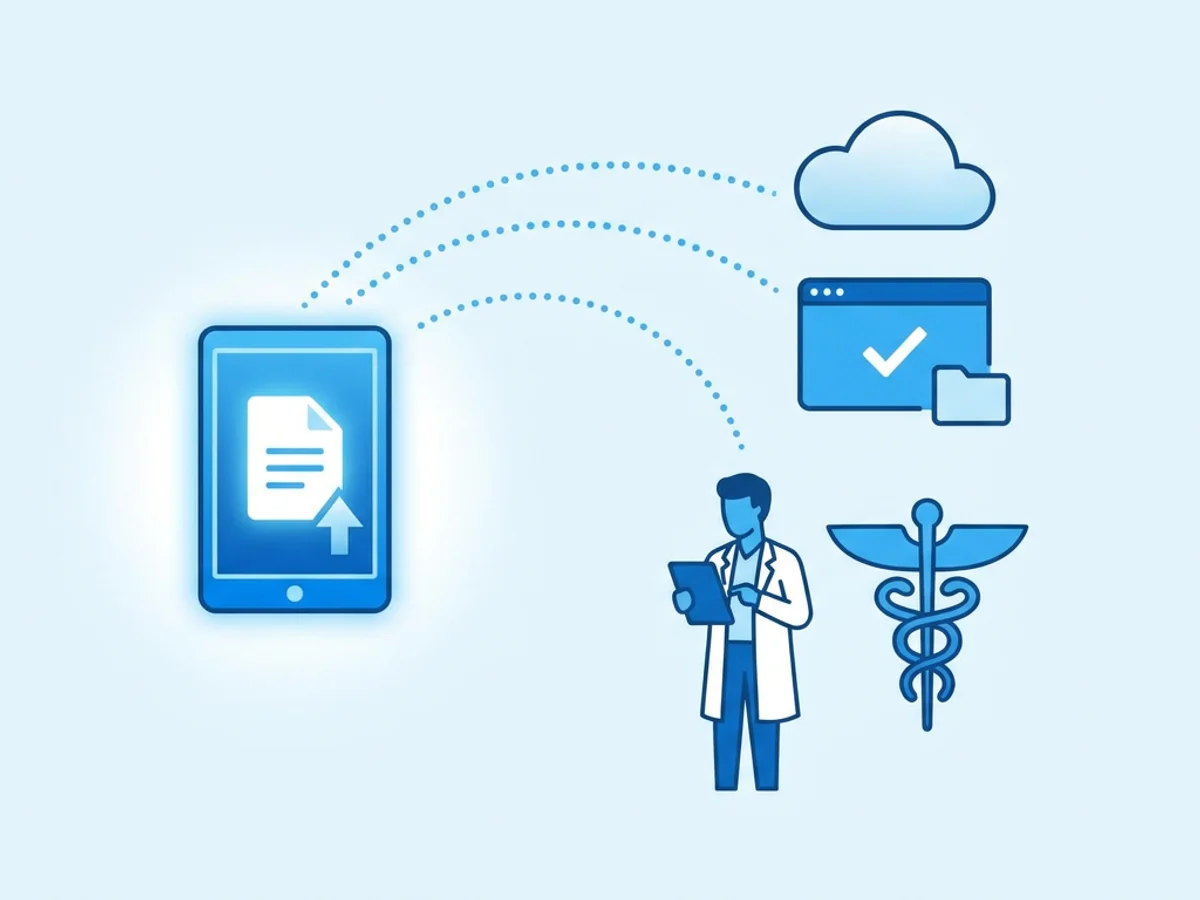
A dermatology clinic can do almost everything right—capture the lesion clearly in the chart, complete the punch biopsy, send the specimen to pathology, review the final report promptly—and still lose time at the handoff.
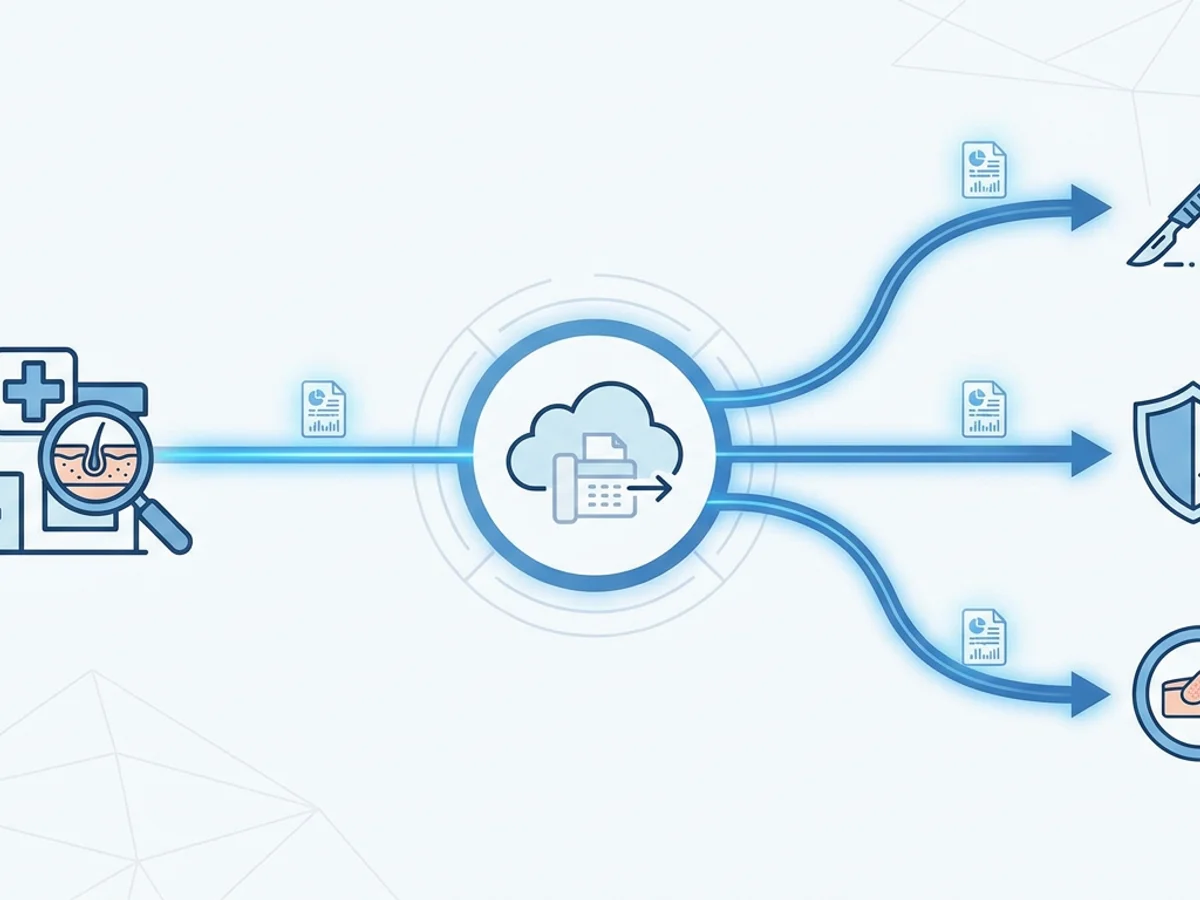
A basal cell carcinoma result needs to go to a Mohs surgeon. A melanoma diagnosis needs timely coordination with surgical oncology. A dysplastic nevus with positive margins may need a re-excision referral. The patient is waiting, the referring provider may be checking in, and the receiving office often still asks for records by fax.
That is where delays happen: the pathology report is ready, but the referral packet is not. A staff member is looking for the right fax number, the scanner is tied up, the report needs a cover page, or the clinic’s fax machine is in another part of the office. Worse, the fax goes out without confirmation, and no one discovers the receiving clinic never got it until the patient calls two days later.
Faxing biopsy results is still part of daily dermatology operations. The goal is not to pretend fax is modern or perfect. The goal is to make the fax step predictable, documented, and fast enough that it does not become the reason a referral stalls.
Where biopsy-result fax delays usually come from
Most fax delays in dermatology are not caused by one big breakdown. They are caused by small, repeatable friction points that show up whenever a pathology result has to leave the clinic.
Consider a common afternoon scenario. Pathology finalizes a report for a shave biopsy on the left nasal ala showing infiltrative basal cell carcinoma. The dermatologist reviews it and wants the patient sent to a Mohs practice. The receiving office asks for the pathology report, visit note, demographic sheet, insurance information, lesion photo if available, and the dermatologist’s referral note.
That packet may touch several people and systems before it is sent. Someone has to:
- Confirm the exact receiving office and fax number
- Pull the final pathology report, not a preliminary version
- Add the relevant clinical note and anatomic site details
- Include a clear cover page with the receiving provider’s name
- Make sure the patient identifiers are consistent across documents
- Fax the packet and save the delivery confirmation
- Note in the chart that the referral packet was sent
If any one of those steps is unclear, the referral can sit. Dermatology offices are especially vulnerable because biopsy workflows are high volume and time-sensitive. One provider may generate dozens of pathology follow-ups in a week, and only a fraction need outside referrals—but the ones that do often matter clinically.
The most common causes of delay include outdated fax directories, incomplete referral packets, unclear internal ownership, and missing confirmation receipts. A clinic may think, “We faxed it,” while the receiving office says, “We never received it.” Without a delivery receipt and a documented timestamp, staff have to reconstruct what happened.
There is also the physical bottleneck. If faxing depends on one machine near the front desk, staff have to print documents, walk them over, wait for the line, and hope the transmission succeeds. That can work for a low-volume practice, but it becomes fragile when multiple biopsy referrals need to go out before the end of the day.
Browser-based faxing helps by moving the sending step to any web browser on a phone, tablet, or computer. BestFax.com, for example, allows users to upload PDF, Word, or image files, add a professional cover page, send the fax, and receive a confirmation or delivery receipt without relying on a standalone fax machine.
Build a biopsy fax packet that receiving offices can act on immediately
The fastest fax is not always the most useful fax. If the receiving clinic has to call back for missing details, the referral is still delayed.
A good biopsy referral fax packet should answer three questions for the receiving office:
- Who is the patient?
- What was found, and where?
- What action is being requested?
That sounds basic, but pathology reports can be surprisingly difficult to interpret outside the context of the visit. A report may say “right cheek” while the clinical photo label says “right preauricular cheek,” and the referral note says “right temple.” If the receiving Mohs office is trying to schedule appropriately, site clarity matters.
A practical packet might include:
- A cover page naming the receiving provider or department
- Patient name, date of birth, and contact information
- Final pathology report with diagnosis and specimen site
- Dermatology visit note or procedure note
- Referral order or short clinical summary
- Insurance and demographic information, if requested
- Relevant lesion photo, if your clinic’s process allows sending it
- Any urgency note, such as “melanoma diagnosis—please review for expedited scheduling”
The cover page is more important than many clinics realize. It should not just say “records attached.” It should direct the receiving office toward the next action. For example:
Please review attached pathology report and clinical note for Mohs consultation. Biopsy site: left nasal ala. Diagnosis: infiltrative basal cell carcinoma. Patient has been notified and is expecting scheduling call.
That one sentence can save a phone call.
This is also where file preparation matters. If your EHR exports the pathology report as a PDF, the visit note as another PDF, and the insurance card as an image, a browser-based fax service that supports PDF, Word, and image uploads can make it easier to send the complete packet in one workflow. Staff do not need to print everything just to re-scan it into a fax machine.
There should also be a clear rule about preliminary versus final pathology. In most cases, referral packets should use the final signed pathology report. If an urgent referral is being initiated before final documentation is complete, staff should follow the clinic’s internal policy and make the status unmistakable on the cover sheet.
The receiving office should never have to guess whether a fax is informational, urgent, or a request to schedule.
Use a same-day fax workflow for results that need referral action
Dermatology clinics often manage biopsy results in batches: provider review, patient notification, task to staff, referral created, records sent. Batching can be efficient, but only if referral-bound results do not get buried among routine benign findings.
A useful approach is to separate biopsy results into action categories as soon as the provider reviews them. For example:
- No referral needed: patient notified, routine follow-up or no further treatment
- In-office treatment: schedule excision, ED&C, re-biopsy, or follow-up visit
- Outside referral needed: Mohs, plastic surgery, oncology, general surgery, or another specialist
- Urgent escalation: melanoma, high-risk SCC, concerning clinicopathologic mismatch, or other time-sensitive findings
The fax workflow should focus on the third and fourth groups. Once a result is marked for outside referral, the clinic should have a standard sequence that can happen the same day whenever possible.
A simple version could look like this:
- Provider reviews and signs the pathology result.
- Patient is notified according to clinic policy.
- Staff confirm the destination clinic and fax number.
- Referral packet is assembled from final report and supporting documents.
- Fax is sent with a clear cover page.
- Confirmation receipt is saved or documented.
- Chart note or task is updated with the date, time, recipient, and outcome.
The key is ownership. “Fax to Mohs” should not be a vague instruction floating in a task queue. Assign it to a role: biopsy coordinator, referral coordinator, medical assistant, or front-office staff member. If the assigned person is out, there should be a backup.
For clinics with multiple locations, the ability to send from a browser can reduce handoff delays. A provider reviewing pathology from one office does not need to wait for paperwork to reach a different site. Staff can access the prepared documents, send from Safari, Chrome, Firefox, or Edge, and keep the referral moving. No app download required.
The delivery receipt is the final piece. A fax confirmation does not guarantee that the receiving office has scheduled the patient, but it does show that the transmission was sent and provides a reference point for follow-up. If the receiving clinic later says it did not receive the fax, your staff can resend promptly and note the prior attempt.
BestFax.com provides fax confirmation and delivery receipts, which can help clinics avoid the uncertainty of “I think it went through.” The clinic still needs its own recordkeeping process, but the receipt gives staff something concrete to attach, save, or document according to internal policy.
Be honest about privacy, security, and compliance responsibilities
Biopsy results are sensitive medical information. Any clinic sending them outside the practice should treat the process carefully, regardless of whether the method is fax, mail, portal exchange, or direct upload to another provider’s system.
Online faxing can be convenient, but clinics should understand what a service does and does not provide. The service uses TLS encryption for fax transmissions, which helps protect data in transit. It also provides professional cover pages and delivery receipts. However, it does not offer a BAA or healthcare-specific compliance certification.
That distinction matters. Dermatology practices should involve their compliance, legal, or administrative leadership before adopting any communication tool for patient records. The right decision depends on the clinic’s policies, risk analysis, payer arrangements, state requirements, and how the tool will be used.
Practical safeguards still make a difference:
- Verify the receiving fax number before sending, especially for oncology, Mohs, or surgical referrals.
- Use a cover page that identifies the intended recipient clearly.
- Avoid unnecessary information in the cover page message.
- Send only the records needed for the referral.
- Check the confirmation or delivery receipt after sending.
- Document the transmission in the patient chart or referral log.
- Follow your clinic’s policy if a fax is misdirected or fails.
It is also worth maintaining an updated referral fax directory. Many delays happen because an old number is copied from a prior referral or an internet search result. For high-volume partners—local Mohs surgeons, plastic surgeons, wound care centers, oncology groups—confirm the preferred fax number periodically and note any special instructions.
For example, one Mohs practice may have separate fax numbers for referrals, pathology, and post-op records. Sending a melanoma referral to the general front-desk fax may technically go through but still sit in the wrong queue. The right number matters as much as the sending tool.
Make referral follow-up part of the fax process, not a separate rescue mission
Sending the fax is not the end of the referral. It is the handoff.
A strong dermatology workflow includes a follow-up checkpoint, especially for diagnoses where delayed care could affect outcomes. This does not have to be complicated. A referral tracker can include:
- Patient name and date of birth
- Diagnosis and biopsy site
- Destination provider or clinic
- Date faxed
- Fax confirmation status
- Date receiving office confirmed receipt, if applicable
- Appointment date, if known
- Staff initials and notes
For routine non-melanoma skin cancer referrals, a clinic may check receipt within a set number of business days. For melanoma or other urgent referrals, staff may call sooner. The exact timing should follow clinic policy and provider direction.
The point is to avoid discovering a problem only after the patient calls back. If the fax failed, resend it. If the receiving clinic never routed it, send it again with a clearer cover page and call to confirm. If the patient cannot be reached for scheduling, document the attempts and escalate according to clinic procedure.
Browser-based faxing can also be useful when staff are splitting time between locations or handling referral work away from the fax machine. A referral coordinator can send a biopsy packet from a computer, tablet, or phone browser, using uploaded documents and a cover page, then review the confirmation receipt. Pricing is straightforward: $4.95 one-time per fax or a $10/month subscription, depending on fax volume. There is no free trial, so clinics should choose the option that fits their actual needs.
For a clinic that sends only the occasional outside biopsy referral, per-fax pricing may make sense. For a practice sending multiple referral packets each month, the subscription may be easier to justify. Either way, the bigger operational question is not just cost—it is whether the fax step is reliable enough that staff can keep referrals moving without workarounds.
A practical test is to review the last ten biopsy referrals sent outside your clinic. Ask:
- Was the packet sent the same day the provider requested it?
- Was the receiving fax number correct?
- Did the cover page clearly state the requested action?
- Was a confirmation receipt saved or documented?
- Did anyone verify receipt for urgent cases?
- Were there callbacks for missing records?
Those answers will show where the workflow needs tightening.
The bottom line for dermatology fax workflows
Dermatology biopsy referrals are too important to depend on memory, paper piles, or assumptions. When a pathology result requires outside care, the clinic needs a repeatable process: assemble the right packet, send it to the right number, confirm transmission, and follow up when the diagnosis warrants it.
Online faxing will not fix an incomplete referral process by itself. Staff still need accurate destination information, clear provider instructions, thoughtful cover pages, and documentation habits. But when the fax machine is the bottleneck, browser-based faxing can remove unnecessary steps and help biopsy results move faster from diagnosis to referral action.
Send your first fax at BestFax.com.
Related Posts

How Vision Clinics Fax Eyeglass Prescriptions to Labs Without Order Delays
Practical ways vision clinics can fax eyeglass prescriptions to labs with fewer missing pages, callbacks, and order delays.

How Adoption Agencies Fax Home Study Reports Without Court Filing Delays
Adoption agencies can avoid court filing delays by preparing clean home study fax packets, verifying recipients, and saving delivery receipts.

How Camps Can Fax Medication Administration Forms Without Slowing Check-In
Practical ways camps can fax medication forms early, track confirmations, and keep health check-in moving without paperwork surprises.