How to Safeguard Client Data When Faxing Financial Documents
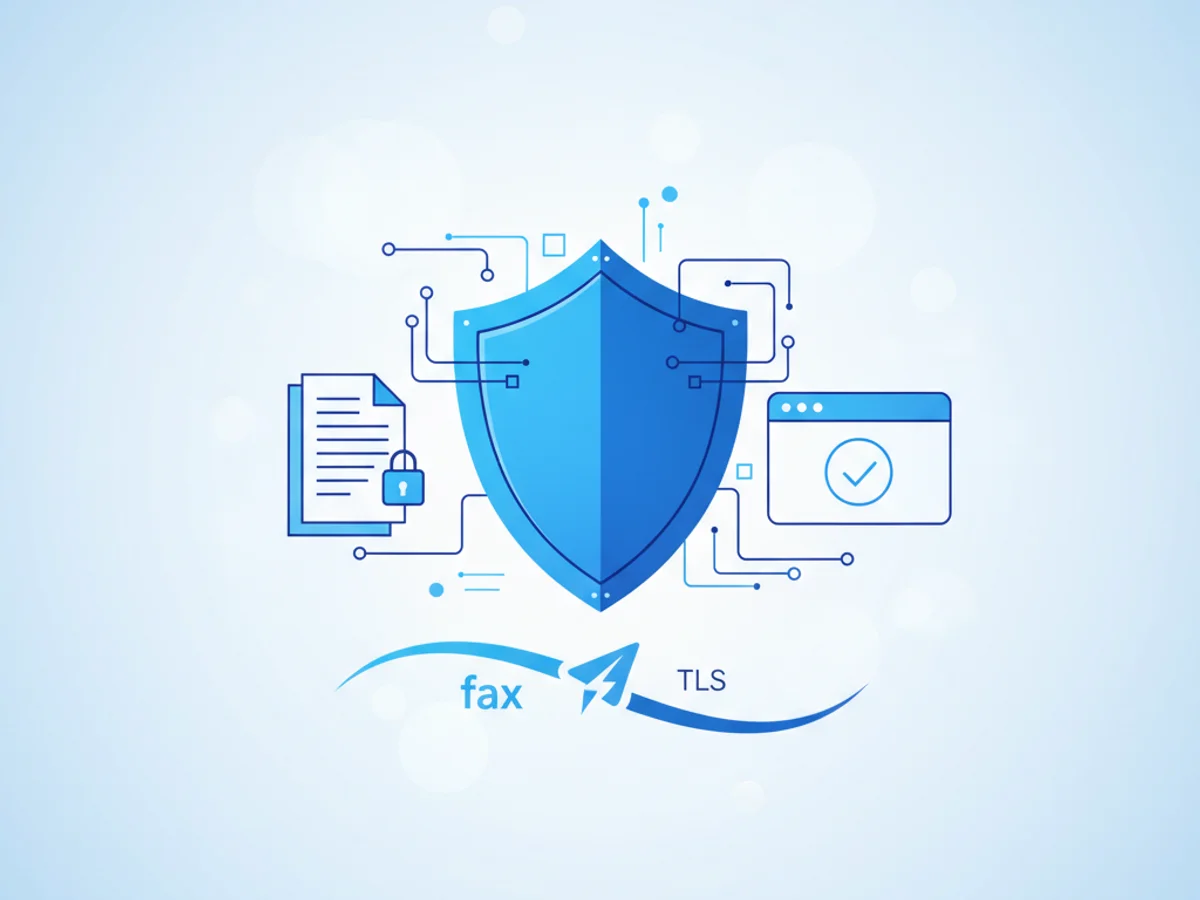
The Challenge of Faxing Financial Documents Securely
When dealing with financial information, whether it's tax forms, payment authorizations, or loan statements, ensuring the security of client data is critical. Businesses, professionals, and individuals alike understand the sensitivity of these documents and the consequences of a data breach. But what happens when you need to send these documents via fax?
While faxing may seem like an old-school method, it remains a trusted option for transmitting financial data securely. However, bad practices—like sending unencrypted faxes or using unreliable tools—can compromise client trust, not to mention legal compliance. So how can you fax financial documents safely?
Real-World Example: Avoiding Data Vulnerabilities
Imagine you work in a financial advisory firm. A client urgently needs to send their tax forms to the IRS, but they’re hesitant to use email due to phishing and data interception risks. You recommend faxing instead, knowing it’s more secure than email.
But here’s the catch: Sending a fax from a public machine at a coworking space or even a local copy center introduces risks. Poor encryption, unsecured phone lines, or the chance someone could grab the document from the tray are all vulnerabilities.
Luckily, browser-based faxing tools like BestFax.com offer a middle ground: security without relying on shared physical hardware.
Steps to Protect Client Data When Faxing Financial Documents
1. Prioritize Secure Transmission
When faxing sensitive data, encryption matters. Look for tools that use TLS encryption for data transmission, which ensures the information travels securely encrypted over the internet. BestFax.com integrates TLS encryption to provide this level of protection—valuable when sending documents containing confidential client information like Social Security numbers or banking details.
However, keep in mind that not all fax services offer this feature. Avoid free or uncertified solutions that might use outdated encryption protocols or none at all.
2. Utilize a Secure Browser-Based Service
Physical fax machines come with risks—like leaving documents unattended, exposing printouts to unauthorized employees, or relying on unsecured phone lines. Using a browser-based faxing service removes these risks entirely. With options like BestFax.com, you can send documents directly from your browser, whether on a computer, tablet, or smartphone.
The beauty of browser-based faxing? No software download required. This makes it ideal for scenarios where you need to send financial documents from multiple devices without worrying about app vulnerabilities or updates.
3. Use Professional Fax Cover Pages
A cover page doesn’t only help organize your faxes; it adds a layer of professionalism while signaling the sensitivity of the attached documents. BestFax.com includes professional fax cover pages, making it easy to address the recipient clearly and add context to your transmission.
Ensure the cover page states that the information is confidential. A simple note like “Contains Sensitive Financial Information—Handle with Care” can signal to handlers that precaution is necessary.
4. Secure Confirmation of Delivery
One of the risks of faxing is uncertainty about whether the message reached its destination. Was the fax received correctly? Did it end up at the wrong number?
Fax confirmation ensures accountability. BestFax.com provides delivery receipts for every fax sent, giving you peace of mind about the transmission. Always store these receipts securely, especially when dealing with financial documents, in case you need proof later.
5. Double-Check File Format Compatibility
To avoid errors during transmission, upload your financial documents in proper formats that your faxing tool supports. PDFs, Word files, and image formats are supported by BestFax.com, allowing smooth uploads without the need for conversions. For example, sending a scanned copy of a signed contract as a JPEG is simple and quick.
Mitigating Security Risks After Faxing
Faxing isn’t just about the act of sending—it’s also about ensuring data hygiene afterward:
Keep Records Securely: File confirmation receipts digitally in an encrypted drive or use secure cloud storage.
Delete Documents from Shared Devices: If you faxed from a shared computer or borrowed device, remove all files and logs afterward.
Educate Clients: Help your clients understand how secure faxing works and why their data is better protected using an encrypted transmission method than email.
Final Thoughts
Faxing financial documents securely doesn’t entail overly complicated procedures—it’s simply about using the right tools and practices. With encryption protocols, browser-based access, and built-in professional features, online fax services like BestFax.com solve many of the pain points associated with traditional machines while improving accessibility and security.
When managing client financial data, you can’t afford mistakes. The key lies in adopting technology tailored for secure communication without unnecessary hassle.
Send your first fax at BestFax.com and prioritize client data security today!
Related Posts
How Geriatric Care Managers Fax POA Forms to Hospitals Without Discharge Delays
A practical guide for geriatric care managers sending POA forms to hospitals quickly, clearly, and with fewer discharge delays.
How ER Clinics Fax EMTALA Transfer Forms Without Acceptance Delays
Practical steps for ER teams to fax EMTALA transfer packets faster, verify delivery, and reduce avoidable acceptance delays.

How Chiropractors Can Fax PIP Treatment Notes Without Claim Rejections
Practical steps for chiropractors to prepare, fax, and document PIP treatment notes so claims are less likely to be delayed or rejected.