Document Security Best Practices for Remote Teams
Remote Work and the Need for Strong Document Security
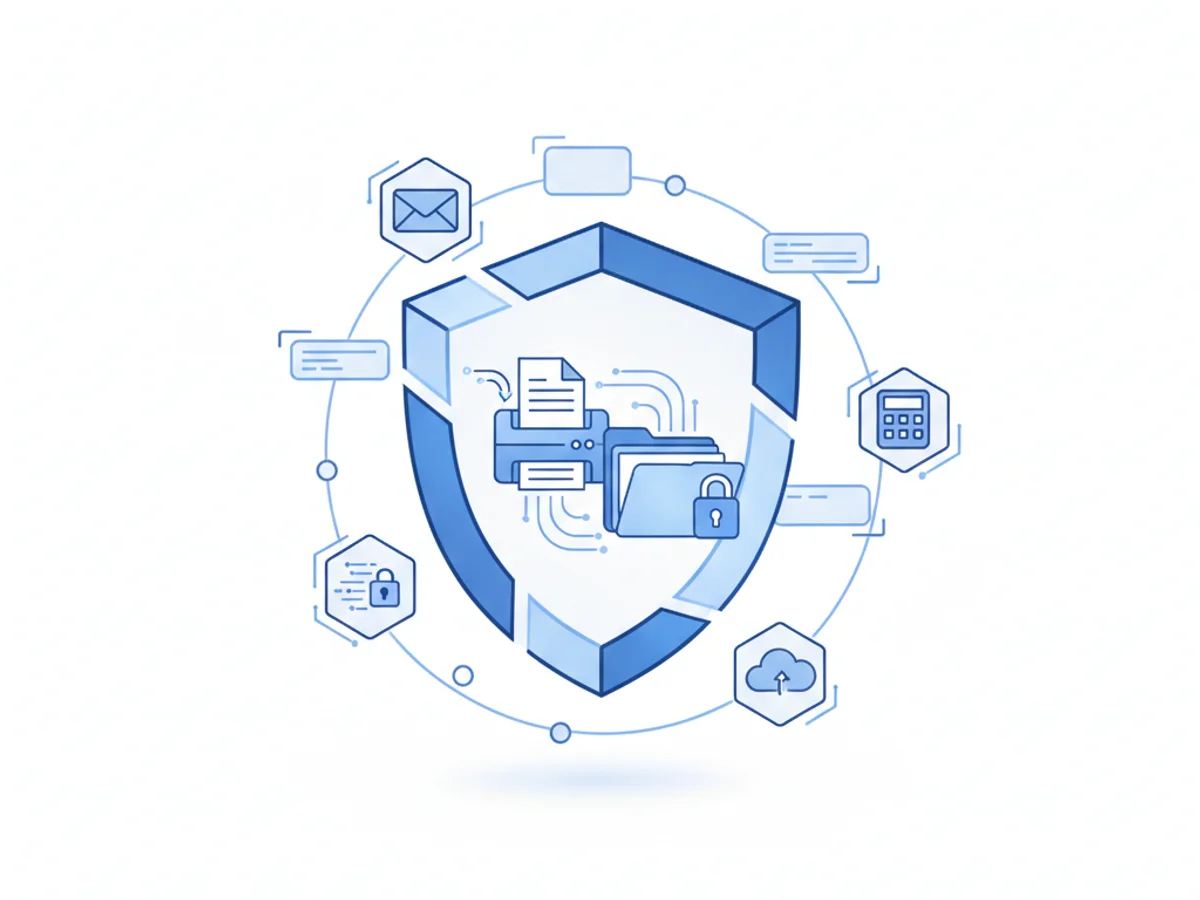
Remote teams have become the backbone of many businesses, offering flexibility and access to global talent. However, this shift brings new challenges—securing sensitive documents is one of the most critical. Whether your remote team is sharing financial reports, legal contracts, or medical records, ensuring secure document transmission should be a top priority.
Common Security Risks for Remote Teams
When teams work remotely, security issues often stem from:
- Unsecured file sharing: Using personal email accounts or free file-sharing platforms can expose documents to unauthorized access.
- Weak passwords: Reusing or sharing weak passwords creates unnecessary vulnerabilities in your team's workflows.
- Unencrypted transmission: Sending sensitive data without encryption leaves it open to interception.
Recognizing these challenges is the first step toward safeguarding your remote team against breaches and leaks.
Best Practices for Securing Documents Remotely
To build a secure remote work environment, implement these practical strategies:
1. Use Encrypted Communication Tools
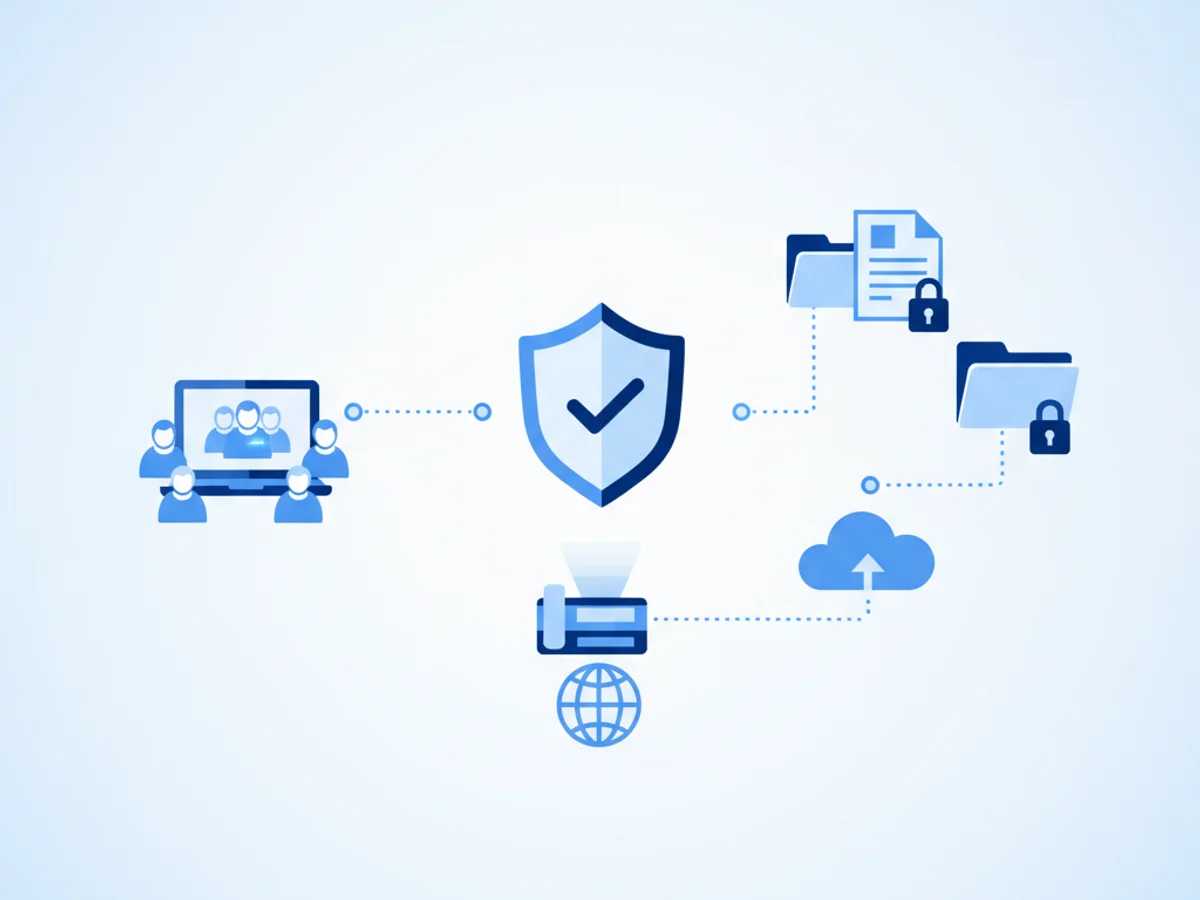
Whenever you transmit sensitive documents, ensure you're using a platform with encryption. For example, browser-based faxing services like BestFax.com use TLS encryption, creating a secure channel for document transmission. While this kind of encryption won't offer formal healthcare compliance certification, it significantly reduces the risk of interception compared to email attachments or unsecured file shares.
2. Set Password Protocols
Require your team to use strong, unique passwords for all accounts. Consider making two-factor authentication mandatory for accessing sensitive systems. Password managers can simplify this process if employees struggle with remembering complex credentials.
3. Limit File Access
Not every employee needs access to every file. Use cloud-based storage solutions with role-based permissions to ensure that confidential files are only accessible to those who need them. For example, your HR lead should have access to payroll files, but not to high-level business strategy documents.
4. Log and Confirm Document Delivery
One commonly overlooked aspect of document security is ensuring delivery to the intended recipient. Using tools that confirm and log transmissions adds an additional layer of accountability. For instance, if your team is sending a signed PDF contract via online faxing, having access to delivery receipts can eliminate ambiguity around whether the document was successfully sent.
5. Train Your Team on Cybersecurity Basics
A single uninformed employee can jeopardize your entire security strategy. Run regular training sessions to teach your team how to recognize phishing schemes, avoid malware, and securely handle sensitive information. Include topics like why it's important to avoid free public Wi-Fi when accessing company files.
Real-World Scenarios and Solutions
Consider this example: A remote healthcare company needs to securely send signed patient consent forms across its distributed team. Email attachments are out of the question due to security concerns. By using an encrypted faxing tool, like BestFax.com, the team ensures that sensitive forms are protected during transmission—even though the service isn’t formally certified for healthcare compliance. They use professional fax cover pages to clearly label the contents without exposing patient details.
Similarly, a freelance team working on a legal case needs to share scanned contracts. Instead of relying on unsecured email chains, they use browser-based faxing to upload the image files and confirm delivery, complying with their client’s confidentiality expectations.
The Role of Online Faxing in Remote Document Security
Online faxing offers unique advantages for remote teams:
- No software downloads: Team members can securely send and receive faxes directly from their web browsers, whether they use a phone, tablet, or computer.
- Privacy-focused cover pages: Protect sensitive document details by displaying only essential recipient information.
- Compatibility: Supports PDF, Word, and image files, making it versatile across industries.
However, it’s important to understand limitations. For example, if your business operates within regulated healthcare industries, you might need additional safeguards—BestFax.com provides TLS encryption but doesn’t formally offer a Business Associate Agreement (BAA).
The Bottom Line
Document security is non-negotiable for remote teams. By enforcing encryption protocols, password management, and secure delivery processes, your team can reduce potential risks and safeguard critical information. Whether you're faxing contracts, sharing client files, or onboarding new employees, browser-based tools like BestFax.com are practical solutions to augment your security framework.
Ready to Securely Share Documents?
Send your first fax at BestFax.com today and experience the convenience of encrypted, browser-based faxing.
Related Posts
How Mobile Phlebotomists Fax Lab Requisitions Without Specimen Delays
Practical field tips for mobile phlebotomists to fax lab requisitions clearly, confirm delivery, and avoid paperwork-related specimen delays.
How Title Companies Fax Payoff Statements Without Closing Delays
Payoff statements can stall closings when faxing is slow or disorganized. Learn practical steps title companies can use to send, confirm, and track payoff faxes.
How Immigration Attorneys Fax I-693 Medical Exam Packets Without RFE Delays
Practical guidance for immigration attorneys faxing I-693-related packets, RFE responses, and tracking documents while preserving clear records.