Fax Etiquette for Professional Document Exchange: Tips for Success
Fax Etiquette for Professional Document Exchange: Tips for Success
When it comes to professional communication, minor errors can have major consequences. One area often overlooked is fax etiquette — yes, faxes are still a critical tool for document exchange, especially in industries like legal services, healthcare, and finance. Sending a fax isn’t as simple as hitting “Send” and hoping for the best. Poor formatting, missing cover pages, or sending sensitive files insecurely can erode trust or even lead to compliance issues.
Proper fax etiquette not only ensures your documents are received in a timely manner but also leaves a lasting, professional impression. In this guide, we’ll explore specific steps and tips for sending faxes the right way every time — whether you’re using a physical fax machine or modern alternatives like browser-based faxing.
Who’s Receiving Your Fax? Study Your Audience
Before sending a fax, take a moment to think about who’s on the receiving end. Are they a busy lawyer or an HR professional handling confidential material? Knowing your audience informs how carefully you should format the document, the urgency you attach, and how secure your faxing method needs to be.
For instance, medical offices often have strict protocols to protect patient data. While BestFax.com uses TLS encryption for added security, it’s worth noting it doesn’t offer formal healthcare compliance certification. When sending sensitive information, always verify what level of security your recipient expects. This step could help avoid compliance headaches later.
The Fax Cover Page: Don't Skip It
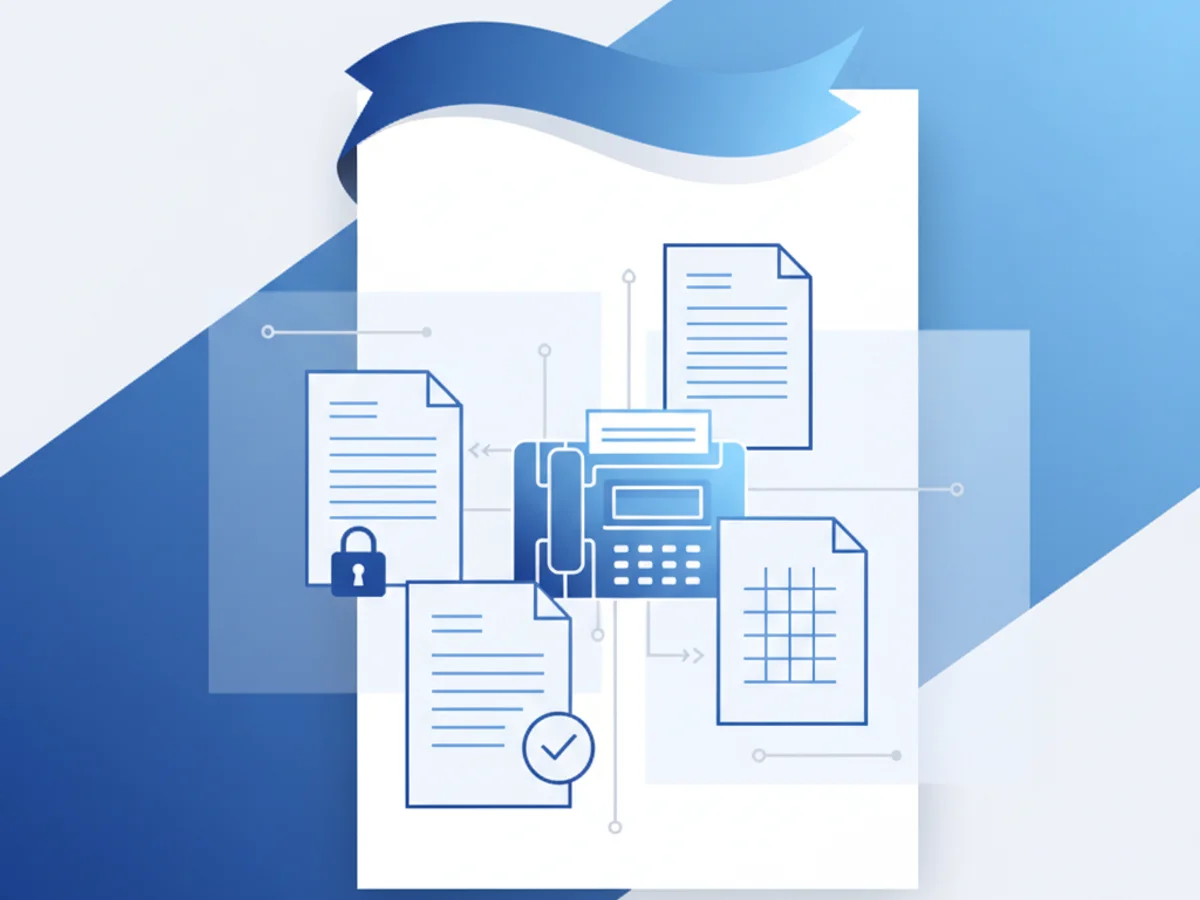
Think of a fax cover page as a virtual introduction. It tells the recipient who the fax is from, how many pages to expect, and often includes an optional message if context is needed. Omitting a cover page can create confusion, especially if your recipient receives numerous documents each day.
A proper cover page should include:
- Sender Details: Name, company, and contact information (email or phone).
- Recipient Information: Their name, title, and fax number.
- Date/Time of Transmission: Useful for tracking correspondence.
- Confidentiality Notice: Add a disclaimer if the document contains sensitive or proprietary information.
Tools like BestFax.com streamline this by offering professional cover page templates that you can customize quickly within your browser. This is particularly useful when sending to formal organizations, ensuring every document looks polished.
Formatting Matters: Keep it Clean
Unreadable or chaotic faxes cause frustration and waste time. Clean, concise formatting is critical. Here are a few formatting guidelines to follow:
- Use Standard Fonts and Sizes: Pick easy-to-read fonts like Arial or Times New Roman, with a size between 10-12 points. Avoid decorative fonts.
- Stick to Black and White: While tools like BestFax.com allow you to upload image files, remember that many fax machines print in monochrome. Make sure your document is legible without color.
- Avoid Overloading Pages: Too much information on a single page can blur during transmission. Focus on simplicity.
- Send the Right File Type: PDFs are an excellent choice because they preserve formatting. Word documents and image files are also supported with browser-based faxing, but double-check they appear correctly before sending.
Check for Errors Before You Hit Send
You wouldn’t email a client without proofreading, so don’t send a fax without double-checking it! Review the following:
- Correct Fax Number: One mistyped digit could result in sending your document to the wrong recipient.
- Legibility: Ensure the scan or digital upload is clear and readable.
- Attachments: Confirm that all necessary documents are included.
Online fax services, like this tool, often reduce the chance of mistakes. For example, BestFax.com lets you preview your documents before transmission and provides a fax confirmation receipt — peace of mind that your fax reached the intended recipient.
Timing and Follow-Up: Be Mindful
When and how you send a fax can matter as much as the content itself:
- Avoid Late-Night Sends: No one wants their office fax machine printing at 2 AM. Stick to standard business hours unless otherwise agreed.
- Alert the Recipient: For urgent or critical faxes, let the recipient know to expect them. A quick email or phone call can smooth communication.
- Follow-Up Politely: If you don’t receive confirmation of receipt, politely follow up after 24-48 hours. Avoid assuming the recipient ignored your fax; technical hiccups happen.
Why Browser-Based Faxing Simplifies Etiquette
Traditional fax machines often introduce barriers — unclear printouts, busy signals, or even physical proximity to a device. Switching to browser-based faxing addresses many of these challenges. Services like BestFax.com allow you to send and receive faxes securely from your web browser on any device — no app downloads required. Plus, you can attach professionally formatted cover pages and receive transmission confirmations to ensure your communications go as smoothly as possible.
For instance, imagine you’re traveling for business and need to send an updated contract while at the airport. Using services like BestFax.com, you can quickly upload a PDF from your phone or tablet, attach a tailored cover page, and get fax confirmation within minutes — all without searching for a public fax machine.
Conclusion
Fax etiquette is about more than just making sure a document reaches its destination. It’s about presenting yourself and your organization as professional, organized, and meticulous. By understanding your audience, using thoughtful formatting, and leveraging tools like browser-based faxing, you can make the faxing process seamless for both you and your recipient.
Ready to send your first professional fax with ease? Get started at BestFax.com.
Related Posts

How Chiropractors Can Fax PIP Treatment Notes Without Claim Rejections
Practical steps for chiropractors to prepare, fax, and document PIP treatment notes so claims are less likely to be delayed or rejected.
How Dermatology Clinics Can Fax Biopsy Results Without Slowing Referrals
Practical ways dermatology clinics can fax biopsy results faster, reduce referral handoff delays, and document delivery receipts.
How Audiology Clinics Fax Hearing Aid Prior Auths Without Approval Delays
Practical fax workflow tips for audiology clinics sending hearing aid prior auths, from packet prep to delivery receipts and follow-up.