How Athletic Trainers Fax Concussion Clearance Forms Without Game-Day Delays
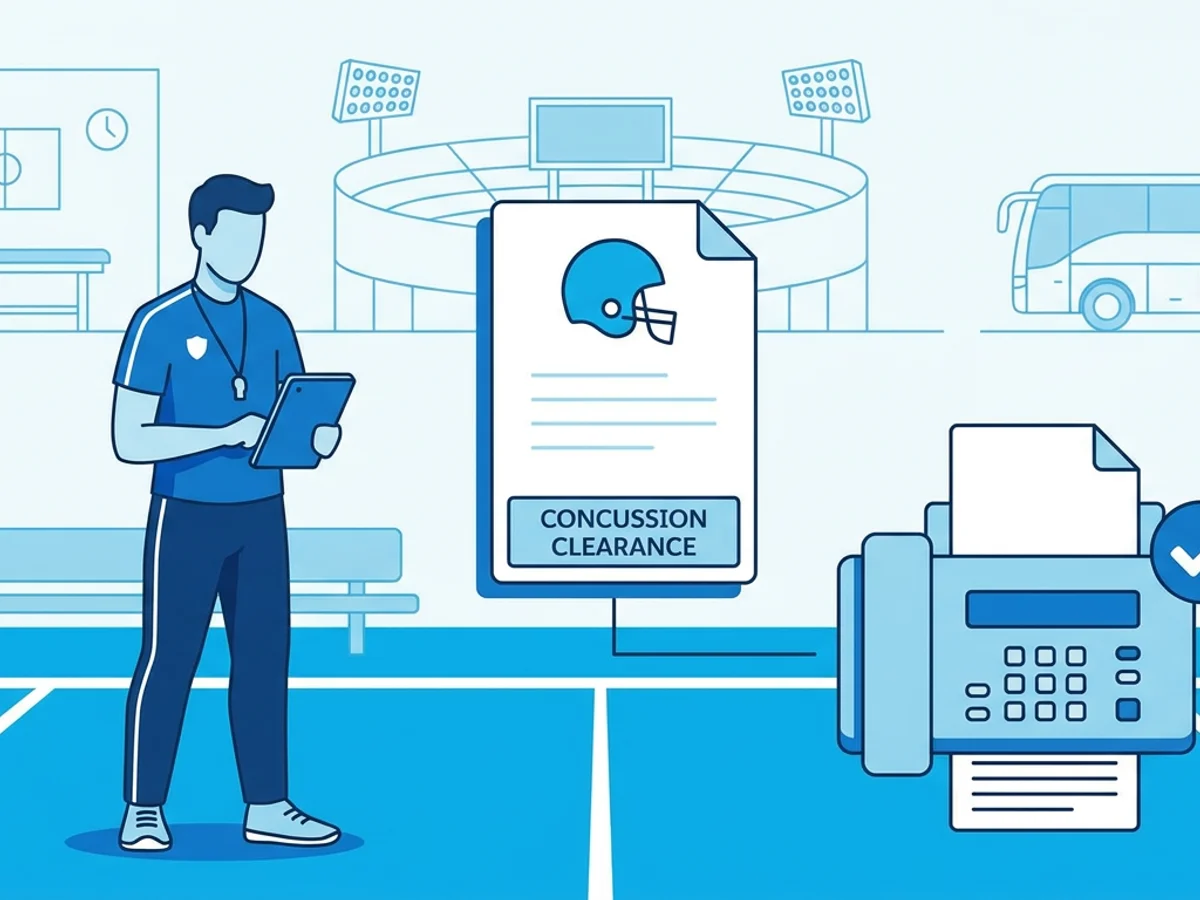
An athlete has been evaluated, the physician has signed the concussion clearance form, and kickoff is in 90 minutes. The problem is not the medical decision anymore — it is getting the paperwork to the right school office, league administrator, opposing athletic department, or event medical coordinator before the athlete can be added back to the active roster.
That is where game-day clearance can get frustrating. The athletic trainer may be standing on a sideline with a phone, the school’s fax machine may be locked in an office across campus, and the receiving organization may still require a faxed document rather than an email attachment. One missing form can turn into a delayed warmup, a roster dispute, or a parent asking why their cleared athlete still cannot play.
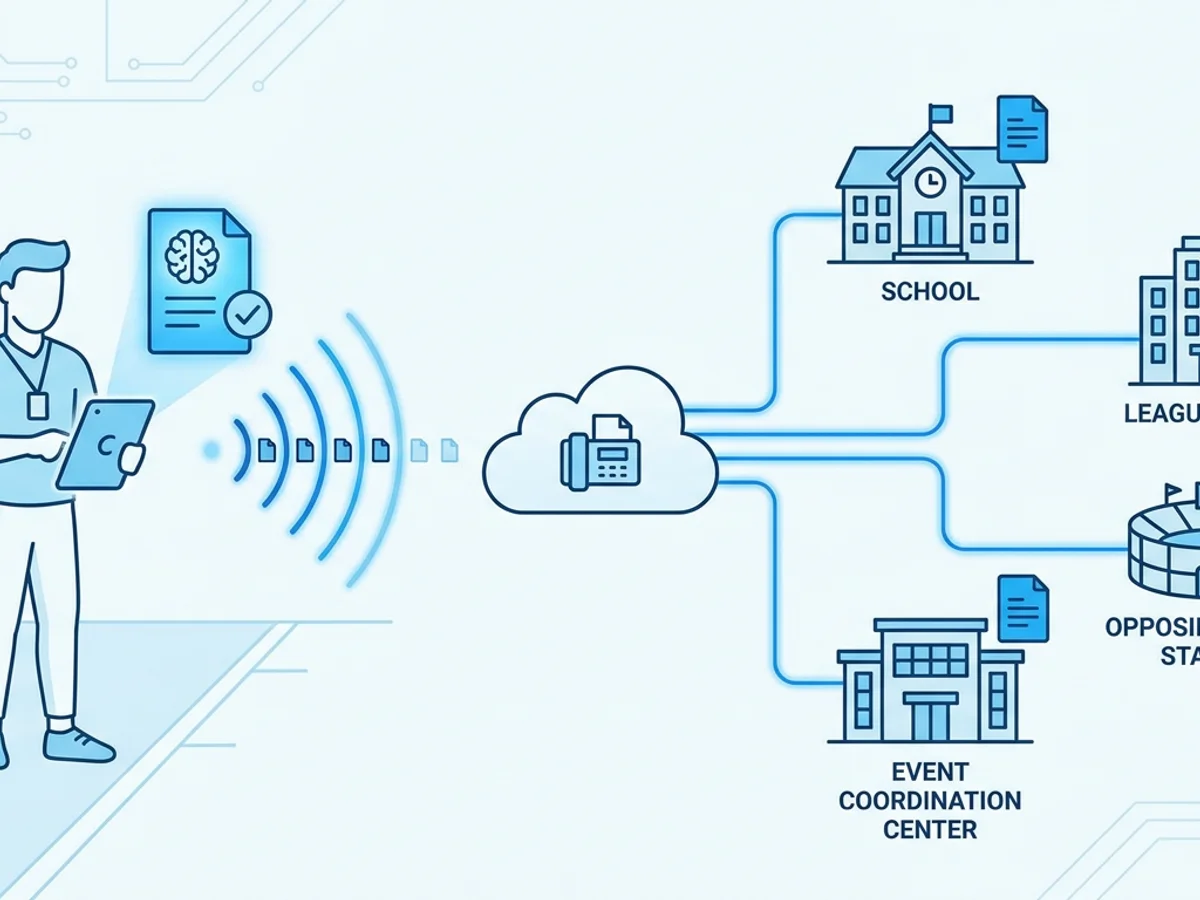
Browser-based faxing can help athletic trainers handle those last-mile paperwork moments from the field, training room, bus, or hotel lobby. It does not replace concussion protocols, medical judgment, or school policy. It simply gives trainers a practical way to transmit signed forms when a fax is required and time matters.
The real bottleneck: clearance is approved, but the form is not where it needs to be
Concussion return-to-play paperwork often moves through several hands. A typical clearance path might look like this:
- The athlete is evaluated by the appropriate healthcare professional.
- A written clearance or return-to-play form is completed and signed.
- The athletic trainer reviews the document against school, state, or league requirements.
- The form is sent to an athletic director, school nurse, league office, event administrator, or opposing host school.
- The athlete is marked eligible according to the applicable policy.
The delay usually happens between steps four and five.
For example, an athletic trainer traveling with a basketball team may receive a signed PDF from a parent while the team is already at an away tournament. The host site requires the clearance form by fax before the athlete can be listed as eligible. Email is not accepted for that process. The school fax machine is 40 miles away, the trainer does not have access to the host school’s office equipment, and the tournament desk is busy managing multiple games.
Or consider a Friday afternoon football scenario. A physician’s office releases a student-athlete after completing the required concussion follow-up. The clearance form needs to be faxed to the school before the athletic director leaves for the stadium. If the trainer is already setting up hydration stations and emergency equipment, walking back to an office fax machine may not be realistic.
The issue is rarely that athletic trainers are unprepared. It is that concussion clearance paperwork depends on timing, location, and the communication preferences of multiple organizations. When one of those organizations still relies on fax, the trainer needs a way to send the document without leaving the team.
What athletic trainers need before sending a concussion clearance fax
A smooth fax starts before anyone uploads a file. Concussion clearance forms are sensitive, high-stakes documents, and mistakes can create confusion or delays. Before sending, take a minute to verify four things.
1. Confirm the receiving fax number
Game-day stress is a perfect environment for misdialed numbers. Athletic trainers should avoid copying fax numbers from old forms, screenshots, or text chains unless they are sure the information is current.
Good sources include:
- The receiving school’s athletic department directory
- A league or state association instruction sheet
- A fax number provided directly by the athletic director, school nurse, or event coordinator
- A physician office fax number confirmed by that office, if records are going back to the provider
If there are multiple departments involved, confirm which fax number is responsible for clearance processing. A general main-office fax may not be checked quickly on game day.
2. Check that the form is complete and legible
A faxed clearance may be delayed if the receiving party cannot read the signature, date, athlete name, or restrictions. Before sending, review the document as if you were the person receiving it for the first time.
Look for:
- Athlete’s full name
- Date of evaluation or clearance
- Provider name and signature, if required
- Return-to-play status or restrictions
- School, team, or sport identification if needed
- Parent or guardian signature if your policy requires it
- All pages included, especially if the form has a second page
If the form is a photo taken with a phone, place it on a flat surface with good lighting and make sure the entire page is visible. A clear image can save several minutes of back-and-forth during pregame.
3. Use an appropriate file format
BestFax.com supports PDF, Word, and image file uploads, which covers most clearance documents athletic trainers are likely to receive. When possible, PDF is usually the cleanest option because it preserves layout and is easy to review before sending.
If you only have a paper copy, you can use your phone’s camera or document-scanning function to create an image or PDF. Before faxing, open the file and zoom in on critical sections. If you cannot read the date or signature on your own screen, the recipient may not be able to read it either.
4. Decide what belongs on the cover page
Professional fax cover pages are included with the service, and they can be useful when the receiving office handles many documents. Keep the cover page brief and specific.
For example:
Attention: Athletic Director / Event Medical Coordinator
Re: Concussion clearance form for [Athlete Initials or Name, depending on your policy]
Pages: 2 including cover page
Please confirm receipt when processed.
Follow your organization’s privacy and documentation policies when deciding how much identifying information to include. The goal is to route the form efficiently without adding unnecessary details.
Sending the fax from the sideline, training room, or road
When the form is ready and the fax number is confirmed, browser-based faxing keeps the process simple: open the site, upload the document, enter the destination fax number, add a cover page if needed, and send. BestFax.com works from a web browser on a phone, tablet, or computer, including Safari, Chrome, Firefox, and Edge. No app download required.
That flexibility matters because athletic trainers rarely get to choose the perfect office environment. On a typical game day, you might be working from:
- A treatment table in the athletic training room
- A bus before departing for an away contest
- A press box or scorer’s table
- A hotel lobby during a tournament weekend
- A practice field where the only available device is your phone
Here is a practical example. A soccer player is cleared by a physician late in the afternoon, and the signed form arrives as a PDF in the trainer’s approved workflow. The match is at an away school, and the host athletic director asks for the clearance by fax before adding the athlete to the eligible roster. Instead of trying to find an office fax machine, the trainer opens the fax service in a mobile browser, uploads the PDF, adds a cover page addressed to the host AD, enters the confirmed fax number, and sends it.
The key is not speed alone; it is avoiding unnecessary movement and uncertainty. The trainer can stay with the team, continue pregame responsibilities, and keep a record that the fax was submitted.
Fax confirmation and delivery receipts are also important. If the receiving office says the document has not arrived, the trainer can check the receipt rather than guessing whether the fax went through. That does not guarantee the recipient has processed the form, but it gives you a concrete transmission record to reference when following up.
Avoiding common game-day fax problems
Even a convenient fax workflow can break down if small details are missed. The following habits can prevent the most common delays.
Build a pre-season fax contact list
Do not wait until the first concussion clearance issue of the season to search for fax numbers. Athletic departments can create a simple list of commonly used numbers:
- School athletic office
- School nurse or health office
- District administration, if required
- Local physician groups or sports medicine clinics
- League or conference offices
- State association contacts
- Frequently visited rival schools or tournament hosts
Store the list according to your organization’s internal policy, and keep it updated. If a fax number fails during a time-sensitive situation, note it and verify the correct number later.
Name files clearly before uploading
A filename like IMG_4821.jpeg may be fine on your phone, but it can create confusion when you are managing several athletes or forms. Use a consistent naming convention that helps you identify the right file before upload.
For example:
Clearance_Soccer_2026-09-14.pdfConcussion_ReturnToPlay_AwayGame.pdfAT_Clearance_Form_Page1.jpg
Use your organization’s guidance on whether athlete names should appear in filenames. The main point is to avoid accidentally sending the wrong file because several images look the same in your camera roll.
Send all required pages in one transmission
If the receiving office expects a two-page form and only receives page one, eligibility may still be delayed. Before uploading, confirm that all pages are included and in the correct order. If your phone creates separate images for each page, make sure each image is selected.
When using a cover page, remember to count it when indicating total pages. That small detail helps the recipient know whether anything is missing.
Follow up with the right person, not just the fax machine
A delivery receipt shows that a fax was transmitted, but it does not mean the athletic director, nurse, or administrator has reviewed and approved the athlete’s status. For game-day clearance, a quick follow-up call or message to the designated recipient is often necessary.
A practical script might be:
“I just sent the concussion clearance form by fax to the number you provided. The confirmation shows it was delivered. Can you confirm it is received and let me know when the athlete’s eligibility status is updated?”
This keeps the conversation focused on processing, not debating whether the document was sent.
Have a backup plan for poor connectivity
Online faxing depends on internet access. If you are at a field with weak reception, identify a backup location before the situation becomes urgent. That might be the school building, press box Wi-Fi, a nearby administrative office, or a team bus with better signal in the parking lot.
If you regularly cover venues with unreliable connectivity, plan ahead. Download or save forms where appropriate, keep device batteries charged, and know who can assist from campus if you cannot connect.
Compliance, privacy, and honest limits
Concussion clearance forms involve sensitive information, so athletic trainers should treat faxing as part of a broader documentation and privacy process — not as a shortcut around it.
BestFax.com uses TLS encryption for fax transmissions, which helps protect documents while they are being transmitted through the service. However, the service does not offer a BAA or healthcare-specific compliance certification. Athletic trainers should follow their school, clinic, district, league, and employer policies when deciding what tools are appropriate for transmitting medical or eligibility documents.
That distinction matters. Online faxing can solve a logistics problem, but it does not decide whether a document may be sent, who is authorized to send it, what consent is required, or how records should be stored afterward. Those decisions belong to your organization’s policies and applicable legal or administrative requirements.
It is also wise to keep your process consistent. If your athletic department has a standard way to document concussion clearance receipt, use the same standard after sending a fax online. Save the delivery receipt where your policy allows or requires it. Note the time sent, the recipient, and any follow-up confirmation. If the athlete’s status changes, document that through the official eligibility process rather than relying on informal texts or verbal updates.
A practical game-day workflow athletic trainers can reuse
The fastest workflows are usually the ones you have already practiced. Before the season gets busy, athletic trainers can create a simple fax routine for concussion clearance situations.
A reusable process might look like this:
- Receive the clearance form through your approved channel.
- Review the document for athlete identification, date, provider signature, return-to-play status, and required pages.
- Confirm the destination fax number with the receiving office or your verified contact list.
- Convert or save the form as a PDF, Word document, or clear image file.
- Open the fax service in a browser on your available device.
- Upload the form, add a professional cover page, and enter the confirmed fax number.
- Send the fax and check the confirmation receipt.
- Follow up with the recipient to confirm the form has been received and processed.
- Document the transmission and outcome according to your organization’s policy.
This workflow is intentionally simple. On game day, the goal is not to add another complicated system. The goal is to remove preventable delays between “cleared by the appropriate provider” and “paperwork received by the person who can update eligibility.”
Pricing also matters for athletic departments that only fax occasionally. With BestFax.com, users can send a fax for a $4.95 one-time payment or use a $10/month subscription. There is no free trial, so it is worth deciding in advance which option fits your expected volume. A school that sends only a few urgent faxes per season may prefer paying per fax, while a department that regularly sends and receives faxed documents may find the subscription more predictable.
Browser-based faxing will not make concussion management simple — and it should not. Return-to-play decisions deserve careful medical evaluation, adherence to policy, and clear documentation. But when the decision has been made and a faxed clearance form is the last obstacle, having a reliable way to send it from the device already in your hand can prevent avoidable game-day delays.
Send your first fax at BestFax.com.
Related Posts

How Immigration Attorneys Fax I-693 Medical Exam Packets Without RFE Delays
Practical guidance for immigration attorneys faxing I-693-related packets, RFE responses, and tracking documents while preserving clear records.

How Vascular Labs Can Fax ABI Reports to Referring Doctors Without Delays
Practical steps for vascular labs to fax ABI reports faster, reduce errors, and document delivery without relying on a single fax machine.

How Crisis Counselors Fax 988 Follow-Up Referrals Without Care Delays
Practical guidance for crisis counselors sending 988 follow-up referrals by fax without slowing handoffs or losing delivery confirmation.