How ENT Clinics Fax Allergy Serum Orders Without Mixing Delays

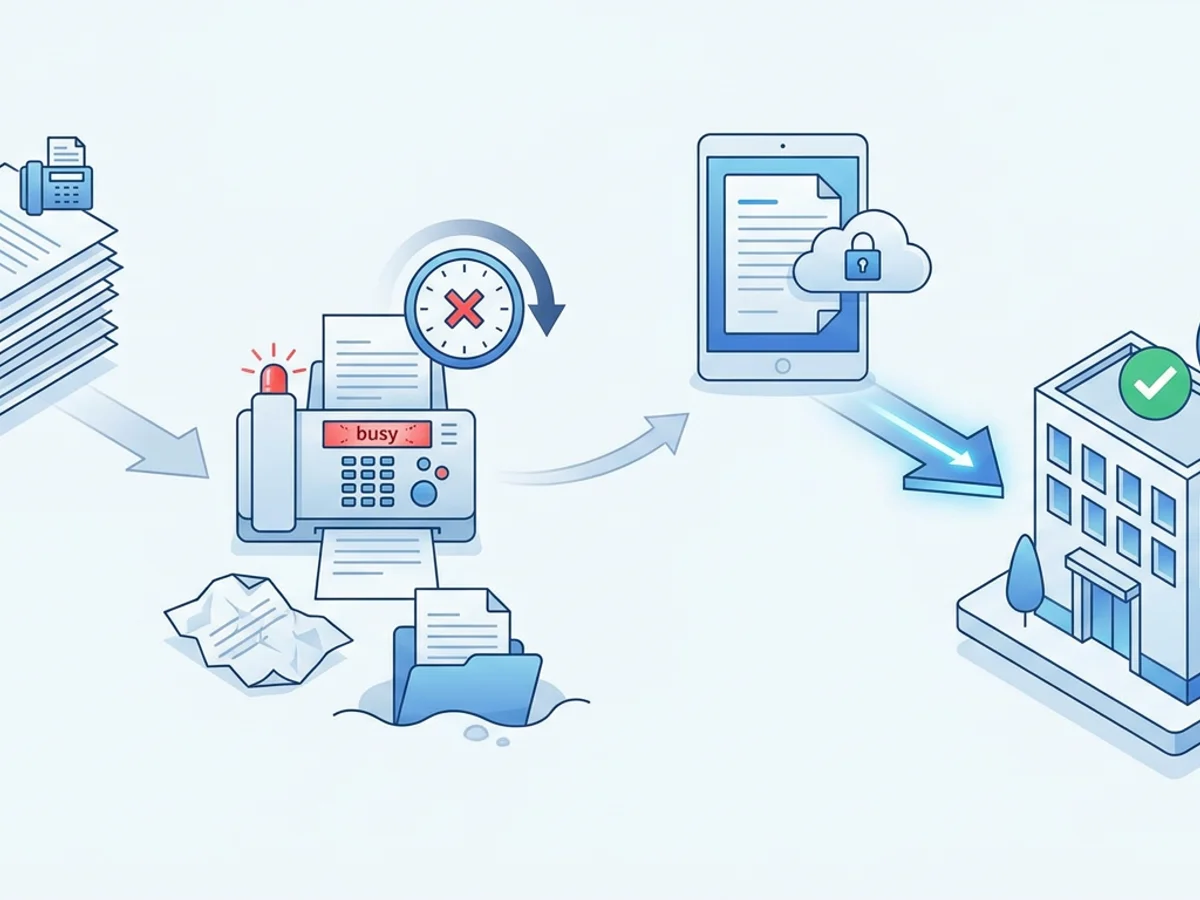
An allergy patient finishes testing on Tuesday afternoon. The provider writes the immunotherapy prescription, the nurse prepares the vial order, and the clinic needs to get the serum request to the compounding lab before the lab’s daily cutoff. Then the fax machine is busy, the order prints with a missing page, or the confirmation sheet gets buried under other paperwork.
That is how a simple allergy serum order can turn into a several-day delay.
For ENT clinics, allergy serum ordering is not just another administrative task. Delayed orders can push back vial start dates, interrupt build-up schedules, create extra calls from patients, and force staff to chase labs for status updates. Fax is still commonly used for these orders because many labs rely on faxed prescriptions, signed forms, and documented confirmations. The challenge is making faxing dependable without turning it into a bottleneck.
Browser-based faxing can help clinics send serum orders from a computer, tablet, or phone without waiting on a shared machine. But the bigger improvement comes from pairing online fax with a clear workflow: complete packets, consistent naming, cover pages, confirmation checks, and a process for urgent or corrected orders.
Below is a practical look at how ENT allergy teams can reduce mixing delays when faxing serum orders.
Where Serum Order Delays Usually Start
Most delays are not caused by one dramatic failure. They usually come from small handoffs that are easy to miss in a busy ENT clinic.
A common scenario looks like this:
- The physician signs the immunotherapy order, but the vial worksheet stays in the chart until the end of the day.
- The allergy nurse scans the order, but the patient demographics page is not included.
- The fax goes through, but no one checks the delivery receipt.
- The lab receives the order, but a concentration, vial label instruction, or patient date of birth is unclear.
- The lab faxes a clarification request back, but it sits unread until the next morning.
Each step might add only a few hours. Together, they can cause the serum not to be mixed until the following batch day.
ENT clinics often have peak allergy days where multiple patients need new-start vials, refills, reformulations, or dose adjustments. A traditional fax machine can become a chokepoint: one person has to stand at the machine, feed pages, wait through busy signals, and keep track of confirmations. If the clinic has multiple providers or multiple locations, the risk of misrouting or missed follow-up increases.
The goal is not simply to “send faxes faster.” It is to make serum orders harder to lose, easier to verify, and simpler to resend when something needs correction.
Build a Serum Fax Packet That Labs Can Process Without Guesswork
Before focusing on the fax tool, look at the packet itself. A clean, consistent serum order packet is one of the easiest ways to reduce mixing delays.
Most allergy labs and compounding pharmacies have their own order requirements, so your clinic should follow the lab’s current instructions. Still, many serum fax packets commonly include:
- A completed serum or immunotherapy order form
- Provider signature where required
- Patient identifiers, such as full name and date of birth
- Relevant allergy test results or antigen selection details
- Vial instructions, concentrations, or build-up schedule details, if required by the lab
- Shipping or pickup instructions
- Clinic contact information for clarifications
The important point is consistency. If your clinic sends one packet with demographics first, another with testing pages first, and another with handwritten notes in the margins, lab staff have to spend time interpreting each order. That slows review and increases the chance of a callback.
A practical approach is to create a simple internal checklist for every outgoing serum fax. For example:
- Patient name and date of birth appear on every page or on all required pages
- Order form is fully completed
- Provider signature is present
- Number of pages matches the cover page
- Lab-specific addendum is included, if needed
- Callback number reaches the allergy team, not only the general front desk
- Urgency or requested mix date is noted only when appropriate
This checklist can live beside the allergy workstation or inside the clinic’s shared procedure manual. It does not need to be complicated. In fact, the shorter and more visual it is, the more likely staff will use it.
When preparing digital packets, use file formats that preserve the order clearly. BestFax.com supports PDF, Word, and image file uploads, which covers the most common ways clinics compile order forms and scanned documents. For multi-page serum packets, a single PDF is usually easier to review and less likely to be sent out of sequence than several separate image files.
Use Browser-Based Faxing to Avoid the Shared-Machine Bottleneck
A shared fax machine creates a physical queue. If a front-desk team member is faxing referral records, billing is sending documentation, and allergy needs to transmit serum orders before a lab cutoff, someone waits.
Browser-based faxing changes that part of the workflow. Staff can send and receive faxes from a web browser on a phone, tablet, or computer. That means the allergy nurse does not have to leave the allergy area, wait for paper pages to scan, or check whether the fax machine is tied up. It works in common browsers such as Safari, Chrome, Firefox, and Edge, with no app download required.
Consider a clinic with two allergy shot rooms and one central fax machine at the front desk. A patient needs a refill order sent after a dose adjustment. With a browser-based workflow, the nurse can upload the completed PDF, add a professional fax cover page, enter the lab’s fax number, and send it from the workstation. The delivery receipt can then be saved or recorded according to the clinic’s internal process.
That does not eliminate the need for staff discipline. Someone still has to select the correct lab fax number, attach the right packet, and verify the receipt. But it removes unnecessary walking, waiting, and paper handling.
Online fax is also useful when serum ordering happens outside the main clinic flow. For example:
- A provider reviews allergy results after clinic hours and signs off on the order.
- A satellite office needs to send a vial refill request to the same lab used by the main location.
- A nurse working from a covered clinic workstation needs to resend a corrected order without returning to a specific fax machine.
- A lab faxes back a clarification, and the team needs to receive and review it promptly.
BestFax.com provides fax confirmation and delivery receipts, which are especially important for serum orders. A sent fax without confirmation is not enough when a patient’s start date depends on the lab receiving the order. Make confirmation review part of the process, not an afterthought.
Create a “Send, Confirm, Log” Routine for Allergy Orders
The simplest serum fax workflow has three steps: send, confirm, and log. Clinics that skip the last two steps often end up with staff asking, “Did anyone fax that?” or “Did the lab actually get it?”
A reliable routine might look like this:
Send: The allergy nurse or assigned staff member uploads the completed serum packet, uses a clear cover page, and sends the fax to the verified lab number.
Confirm: The sender checks the fax confirmation or delivery receipt. If the fax fails, the staff member resends it promptly rather than discovering the failure later.
Log: The clinic records the date, time, lab, sender, and confirmation status in whatever tracking system it already uses. That may be an EHR note, an allergy order spreadsheet, a task list, or a paper serum log.
The log does not need to be elaborate. A useful entry could be:
10/12, 3:18 p.m. — Serum refill order faxed to ABC Allergy Lab, 6 pages, confirmation received. Sent by JM.
For urgent orders, add the lab cutoff time or a follow-up reminder:
10/12, 3:18 p.m. — New start serum order faxed before 4 p.m. cutoff, confirmation received. Call lab tomorrow if not acknowledged.
This kind of documentation helps in several ways. If a patient calls asking when vials will arrive, staff can quickly see when the order went out. If the lab says it never received the packet, the clinic can reference the confirmation and resend. If a page count does not match, staff can identify the issue before it becomes a mixing delay.
Professional fax cover pages can also reduce confusion. A good cover page should include:
- Recipient lab name
- Attention line, if the lab has a serum department or specific contact
- Patient name or clinic reference, following your organization’s privacy practices
- Number of pages
- Clinic callback number
- Short note such as “Serum refill order” or “New immunotherapy vial order”
Avoid vague cover notes like “Please process” without context. Lab teams handle many types of requests. A specific cover page helps route the fax correctly.
Handling Corrections, Refills, and Lab Clarifications Faster
Not every delay involves a new-start serum order. Refills and corrections can be just as time-sensitive, especially when a patient is near the end of a vial or has an upcoming appointment.
Here are a few common problem cases and how to manage them more efficiently.
A refill order is needed before the patient’s next shot visit
If the clinic waits until the vial is nearly empty, any fax delay can interrupt the patient’s schedule. Build a trigger into the allergy workflow: for example, begin the refill process when the vial reaches a defined remaining volume or when the patient reaches a certain visit number.
When the refill order is ready, fax it the same day and log the confirmation. If the lab has standard production days, note those in your internal process so staff know which orders need immediate attention.
The lab requests clarification
Clarification requests often sit because they arrive on a general fax line. If your clinic receives faxes through a browser-based service, assign responsibility for checking incoming lab communications at set times. For example, the allergy lead checks inbound faxes mid-morning and mid-afternoon, especially on mixing cutoff days.
When replying, include the original order reference and state clearly what changed or what is being clarified. Do not rely on a handwritten correction without context if a short typed note would prevent confusion.
A packet was sent with a missing or wrong page
This happens. The key is to correct it clearly.
Send a replacement packet with a cover page that says something like:
Corrected serum order packet — replaces fax sent on 10/12 at approximately 3:18 p.m. Please use this version.
Then log the corrected send and confirmation. If the order is urgent or the correction changes clinical details, call the lab according to your clinic’s policy. Fax confirmation proves transmission, but it does not guarantee the lab has reviewed the correction before mixing.
Multiple locations send orders to the same lab
Multi-location ENT practices should standardize file naming and cover page language. If one office writes “allergy serum,” another writes “IT refill,” and another writes “vial reorder,” lab routing can become inconsistent.
Use a shared naming convention for internal files, such as:
Lastname_Firstname_DOB_SerumOrder_YYYY-MM-DD.pdf
Be careful to follow your clinic’s privacy and document handling policies when naming and storing files. The point is to make documents identifiable to authorized staff without creating confusion.
Be Clear-Eyed About Security, Compliance, and Responsibilities
ENT clinics handle sensitive patient information, so fax workflows should be reviewed carefully. BestFax.com uses TLS encryption for fax transmissions, which helps protect data in transit. At the same time, the service does not offer a BAA or healthcare-specific compliance certification.
That distinction matters. Clinics should not assume that any online fax tool automatically meets their legal, regulatory, payer, or organizational requirements. Before using a browser-based fax service for allergy serum orders, confirm that it fits your clinic’s policies and risk requirements. If your organization has a compliance officer, privacy officer, or IT/security lead, involve them before changing workflows.
Also review basic operational safeguards:
- Verify lab fax numbers before first use and after any lab notice of change
- Limit access to staff who need to send or receive serum-related faxes
- Train staff to double-check attachments before sending
- Store confirmations according to clinic policy
- Avoid leaving downloaded patient documents on shared desktops or personal devices
- Use secure clinic-managed devices and networks whenever possible
Technology can reduce friction, but it does not replace careful handling. The best workflow is one that is both efficient and appropriate for the clinic’s obligations.
What a Low-Delay Serum Fax Workflow Looks Like
A strong allergy serum fax process is usually simple, repeatable, and visible. For example:
- The allergy nurse completes the lab’s serum order form immediately after the provider signs off.
- The packet is scanned or saved as a single PDF.
- A second staff member, or the sender using a checklist, verifies required pages and signatures.
- The order is faxed from a browser before the lab cutoff.
- The delivery receipt is checked and saved or documented.
- The serum order log is updated.
- Incoming lab faxes are checked at defined times for clarification requests.
The benefit is not only faster sending. It is fewer unknowns. Staff know which orders went out, which ones failed, which ones need clarification, and which patients may be at risk of a scheduling delay.
For pricing, BestFax.com keeps the options straightforward: $4.95 one-time per fax or a $10/month subscription. For a clinic that only occasionally needs browser-based faxing, per-fax pricing may be enough. For a team sending recurring serum orders, refills, corrections, and lab replies, a monthly option may be easier to budget. There is no free trial, so clinics should evaluate the service based on their actual fax volume and workflow needs.
Allergy serum ordering will always require accuracy. The lab needs the right information, the provider’s instructions must be clear, and the clinic needs a reliable record of what was sent. Browser-based faxing helps most when it is part of a disciplined process: complete packet, clear cover page, verified recipient, confirmation receipt, and prompt follow-up.
If your ENT clinic is trying to prevent serum orders from getting stuck behind a busy fax machine, browser-based faxing is worth considering as one part of a cleaner ordering workflow.
Get started at BestFax.com.
Related Posts

How Mobile X-Ray Providers Can Fax STAT Reports to Nursing Homes Without Delays
Practical ways mobile X-ray providers can fax STAT reports to nursing homes faster, with fewer routing delays and clearer delivery tracking.

How Sports Medicine Clinics Fax MRI Orders Without Authorization Delays
Practical ways sports medicine clinics can fax MRI orders with cleaner packets, better routing, delivery receipts, and fewer authorization delays.

How Vision Clinics Fax Eyeglass Prescriptions to Labs Without Order Delays
Practical ways vision clinics can fax eyeglass prescriptions to labs with fewer missing pages, callbacks, and order delays.