How Home Health Agencies Fax Physician Orders Without Violating HIPAA

Your nurse just finished a SOC visit, the patient needs a therapy eval by Thursday, and the physician won’t sign verbal orders over the phone. You have to fax the 485 and a supplement today. The catch: your agency can’t afford a HIPAA violation or a week-long tech rollout.
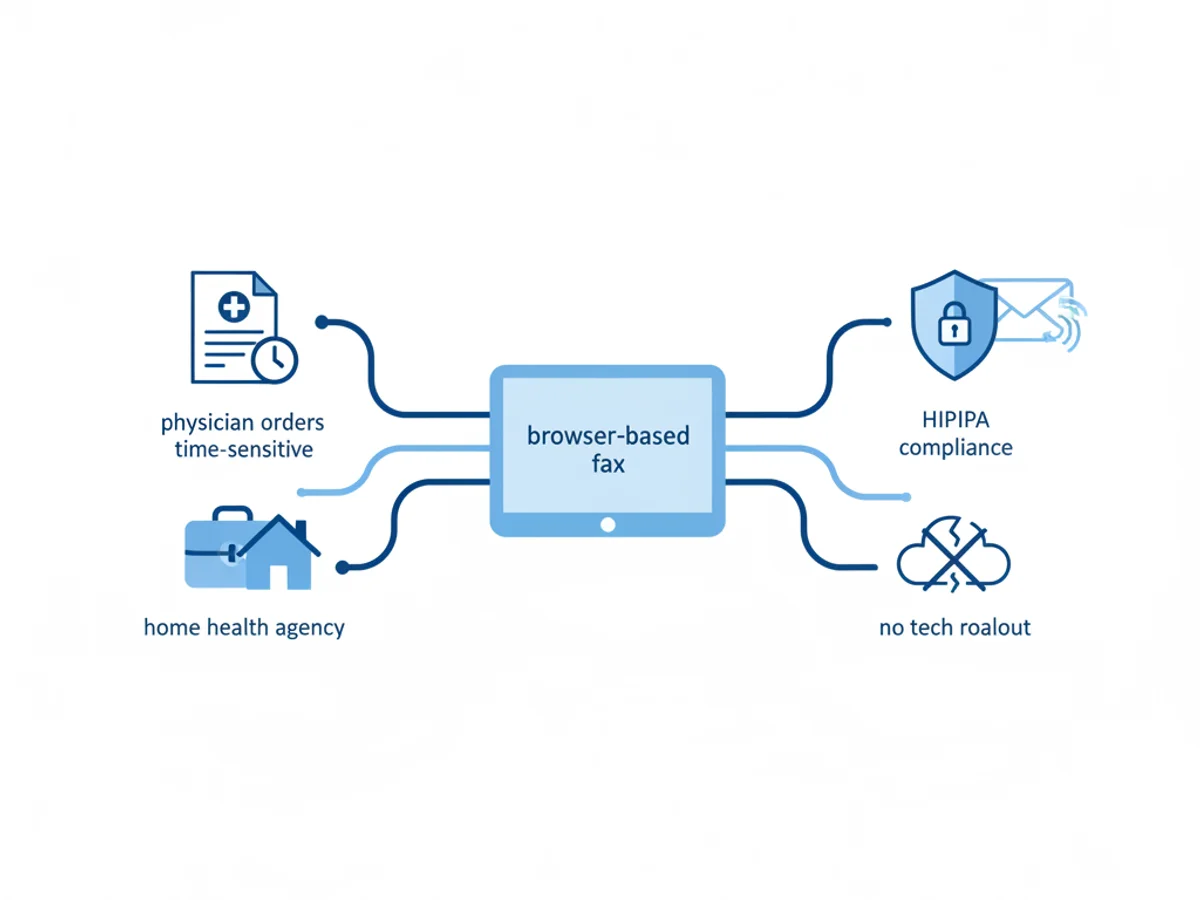
This guide walks through how home health agencies can fax physician orders in a HIPAA‑conscious way—what the law actually expects, where agencies slip up, and how to operationalize a compliant workflow using browser‑based faxing.
What HIPAA really requires when you fax PHI
Faxing is not banned under HIPAA. HIPAA requires reasonable and appropriate safeguards to protect PHI in transit and at rest, plus a Business Associate Agreement (BAA) when a vendor creates, receives, maintains, or transmits PHI on your behalf.
Key points for faxing:
- Use secure transmission methods and limit PHI to the minimum necessary.
- Verify the recipient and fax number before sending.
- Employ cover pages that do not include PHI and instruct misdirected recipients to destroy the fax and notify your agency.
- Maintain audit trails (what was sent, to whom, when, by whom) and delivery confirmations.
- Store and dispose of faxes securely within your record retention policies.
Note on BAAs: If your vendor will handle PHI for your agency, HIPAA expects a BAA. Some online fax tools do not offer BAAs. If they don’t, you must decide—often with counsel—whether and how you can use them (e.g., for certain limited scenarios, with de‑identification, or with alternative safeguards). Be explicit in your risk assessment.
Common failure points—and how to fix them fast
Real‑world pitfalls we see in home health operations:
- Wrong number, right patient
- Scenario: Intake staff faxes physician orders to an old specialist’s number pulled from a previous episode. Fax lands at a clinic that has closed.
- Fix:
- Validate recipient numbers against your EHR or the provider’s website before the first send of an episode.
- Use a pre‑send double‑check step: one staffer enters the number, a second initials that they verified it.
- Keep a secure “verified provider” directory with last‑verified dates.
- PHI on the cover sheet
- Scenario: The cover page lists patient name, DOB, and diagnosis. It gets misdirected, and the PHI is exposed even before the attachment is opened.
- Fix:
- Use a cover that includes only sender info, recipient info, a confidentiality notice, and high‑contrast “CONFIDENTIAL HEALTH INFORMATION” at the top—no patient identifiers.
- Put all PHI in the attached documents only.
- Over‑sharing beyond minimum necessary
- Scenario: Agency faxes a full SOC packet (60 pages) to request a single PT order.
- Fix:
- Limit to the minimum necessary (order page, relevant meds/allergies if clinically necessary, and the plan section the MD needs to sign).
- Create templates for “PT Eval Order Only,” “Wound Care Order Update,” etc., so staff don’t default to the entire chart.
- No audit trail or retention policy
- Scenario: Orders are sent from a front desk machine with no electronic record. Surveyor asks for outbound confirmation and recipient verification—there’s none.
- Fix:
- Centralize all faxing through a tool that logs transmissions, timestamps, sender identity, attachments, and confirmation status.
- Add fax confirmations to the clinical record or document management system.
- Unsecured devices and downloads
- Scenario: A nurse downloads a PDF order set on a personal phone, then texts a screenshot to the office when the fax fails.
- Fix:
- Ban screenshots and texting of PHI.
- Require staff to use secure browsers on approved devices and to clear downloads after upload.
- Train on how to upload directly from EHR exports without saving to local galleries when possible.
A practical, HIPAA‑conscious fax workflow for physician orders
Below is a step‑by‑step process your agency can adopt with browser‑based faxing. It assumes you’re sending PHI and need to meet HIPAA’s reasonable safeguard standard. If your agency requires a BAA from vendors, confirm your vendor terms first.
- Confirm your vendor posture and risks
- Determine whether the fax vendor offers TLS encryption in transit. This tool does.
- Confirm whether a BAA is available. This service does not offer a BAA or formal HIPAA certification. Document this in your risk assessment and define permitted use cases accordingly (e.g., permissible for de‑identified pre‑admission requests, or permissible for PHI with compensating controls if counsel approves). If a BAA is mandatory under your policy, select a vendor that provides one.
- Build a minimum‑necessary packet
- Export only the pages the physician must review/sign: the order page, relevant medication/wound details if needed, and the plan section requiring signature.
- Remove extraneous labs, full visit notes, and patient financial info.
- Supported file types for upload include PDF, Word, and common image files; combine into one PDF when possible.
- Prepare a compliant cover page
- Use a professional cover sheet that omits PHI and includes:
- To/From with department names and phone numbers
- Fax number entered twice (primary and verified)
- Patient initials and internal MRN or order number if you must reference a case without full identifiers
- Confidentiality notice with instructions for misdirected recipients to contact your agency and destroy the fax
- The service includes professional cover pages you can customize.
- Verify the recipient
- Validate the physician’s fax number against a primary source (EHR provider directory, official website, or the practice’s front desk line).
- For first‑time sends, call the office to confirm the correct fax number and expected routing (some offices use different numbers for orders vs. referrals).
- Document who verified and when.
- Send via secure browser session
- Use a modern browser (Safari, Chrome, Firefox, Edge). No app download is required.
- Upload the prepared files, select the cover page, and enter the verified destination number.
- Ensure the tool indicates TLS‑encrypted transmission. This tool uses TLS for all fax transmissions.
- Capture confirmations and file them
- Save the fax confirmation/delivery receipt to the patient’s chart or your document system.
- If delivery fails, confirm the number again and call the practice before re‑sending. Document all attempts.
- Handle received faxes securely
- Route inbound signed orders to a monitored queue. With this browser‑based faxing service, you can receive faxes in your web account.
- Download signed orders directly into the EHR or a secure share. Avoid personal devices and unencrypted email.
- Apply your retention policy and clean up local downloads after filing.
- Misdirected fax protocol
- If you discover a misdirected fax:
- Notify your Privacy Officer immediately.
- Ask the unintended recipient to confirm destruction and not to further disclose.
- Document the incident, your mitigation steps, and evaluate breach reporting obligations under HIPAA and state law.
Implementing with a browser-based fax tool: pricing, capabilities, and limits
A browser‑based approach lowers friction because staff can send and receive from phones, tablets, or computers without installing an app. That’s useful for on‑call nurses or small agencies without an IT team.
What this tool provides:
- Send and receive faxes from any web browser.
- TLS encryption for all fax transmissions.
- Professional fax cover pages.
- Uploads from PDF, Word, and image files.
- Fax confirmation/delivery receipts.
- Pricing options: pay $4.95 per fax one‑time or a $10/month subscription. There is no free trial.
What it does not provide:
- A Business Associate Agreement (BAA) or formal HIPAA certification.
- Advanced enterprise features like bulk broadcasting, APIs, OCR, or admin dashboards.
Implication for home health compliance:
- If your agency policy or counsel requires a BAA for any PHI handling, you will need a vendor that signs one. If you proceed without a BAA, document your rationale, scope your use cases, and implement strong compensating controls (minimum necessary, verified recipients, strict device policies, audit retention, and incident response).
Two realistic use cases
Use case A: Small agency with limited PHI faxing
- Context: You primarily route orders through an EHR portal, but some physicians still insist on fax. Counsel permits browser‑based faxing without a BAA for limited PHI when minimum necessary standards and documented safeguards are in place.
- Workflow: Staff prepare a 2‑page PT order, use a non‑PHI cover page, verify the destination by phone, send via the service, and file the confirmation in the chart. Signed orders are received in the web account and uploaded to the EHR, then removed from local downloads.
- Risk posture: Documented in a HIPAA risk analysis; quarterly audits of fax logs.
Use case B: Larger agency with strict BAA requirement
- Context: Policy mandates BAAs for all PHI vendors. Since this tool does not offer a BAA, you restrict usage to de‑identified communications (e.g., office policy requests or scheduling templates without patient identifiers) or to pre‑admission inquiries stripped of identifiers.
- Workflow: For PHI‑bearing physician orders, you choose a vendor that signs a BAA. For all other administrative faxes, staff may use the browser tool with clear rules that no PHI is included.
- Risk posture: Clean vendor segmentation and staff training, reducing inadvertent PHI exposure.
Training checklist you can roll out this week
- Verified recipient procedure documented and in use
- Cover sheet template without PHI deployed agency‑wide
- Minimum‑necessary packet templates by order type
- Browser and device hygiene: approved devices only, downloads cleared after filing
- Confirmation filing process standardized in the EHR
- Misdirected fax incident playbook posted and acknowledged
- Quarterly audit of fax logs against orders in the chart
A note on physician relations: Many practices are overwhelmed. When you call to verify the fax number, also ask about preferred times and routing to speed signatures. Include a concise sticky note on page 1: “Only page 2 requires signature. Return fax: [number]. Patient initials: AB.” That small step reduces resends and PHI exposure risk.
Bottom line
You can fax physician orders in a HIPAA‑conscious way by tightening verification, using minimum‑necessary packets, employing a PHI‑free cover, capturing confirmations, and enforcing device hygiene. If your compliance stance requires a BAA, choose a vendor that offers one; if not, document your risk analysis and apply the safeguards above diligently. Browser‑based faxing can streamline the work—just align it with your policy and training.
Send your first fax at BestFax.com
Related Posts
How Denture Labs Fax Case RX Forms to Dentists Without Delays or HIPAA Risks
Denture labs can fax RX forms from any browser, get delivery receipts, and cut delays—while managing HIPAA risk without a BAA by minimizing PHI and tightening process.

How Therapists Fax Letters for Emotional Support Animal Certifications
Discover how therapists efficiently fax Emotional Support Animal certifications using secure browser-based services to deliver urgent, sensitive documentation.

How Hospice Care Teams Use Online Fax for Medical Orders and End-of-Life Care
Hospice care teams use online faxing for fast, secure coordination of medical orders and equipment—critical for improving end-of-life care efficiency and comfort.