How Import Brokers Fax Customs Powers of Attorney Without Clearance Delays
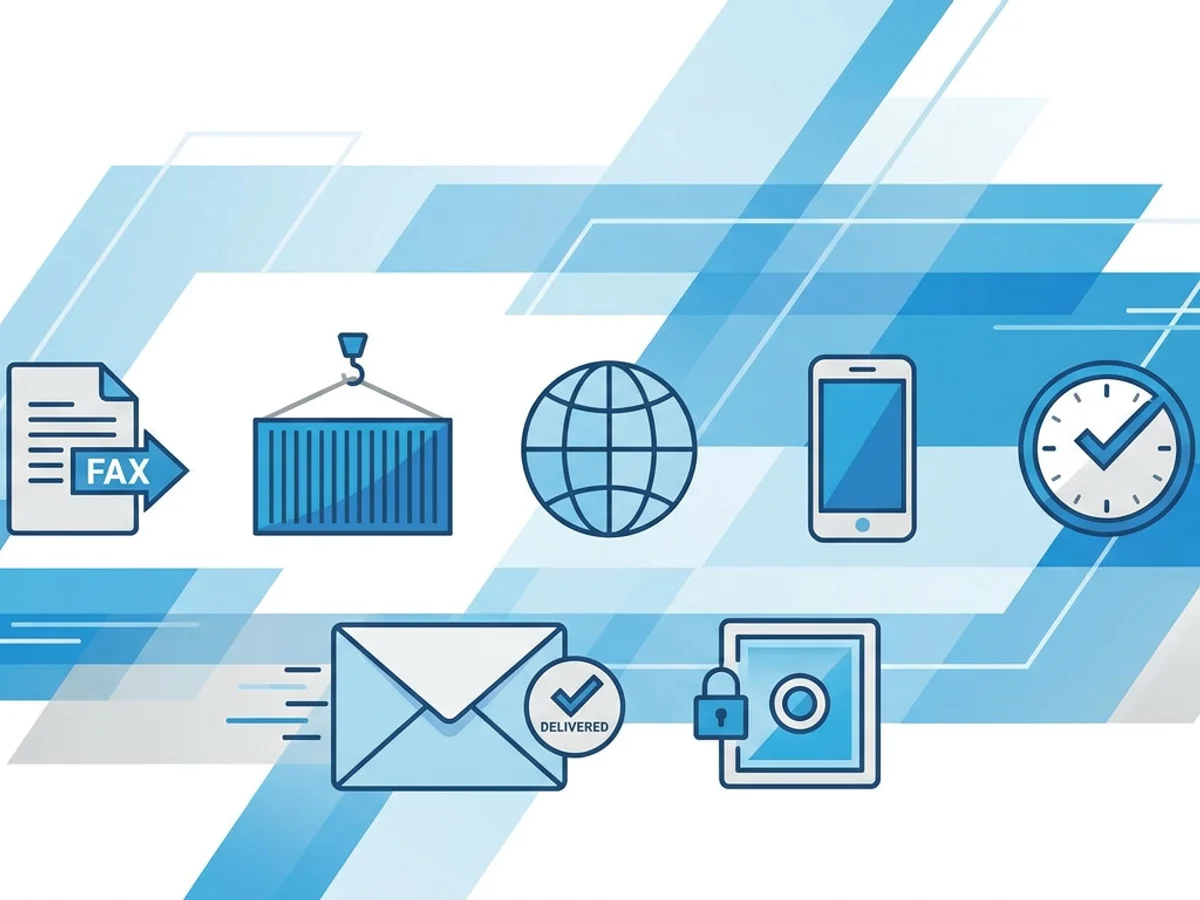
A shipment is sitting at the port, the importer is calling every hour, and the only thing standing between you and entry filing is a signed Customs Power of Attorney that has not reached the right place yet.
For import brokers, that scenario is familiar and frustrating. The POA is not just another onboarding form. Without it, a customs broker generally cannot transact customs business on the importer’s behalf. That means entry work may stall, documents may pile up, and a time-sensitive shipment can drift closer to storage fees, demurrage, missed delivery appointments, or an unhappy consignee.
Email is convenient, but many brokers, importers, forwarders, and overseas offices still rely on fax for formal document exchange—especially when dealing with signed authorization forms, credit applications, and government-adjacent paperwork. The practical question is not whether fax still exists. It is how to use it without creating another delay.
This guide focuses on the real workflow: getting Customs Powers of Attorney faxed cleanly, quickly, and with enough documentation to prove the transmission happened.
Why the Customs POA fax step causes clearance delays
A Customs Power of Attorney is often needed early in the broker-client relationship, but it frequently arrives late in the process. That timing creates risk.
Imagine this sequence:
- A new importer contacts your brokerage after goods are already in transit.
- Your team requests a signed POA, IRS or tax documentation, and commercial shipment paperwork.
- The importer signs the POA, scans it, and sends it back as a PDF.
- Your brokerage needs the POA in the right file and, in some cases, needs to fax it to a compliance team, branch office, freight partner, surety, or other party involved in the release process.
- The fax fails, goes to the wrong number, is illegible, or no confirmation is saved.
That last step is small, but it can become the bottleneck.
Common fax-related causes of delay include:
- Unreadable signatures or corporate titles. If the authorized officer’s name, title, or signature is too faint, someone may ask for the document again.
- Missing cover page context. A POA sent without an importer name, shipment reference, entry number, bill of lading, or contact details can sit in a shared fax inbox.
- Wrong destination number. Broker branches, carriers, warehouses, and partner offices often have multiple fax numbers. One digit off can cost hours.
- No delivery record. If a recipient says the fax was never received, your team needs a confirmation receipt—not a vague memory that someone “sent it.”
- File format issues. POAs may come in as PDFs, Word documents, phone photos, or image scans. The sending process should handle those common formats without forcing last-minute conversion work.
The goal is not simply to fax faster. The goal is to reduce uncertainty at a point in the clearance process where uncertainty is expensive.
Build a POA fax packet that a recipient can act on immediately
The fastest fax is not always the most useful fax. A Customs POA should arrive with enough information for the recipient to identify the importer, match the document to the shipment, and route it to the right person.
A practical fax packet usually includes three parts: a cover page, the signed POA, and any supporting pages the recipient specifically requested.
1. Use a cover page that does real work
A professional fax cover page should not be treated as decoration. For import brokerage workflows, it should answer the questions the receiving party will ask first.
Include details such as:
- Importer legal name
- DBA, if relevant
- Broker or account representative name
- Shipment reference number
- Entry number, if already assigned
- Bill of lading, airway bill, or container number
- Number of pages included
- Sender contact information
- Requested action, such as “Please attach POA to importer profile” or “Please confirm receipt for clearance file”
For example, a useful note might say:
Please attach the enclosed signed Customs Power of Attorney for ABC Home Goods LLC to shipment reference MIA-28419 / MAWB 001-12345678. Contact Jordan at 555-0142 if any page is incomplete.
That kind of cover note can prevent a fax from becoming an unidentified document in a general office queue.
BestFax.com includes professional fax cover pages, which is helpful when your team needs to send a POA from a browser rather than from a physical fax machine. The cover page should still be written with shipment context, not generic language.
2. Check the signed POA before sending
Before faxing, slow down for a 60-second review. It is much faster to catch a problem before transmission than to resend corrected paperwork after a recipient rejects it.
Check for:
- Complete importer legal name
- Correct address and identification details required by your brokerage process
- Signature present and readable
- Printed name and title of signer
- Date signed
- Broker name entered correctly
- All pages included
- Any required initials, seals, or attachments based on your internal policy
This is also the time to verify that the signer appears authorized under your brokerage’s procedures. A fax service can move the document, but it cannot validate whether the POA is properly executed. That responsibility remains with the broker and importer.
3. Keep the document clean and legible
Fax is more forgiving than many people assume, but poor scans still cause problems. A phone photo taken at an angle, a gray background, or a light blue pen can make critical text hard to read.
For better results:
- Use a straight, high-contrast scan when possible.
- Avoid sending photos with shadows, desk clutter, or curled paper edges.
- Combine pages in the correct order before upload.
- Use PDF when available, but keep Word documents and image files organized if those are what the importer provided.
- Make sure the total page count on the cover page matches the document.
Browser-based faxing can simplify this step because common upload formats are supported. With the service, users can upload PDF, Word, and image files directly from a phone, tablet, or computer.
Send from the browser when the shipment cannot wait for the office fax machine
Clearance work does not always happen from a desk beside a fax machine. A broker may be checking documents from home after hours. A manager may need to send an authorization packet while traveling. A branch office may have a jammed machine, a busy line, or no one physically present to feed pages into a scanner.
That is where online faxing can be useful—not because it changes customs requirements, but because it removes the dependency on a specific office machine.
BestFax.com lets users send and receive faxes from any web browser on a phone, tablet, or computer. It works in Safari, Chrome, Firefox, and Edge, with no app download required. For an import brokerage team, that means a POA can be sent as soon as the document is ready, instead of waiting for someone to return to the office.
A realistic workflow might look like this:
- The importer signs the POA and emails a PDF to the broker.
- The broker reviews the document for completeness.
- The broker opens the fax service in a browser, uploads the POA, adds a cover page with shipment details, and sends it to the required fax number.
- The broker saves the confirmation or delivery receipt in the shipment file.
- If the recipient later asks about the document, the broker can reference the transmission record instead of resending blindly.
This kind of workflow is especially useful when a file is moving between multiple parties. For example, a Los Angeles broker handling a new importer may need to send the POA to an internal compliance reviewer in Chicago, while also keeping the entry team updated. Or a small brokerage may need to fax the POA to a surety or partner office before a bond-related step can proceed.
The important part is that the fax step should be traceable. Sending quickly is helpful; proving that you sent the right document to the right number is often just as important.
Use confirmations as part of your clearance record, not an afterthought
When a shipment is delayed, people reconstruct timelines. When was the POA requested? When did the importer return it? When was it sent to the receiving party? Did it go through?
A fax confirmation can help answer at least one of those questions.
The service provides fax confirmation and delivery receipts. Brokers should treat those receipts as part of the operational file, especially for new importers or time-sensitive entries. A confirmation does not prove the recipient reviewed or accepted the POA, but it can show that the fax transmission was completed to the number used.
A disciplined recordkeeping habit might include:
- Saving the fax confirmation to the importer account file
- Naming the file clearly, such as
ABC-Home-Goods-POA-fax-confirmation-2026-07-30.pdf - Adding a note in the brokerage management system or shipment log
- Recording the fax number used and recipient department
- Following up by phone or email when the clearance timeline is tight
Do not rely on fax confirmation alone for urgent clearance actions. If a container is approaching last free day or an air shipment has a same-day delivery commitment, call the recipient after sending. Ask whether the document is readable and whether anything else is needed.
A short follow-up script can save time:
I just faxed the signed POA for ABC Home Goods, shipment reference MIA-28419, to your office. It should be three pages including the cover sheet. Can you confirm it is readable and has been attached to the file?
That call may feel redundant, but it can prevent a document from sitting unnoticed.
Avoid the small mistakes that make POA faxes fail
Most POA fax problems are not dramatic technical failures. They are ordinary process mistakes made under pressure. A broker is juggling emails, arrival notices, bond questions, classification issues, and client expectations. The fax becomes one more task, and small details slip.
Here are the mistakes worth designing around.
Sending to an old or unverified fax number
Do not assume the number in an old email signature is still correct. Confirm the fax number from a current source, especially for warehouses, carriers, government-adjacent contacts, and large organizations with multiple departments.
If the recipient provided the number verbally, read it back digit by digit.
Omitting the importer name from the cover page
A POA fax without a clear importer name is easy to misroute. If the recipient handles hundreds of shipments, a company name and shipment reference are essential.
Faxing a photo instead of a clean scan
Image uploads can be useful, especially when the importer sends a signed page from a phone. But the image should still be readable. If the photo is tilted, dim, or cropped, ask for a better version before sending. Resending after rejection costs more time than fixing the file upfront.
Forgetting page count
If the cover page says four pages and only three arrive, the recipient knows something is missing. If there is no page count, the missing page may not be noticed until later. Include total pages and verify the uploaded file before sending.
Assuming a sent fax equals an accepted POA
Transmission is only one step. The receiving party may still need to review the document for completeness, signer authority, or internal requirements. Build in follow-up for urgent shipments.
Not saving the receipt
A confirmation receipt is most valuable when it can be found quickly. If it stays buried in a downloads folder, it may not help when a client asks for a timeline.
A practical POA fax checklist for import brokers
Before sending a Customs POA by fax, use a quick checklist:
- Confirm the recipient fax number.
- Confirm the importer legal name on the POA.
- Check that the signature, printed name, title, and date are readable.
- Make sure all pages are included and in order.
- Use a cover page with importer name, shipment reference, sender contact, and requested action.
- Upload a clear PDF, Word document, or image file.
- Send the fax from a reliable browser connection.
- Save the confirmation or delivery receipt in the file.
- Follow up directly if clearance timing is urgent.
This process does not need to be complicated. In fact, the best POA fax workflow is usually boring: verify, send, save, follow up. The fewer improvised steps your team takes, the less likely a clearance file is to stall because someone cannot locate a signed authorization.
BestFax.com offers two straightforward pricing options: $4.95 one-time per fax or a $10/month subscription. There is no free trial, so occasional users may prefer paying per fax, while brokers with recurring fax needs may find the monthly option simpler. Fax transmissions use TLS encryption, and the service is designed for standard business faxing from a browser.
For import brokers, the value is practical: send and receive faxed POAs without being tied to a physical machine, include a professional cover page, upload the document format you already have, and keep a delivery record for the file.
Send your first fax at BestFax.com.

Related Posts

How Mobile X-Ray Providers Can Fax STAT Reports to Nursing Homes Without Delays
Practical ways mobile X-ray providers can fax STAT reports to nursing homes faster, with fewer routing delays and clearer delivery tracking.

How Sports Medicine Clinics Fax MRI Orders Without Authorization Delays
Practical ways sports medicine clinics can fax MRI orders with cleaner packets, better routing, delivery receipts, and fewer authorization delays.
How Vision Clinics Fax Eyeglass Prescriptions to Labs Without Order Delays
Practical ways vision clinics can fax eyeglass prescriptions to labs with fewer missing pages, callbacks, and order delays.