How Legal Secretaries Use Online Fax for Court Filings and Deadlines
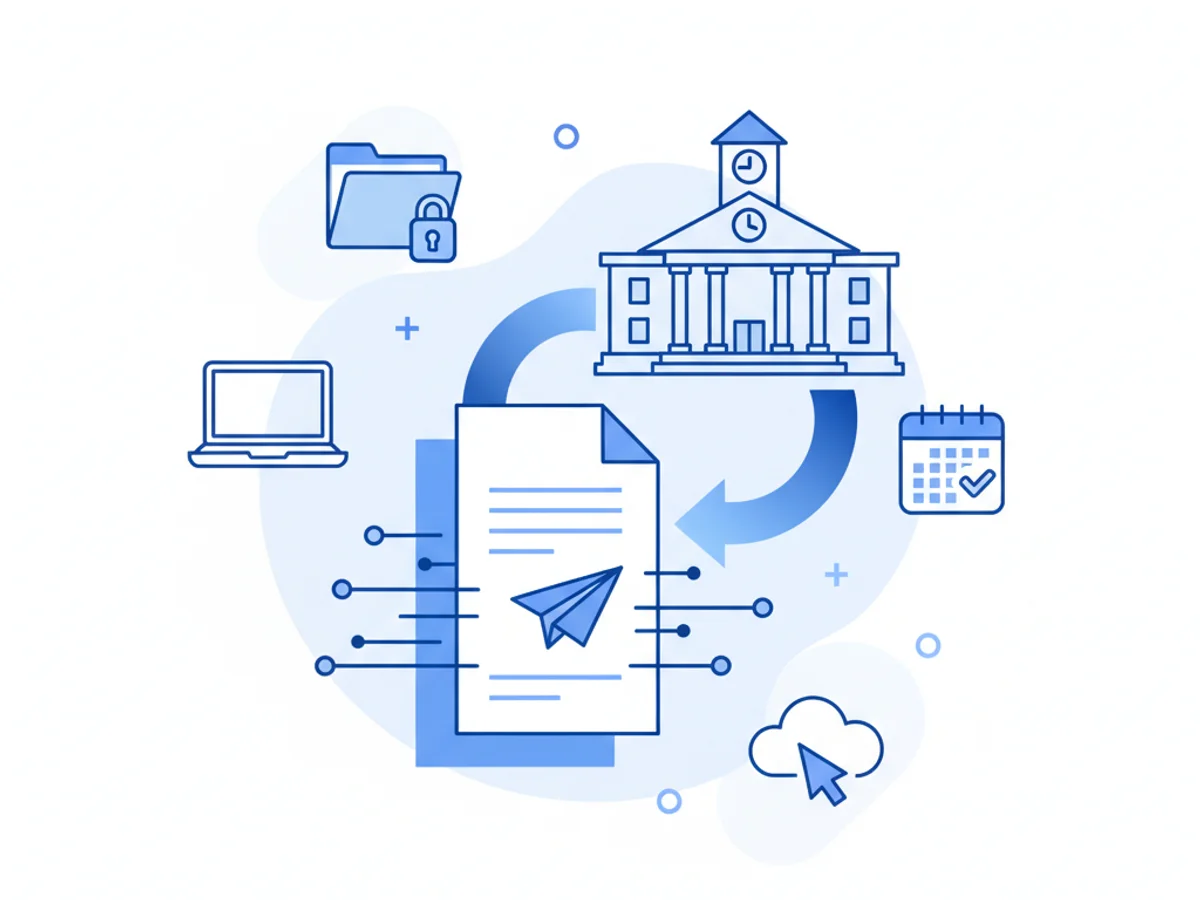
Meeting Court Deadlines in the Digital Age
For legal secretaries, staying on top of court filings and deadlines can feel like a race against time. Courts often rely on fax communication for urgent filings, last-minute motions, or time-sensitive documents. But juggling physical fax machines or clunky software adds unnecessary pressure to an already high-stakes workload. That’s why browser-based faxing tools like BestFax.com have become vital for navigating legal workflows efficiently.
Let’s walk through how legal secretaries can leverage online fax technology to simplify court filings while meeting critical deadlines.
Real-World Challenges Legal Secretaries Face
Imagine this: It’s 3:30 PM on Friday, and the court requires a motion to be filed by 4:00 PM. The office fax machine is occupied with another urgent transmission, and your state mandates fax submissions for certain official documents. This scenario is all too common in law offices where time-sensitive tasks converge in the final hours before a filing deadline.
Traditional fax solutions don’t always keep up with these demands. Between busy fax lines, paper jams, and machine malfunctions, the risk of a late submission can result in missed opportunities—or worse, unfavorable rulings for clients.
Why Online Fax Fits Legal Workflows
Browser-based faxing tools like BestFax.com eliminate many of the frustrations associated with traditional fax machines and cumbersome apps. By allowing users to send and receive faxes entirely online, legal professionals can submit critical documents without waiting for hardware. Here’s why this approach can make life easier for legal secretaries:
Accessibility Across Devices: Legal secretaries frequently work from various devices—desktops in the office, tablets in the courthouse, or even phones when on the go. With this tool, you can fax from any browser, whether Safari, Chrome, Firefox, or Edge, ensuring a seamless transition across devices.
File Compatibility: Legal filings often take the form of PDF, Word documents, or scanned images. This service supports all these formats, making it simple to upload, fax, and confirm delivery within the same interface.
Quick Confirmations: Courts often require proof of submission, and delays in fax confirmations can result in miscommunication or rejected filings. BestFax.com provides immediate fax confirmations and delivery receipts, giving assurance that filings have been transmitted.
How to Use Online Fax for Emergency Filings
Let’s consider an urgent scenario:
A court deadline requires submission of a brief and accompanying exhibits by 5:00 PM. You’ve finalized the documents just minutes before the deadline, but the court’s submission rules dictate faxed filing. Here’s how browser-based faxing helps:
Upload Your Documents in Seconds: Log into the service, select the file types you need (PDFs, Word docs, or images), and upload them directly.
Add a Professional Cover Page: Courts often require a cover page summarizing the filing details. BestFax.com includes customizable fax cover pages, saving you time on formatting.
Enter Recipient Information: Type in the court’s fax number, verify for accuracy, and hit send. No hunting for the machine or waiting in line.
Receive Instant Confirmation: Once the fax is successfully delivered, download the confirmation receipt for your records or email it directly to the attorney handling the case.
This streamlined workflow ensures timely submissions without extra stress.
Security Considerations for Legal Professionals
One common question among legal secretaries is whether online faxing is secure enough for sensitive filings. While BestFax.com uses TLS encryption to protect transmissions, it doesn’t provide a BAA or formal healthcare compliance certification. This means the service is best suited for filings or communications that don’t involve client medical records or sensitive health information.
For general legal submissions—motions, exhibits, deeds, wills, and contracts—TLS encryption offers robust security that exceeds what many traditional fax machines provide.
Why Deadlines Are No Match for Digital Tools
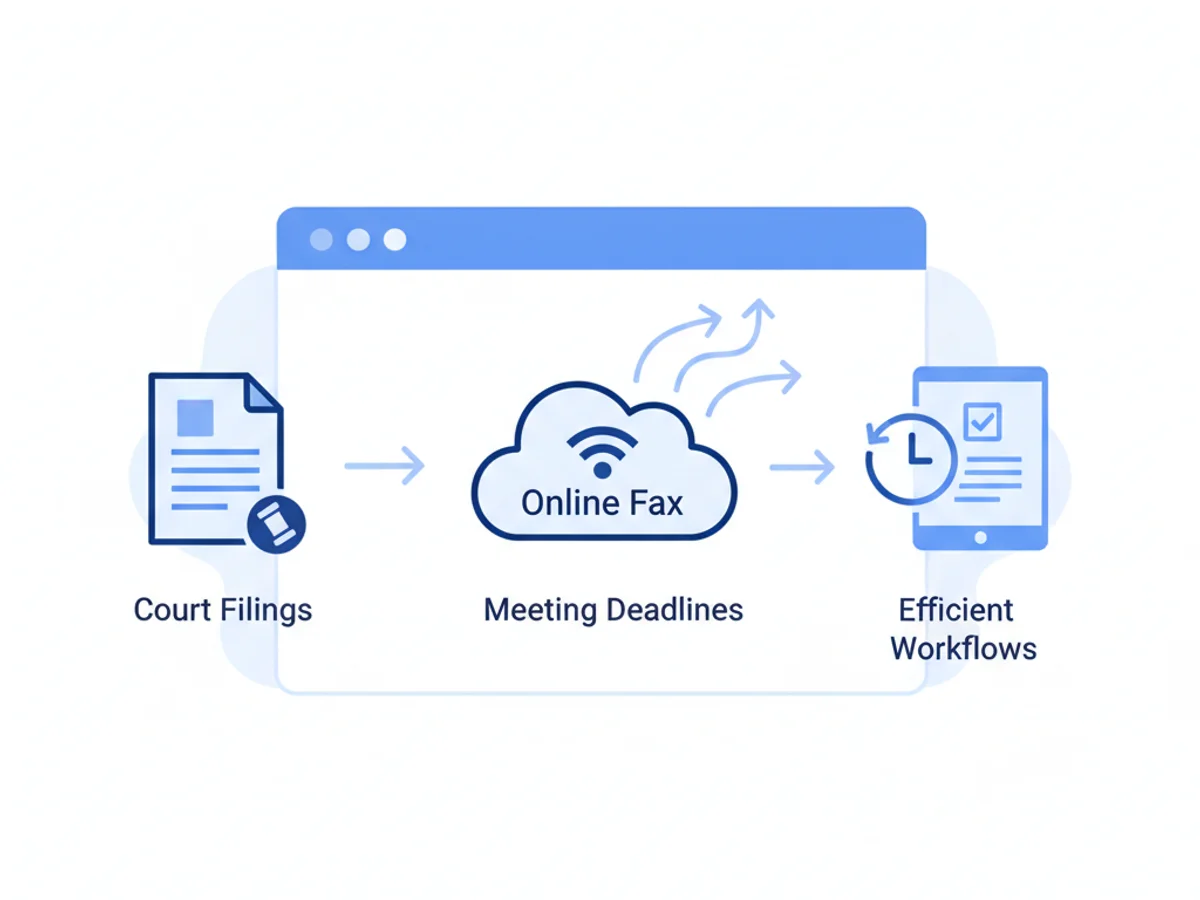
Online faxing isn’t just convenient; it’s a critical tool for legal secretaries facing strict court deadlines. Whether you’re faxing from the office before closing time or sending documents from a courthouse café, browser-based solutions make the process faster and more reliable.
The ability to send urgent filings without installing apps or relying on outdated hardware means legal professionals can focus on their work instead of wrestling with technology.
Wrapping Up
Court filings require precision, timeliness, and reliability—qualities that browser-based faxing brings to the table. Legal secretaries can upload documents, customize cover pages, and secure instant confirmations from anywhere, helping them meet deadlines with confidence.
No apps, no hardware—just an efficient way to manage legal submissions. Send your first fax at BestFax.com.
Related Posts
How Title Companies Fax Payoff Statements Without Closing Delays
Payoff statements can stall closings when faxing is slow or disorganized. Learn practical steps title companies can use to send, confirm, and track payoff faxes.

How Immigration Attorneys Fax I-693 Medical Exam Packets Without RFE Delays
Practical guidance for immigration attorneys faxing I-693-related packets, RFE responses, and tracking documents while preserving clear records.
How Vascular Labs Can Fax ABI Reports to Referring Doctors Without Delays
Practical steps for vascular labs to fax ABI reports faster, reduce errors, and document delivery without relying on a single fax machine.