How to Fax from iPhone and Android Browsers Instantly (No App Needed)
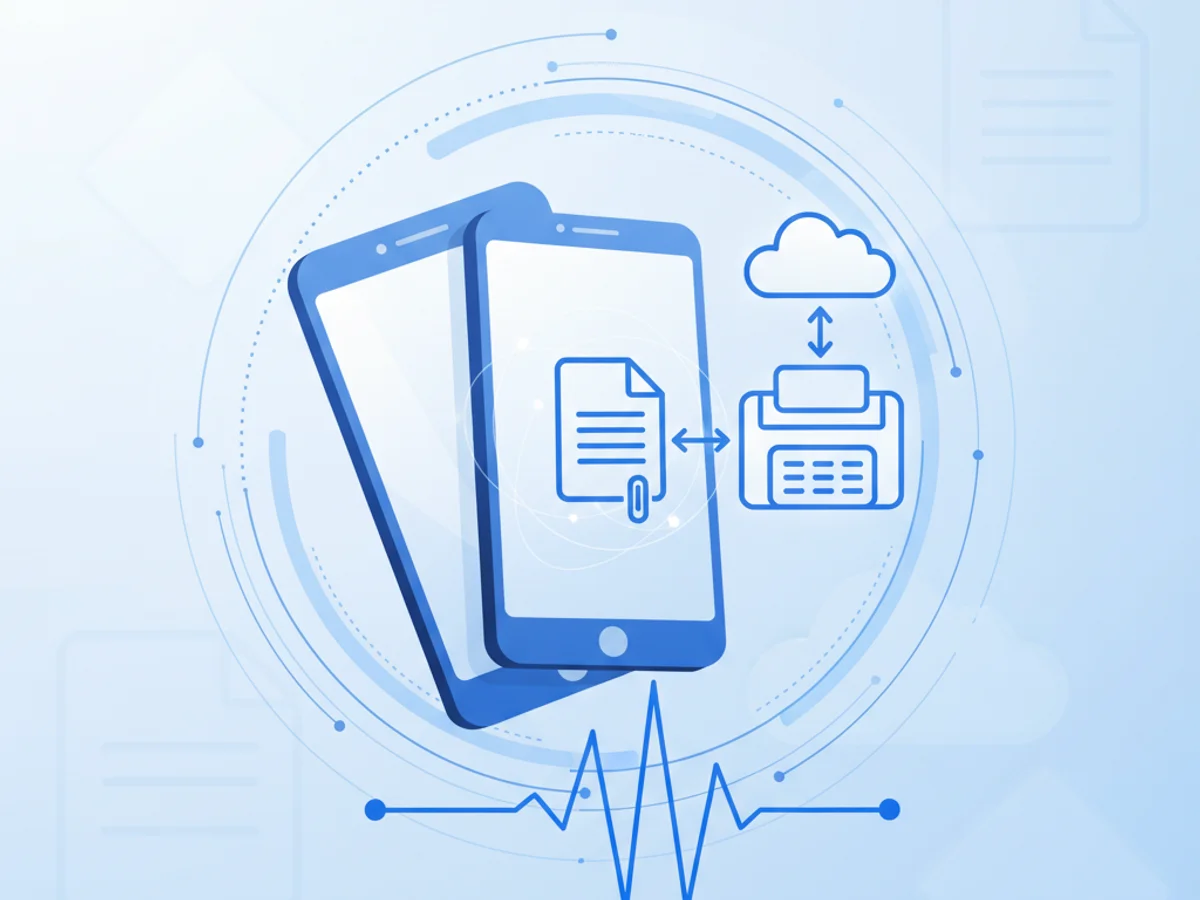
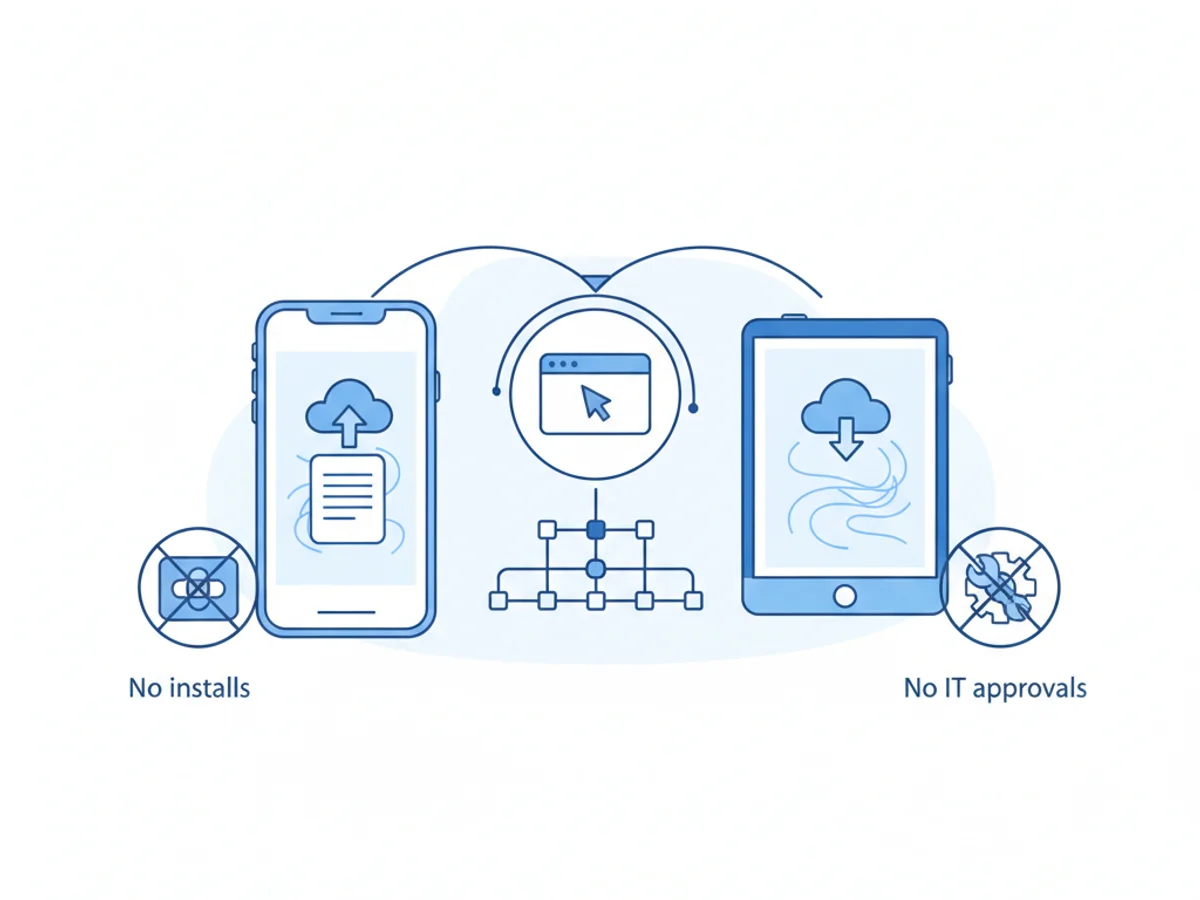
Faxing isn’t dead—it’s just moved to the browser. Whether you’re on an iPhone, an Android phone, or a tablet, you can send and receive secure faxes without downloading a single app. BestFax.com makes mobile faxing effortless: open your browser, upload your document, and hit send. No installs, no IT approvals, and no waiting.
Why Faxing from a Mobile Browser Beats Fax Apps
If you’ve ever been stuck at the office waiting for a fax or frustrated by app store restrictions, browser-based faxing is a breath of fresh air. BestFax.com is designed to work perfectly on mobile browsers across iPhone, Android, and tablets, so you can get documents out the door from anywhere.
Here’s why the browser-based approach wins:
- No app downloads: Skip installs and permissions—just visit BestFax.com and start faxing.
- Works on any device: iPhone, Android, iPad, tablets, laptops—if it has a web browser, you’re good to go.
- Immediate access: Sign in and send a fax in minutes, even from a borrowed device or kiosk.
- Consistent experience: The same clean interface across mobile and desktop—no learning curve.
- Enterprise-friendly: Avoid shadow IT. Browser access keeps your tools centralized and compliant.
BestFax.com is the premier online fax service built for mobility. It’s fast, secure, and purpose-built to handle real-world fax workflows without making you juggle multiple apps.
Step-by-Step: Fax from Your iPhone or Android Browser
You can fax a PDF, image, or document from your phone in a few quick steps. No app needed; just use Safari on iPhone or Chrome on Android (other modern browsers work great, too).
- Open your mobile browser and navigate to BestFax.com.
- Create an account or start your free trial.
- Choose “Send a Fax.”
- Upload your document from Files, Photos, Google Drive, Dropbox, or local storage.
- Enter the recipient’s fax number (domestic or international).
- Add a professional fax cover page (included) for context and routing.
- Tap “Send.” BestFax.com queues and transmits your fax securely.
- Track fax status from your browser and receive real-time confirmation.
- Receive incoming faxes directly in your BestFax.com inbox.
- Download, forward, or archive faxes—all from the same mobile-friendly interface.
Tips for a flawless mobile fax:
- Use PDFs for consistent formatting across devices.
- If you’re capturing a paper document, photograph it in good light and crop the edges for readability.
- Add a cover page with clear subject and recipient details—BestFax.com provides polished templates.
Security, Compliance, and Professional Features You Expect
Faxing often involves sensitive information. BestFax.com delivers enterprise-grade protections without adding complexity.
- Secure, private faxing: Safeguard protected health information (PHI) with robust security controls built for regulated industries.
- Encryption in transit and at rest: Keep your documents protected during transmission and storage.
- Access controls and audit trails: Manage user permissions and maintain detailed records of fax activity.
- Professional cover pages included: Choose from clean, branded templates that make your faxes easy to route.
- Mobile-first design: Optimized for Safari, Chrome, and other modern mobile browsers on iPhone, Android, and tablets.
- No software required: Avoid installations and updates—everything runs securely in the browser.
- Affordable pricing with a free trial: Start sending faxes today with transparent pricing and zero risk.
BestFax.com handles both sending and receiving from your phone, tablet, or computer, so your fax number travels with you. When a fax arrives, you’ll see it immediately in your secure browser inbox—no physical machine or separate app required.
Common Use Cases: Fax from Anywhere Without Interrupting Your Day
Because BestFax.com works perfectly on mobile browsers, you can keep workflows moving even when you’re away from your desk.
- Healthcare: Send referral forms, lab requests, and patient authorizations securely from your phone.
- Legal: File documents and share contracts while meeting clients or in court.
- Insurance: Submit claims, prior authorizations, and policy updates on the go.
- Real estate: Fax purchase agreements and disclosures from a showing.
- Government and education: Share forms and records without worrying about app installs or device restrictions.
With BestFax.com, you don’t need to hunt for a fax machine or download a third-party app. Your browser is your fax center—reliable, secure, and ready when you are.
What Makes BestFax.com the Premier Choice for Mobile Faxing?
When you compare mobile fax experiences, browser-based faxing on BestFax.com stands out for simplicity, security, and flexibility.
- Instant access from any device with a web browser
- secure security without extra setup
- Professional cover pages included for every fax
- Clear status updates and delivery confirmations
- Easy document management: search, archive, and export from your browser
- Affordable plans plus a free trial—get started quickly and scale as needed
No app downloads means fewer interruptions, faster adoption, and better compliance with organizational policies. BestFax.com is built to be your always-available fax solution, wherever work happens.
Ready to Fax Right Now?
Skip the app store. Open your browser and fax in minutes.
Visit BestFax.com to start your free trial, send a secure fax from your iPhone or Android browser, and keep your workflow moving—no app required.
Related Posts
How Camps Can Fax Medication Administration Forms Without Slowing Check-In
Practical ways camps can fax medication forms early, track confirmations, and keep health check-in moving without paperwork surprises.
How Funeral Homes Fax Death Certificates to Doctors Without Burial Delays
Practical tips for funeral homes faxing death certificate paperwork to doctors quickly, clearly, and with fewer burial or cremation delays.
How ASCs Can Fax Operative Reports to Referring Doctors Without Follow-Up Delays
Practical steps ASCs can use to fax operative reports to referring doctors quickly, accurately, and with fewer follow-up delays.