How Vascular Labs Can Fax ABI Reports to Referring Doctors Without Delays
A vascular lab finishes an ABI study at 3:40 p.m. The technologist confirms the values, the interpreting provider signs off, and the referring doctor’s office is expecting the report before the patient’s follow-up call. But the shared fax machine is tied up, the report is still sitting on someone’s desk, or the office staff has to rescan pages because the first attempt failed.
That delay is not just inconvenient. ABI reports often guide next steps for patients with leg pain, suspected peripheral arterial disease, wounds, or post-procedure monitoring. Referring doctors need the report promptly so they can document findings, discuss results, and decide whether additional testing or vascular referral is needed.
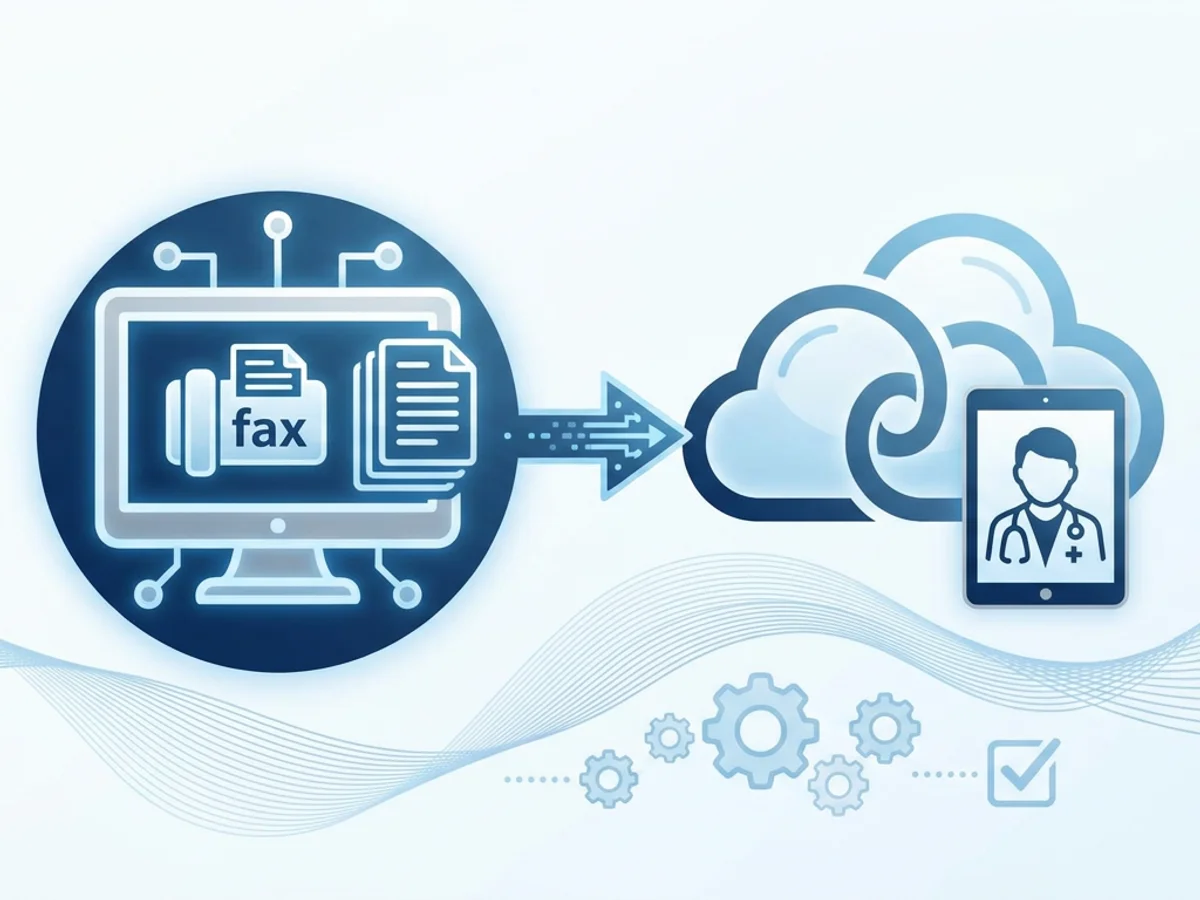
Faxing remains a common way to send these reports because many medical offices still rely on fax for outside records. The challenge is making fax less dependent on a single machine, a paper printout, or one person standing nearby waiting for a confirmation page. Browser-based faxing gives vascular labs a practical way to send ABI reports from the devices they already use, while keeping the workflow simple and documented.
Where ABI Report Delays Usually Happen
Most ABI reporting delays are not caused by the test itself. They happen in the handoff after the study is complete.
A typical vascular lab workflow might look like this:
- The ABI exam is completed and preliminary values are documented.
- The interpreting clinician reviews and signs the report.
- The report is exported or printed.
- Staff prepare a cover sheet with the referring provider’s fax number.
- Someone sends the fax and waits for confirmation.
- The confirmation is filed, attached, or noted in the chart.
Each step can introduce friction.
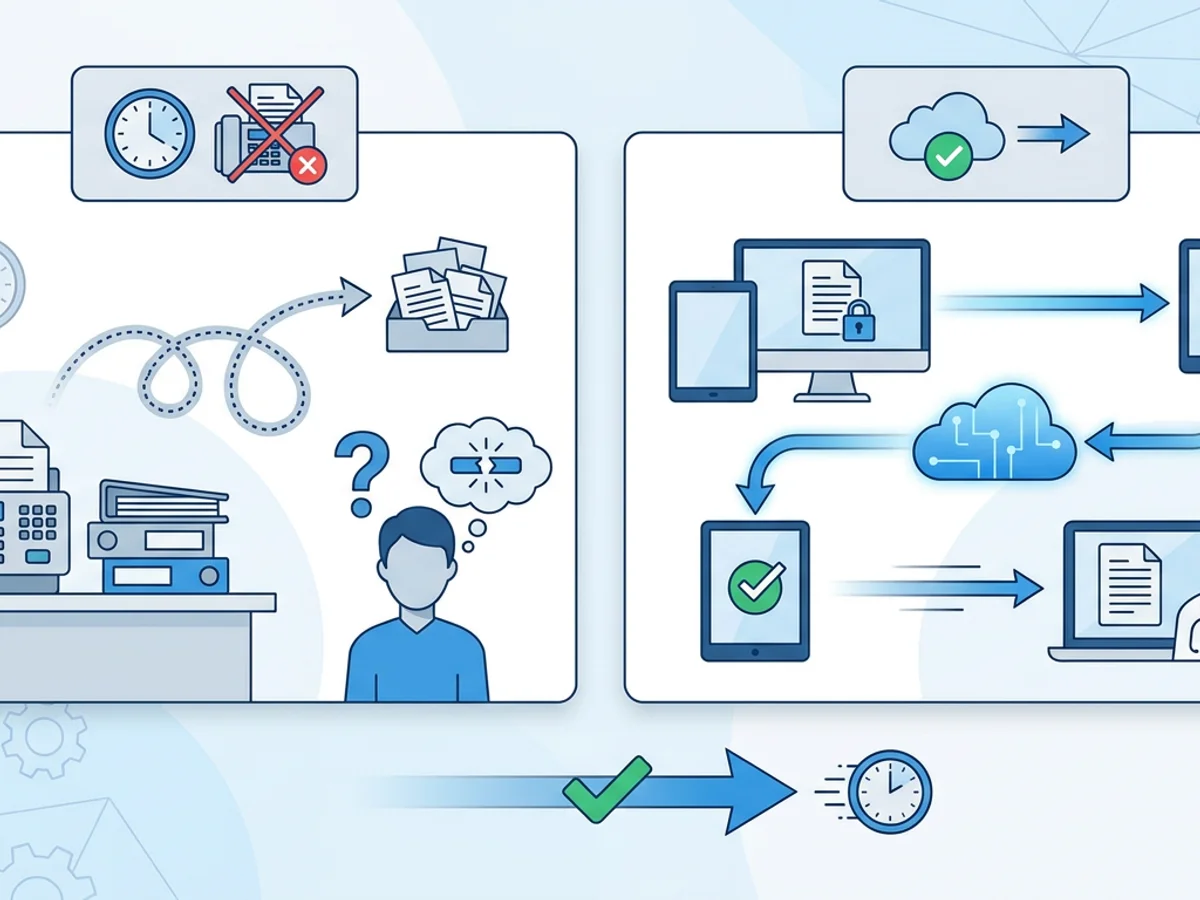
If the fax machine is busy, the report sits in a queue. If the report prints in one area but scheduling staff fax from another, pages can be misplaced. If the referring doctor’s number is entered incorrectly, the lab may not find out until much later. If a transmission fails near closing time, the report may not be resent until the next morning.
These are small operational problems, but they can add up quickly. A lab that performs a dozen ABI studies in a day may be sending reports to wound care centers, primary care offices, podiatrists, cardiologists, and vascular surgeons. Some offices want reports immediately. Others call repeatedly if they have not received them.
The goal is not to make fax complicated. The goal is to remove avoidable waiting from a process that still depends heavily on fax.
A Practical Same-Day Fax Workflow for ABI Reports
A faster ABI fax process starts before anyone presses “send.” The most efficient labs standardize what happens from signed report to confirmation receipt.
Here is a realistic workflow that works well for many vascular labs:
1. Export the final report as a PDF whenever possible.
PDFs are easier to handle than scanned paper because the report is already digital. If your reporting system can export the signed ABI interpretation as a PDF, that file can usually be uploaded directly for faxing. BestFax.com supports PDF, Word, and image file uploads, so staff do not need to print and rescan a clean report just to send it.
2. Use a consistent file naming system.
For internal organization, labs can use a simple naming convention such as:
ABI_LastName_FirstInitial_Date_ReferringDoctor.pdf
This helps staff avoid sending the wrong file, especially when multiple ABI reports are being processed close together. It also makes it easier to match delivery receipts to the correct outgoing document.
3. Verify the referring fax number before sending.
Many delays happen because the wrong fax number was copied from an old order, outdated directory, or previous encounter. A quick check against the referral form, scheduling record, or provider directory can prevent a failed transmission.
For high-volume referral sources, keeping a verified list of frequently used fax numbers near the workstation can save time. Just make sure the list is reviewed periodically, because clinics change numbers more often than people expect.
4. Include a clear fax cover page.
A professional cover page helps the receiving office route the report quickly. It should include the recipient, sender, callback number, patient identifier used by your organization, date of service, and a short description such as “Final ABI Report.”
The service includes professional fax cover pages, which can help staff avoid recreating a cover sheet from scratch each time.
5. Send from the browser, then save the confirmation.
With browser-based faxing, staff can send the report from a computer, tablet, or phone with access to a modern browser. It works in Safari, Chrome, Firefox, and Edge, with no app download required. After transmission, fax confirmation or delivery receipts provide documentation that the report was sent.
The confirmation step matters. If a referring office calls to say the report never arrived, staff can quickly check whether the fax was successfully delivered, failed, or sent to a different number than expected.
How Browser-Based Faxing Helps When the Lab Is Busy
The biggest advantage of online faxing in a vascular lab is flexibility. Reports do not have to wait for one machine, one workstation, or one physical location.
Consider a few common situations.
A technologist finishes scanning at the end of the day, and the physician signs several ABI reports at once. Instead of printing every report and feeding pages through a shared fax machine, staff can upload the signed files from a browser and send them one by one. Confirmation receipts help close the loop before the office shuts down.
Or imagine a referring podiatry office calls while the lab manager is away from the main desk. If the ABI report is already available as a file, an authorized staff member using the lab’s process can send it through a browser on a computer or tablet rather than walking back to a fax machine or waiting for another department.
Another common case: a report fails because the receiving office fax line is busy. With an online workflow, the person handling outgoing records can resend without reprinting, rescanning, or rebuilding the entire packet.
This does not mean every lab should abandon its existing equipment overnight. Many clinics still keep a physical fax machine for certain tasks. But browser-based faxing can reduce bottlenecks when the physical machine is unavailable, out of toner, tied up with incoming documents, or located far from the staff member responsible for report distribution.
BestFax.com is designed around this basic need: sending and receiving faxes from a web browser on the devices staff already use. For smaller vascular labs, mobile diagnostic providers, or practices that only send a moderate number of outside reports, that simplicity can be more useful than a complex communications platform.
Reducing Errors Before the Fax Goes Out
Speed is important, but ABI reports also need careful handling. A fast fax sent to the wrong recipient creates a bigger problem than a slow one. Labs should build a short quality check into the faxing workflow.
Before sending, staff can confirm:
- The report is final, signed, and ready to release.
- The patient name and date of birth match the order or referral request.
- The date of service is correct.
- The full report is included, not just the first page.
- The referring provider and fax number match the intended recipient.
- The cover page is addressed correctly.
- The file being uploaded is the correct ABI report.
It helps to separate two questions: “Is the report clinically complete?” and “Is the fax packet administratively correct?” The interpreting clinician usually owns the first question. The person sending the fax owns the second.
For multi-page reports, staff should also be alert to missing waveforms, segmental pressure tables, toe pressures, or interpretation pages if those are part of the final ABI documentation. If the receiving physician expects supporting pages, an incomplete fax may trigger another call and another send.
Delivery receipts are useful, but they are not a substitute for preparing the fax correctly. A successful transmission only means the fax was delivered to the destination number; it does not prove that the recipient routed it internally, reviewed it, or acted on it. That distinction is important when documenting follow-up.
Security and Compliance: Be Clear About What the Tool Does
Medical offices need to be thoughtful about how patient information is transmitted. BestFax.com uses TLS encryption for fax transmissions, which helps protect data while it is being transmitted through the service.
However, it is also important to be precise: the service does not offer a Business Associate Agreement or healthcare-specific compliance certification. Vascular labs should follow their own policies, legal guidance, and payer or organizational requirements when choosing any tool for transmitting medical records.
That honest evaluation should include practical questions such as:
- Who is authorized to send ABI reports?
- Where are exported report files stored before and after faxing?
- How are fax confirmations saved or documented?
- Are staff trained to verify recipients before sending?
- What is the process when a fax fails or is sent to the wrong number?
- Does the organization require specific vendor agreements before using any online service for patient documents?
A browser-based fax tool can make the sending process faster, but it does not replace internal policies. Labs should make sure their workflow matches their responsibilities.
Choosing the Right Sending Pattern for Your Lab
Not every vascular lab sends the same volume of reports. Some send only a few ABI results each week. Others send multiple reports every day to a rotating list of outside providers.
For occasional faxing, a one-time per-fax option may make sense. BestFax.com pricing includes a $4.95 one-time per fax option. This can be useful for labs that rarely need online faxing but want a backup when the office fax machine is down, the line is busy, or staff need to send a report from another location.
For more routine use, the $10/month subscription may be easier to budget and manage. A subscription can be a better fit when faxing ABI reports is a regular part of daily operations and the lab wants a consistent browser-based workflow rather than treating online fax as an emergency workaround.
The right choice depends on volume, staffing, and how often your current process creates delays. If the lab’s physical fax machine works most of the time but causes problems at peak hours, browser-based faxing may serve as a pressure-release valve. If outgoing faxing is part of every shift, it may become part of the standard report distribution process.
A Simple Checklist for Faster ABI Report Faxing
A streamlined workflow does not need to be complicated. The following checklist can help vascular labs reduce delays without adding unnecessary steps:
- Export the final signed ABI report as a PDF when possible.
- Use a clear file name so staff can identify the correct report.
- Confirm the referring provider’s fax number before sending.
- Add a professional cover page with routing details.
- Upload the report file through the browser-based fax tool.
- Send the fax and check the delivery receipt.
- Save or document the confirmation according to your office process.
- Follow up promptly if the fax fails or the receiving office reports nonreceipt.
This checklist is especially helpful near closing time, when rushed handoffs often lead to next-day delays. It also helps newer staff understand that faxing a report is not just an administrative task; it is part of the patient care communication chain.
The Bottom Line
ABI reports are time-sensitive because they help referring doctors make decisions about vascular risk, symptoms, wounds, and follow-up care. Delays often come from preventable workflow issues: printing, rescanning, busy fax machines, unclear cover pages, failed transmissions, and missing confirmations.
Browser-based faxing gives vascular labs a practical way to send finalized reports from a web browser, upload common file types, include a professional cover page, and obtain delivery receipts. It is not a substitute for sound medical records policies or compliance review, but it can make the day-to-day fax process less dependent on a single machine and easier to document.
Send your first fax at BestFax.com.
Related Posts
How Crisis Counselors Fax 988 Follow-Up Referrals Without Care Delays
Practical guidance for crisis counselors sending 988 follow-up referrals by fax without slowing handoffs or losing delivery confirmation.
How Prosthetics Clinics Can Fax Detailed Written Orders Without Medicare Delays
Practical fax workflow tips for prosthetics clinics sending Detailed Written Orders while reducing avoidable Medicare documentation delays.

How ER Clinics Fax EMTALA Transfer Forms Without Acceptance Delays
Practical steps for ER teams to fax EMTALA transfer packets faster, verify delivery, and reduce avoidable acceptance delays.