Common Fax Formatting Mistakes and How to Avoid Them
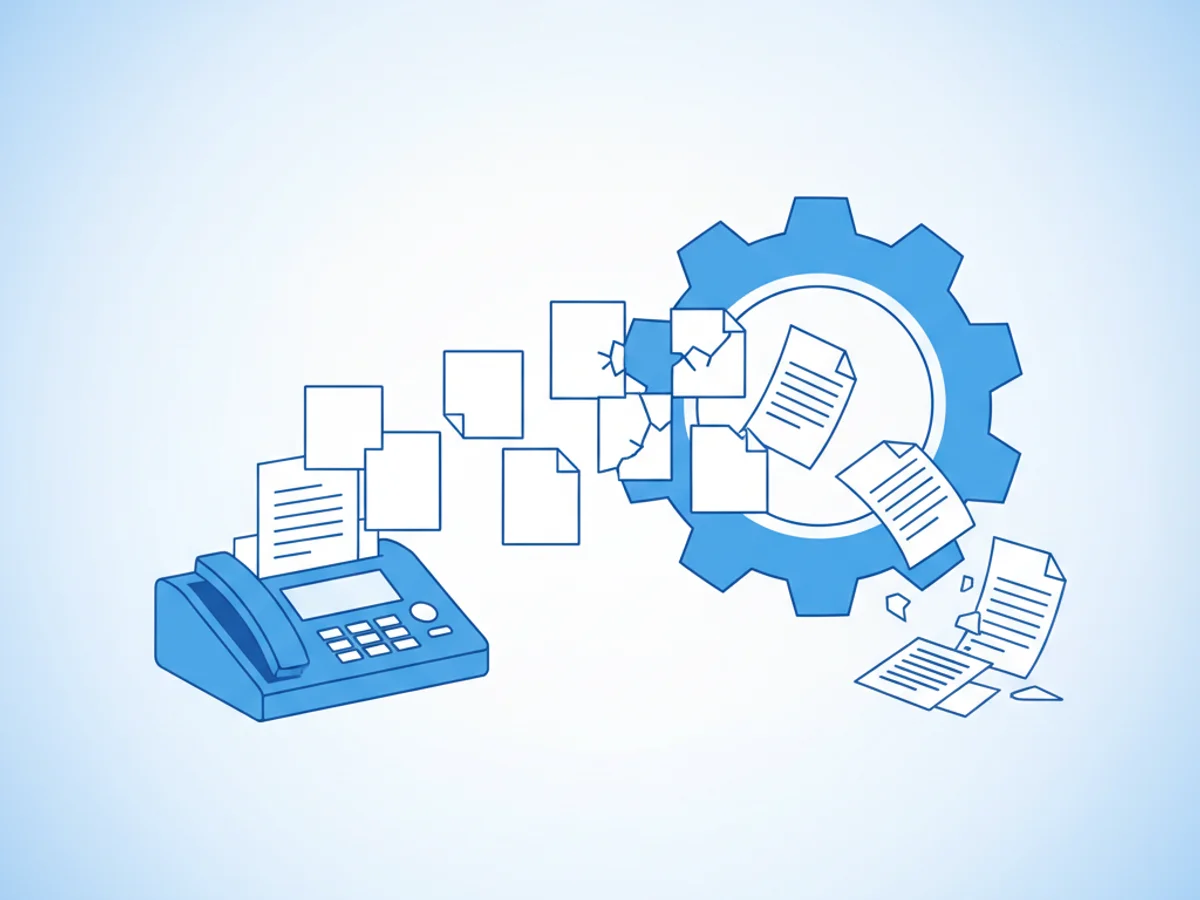
Faxing might seem like a straightforward process, but a surprising number of errors in formatting can cause delays, confusion, or even failed transmissions. Whether you're faxing a contract to a client, submitting important documents to a government office, or sharing sensitive paperwork with a healthcare provider, ensuring proper formatting is critical. In this post, we’ll explore the most common fax formatting mistakes and provide practical tips to avoid them.
Forgotten or Misformatted Cover Pages
A cover page isn’t just a nice-to-have; it’s often essential when sending professional or formal communications. Missing or poorly formatted cover pages can confuse the recipient, delay processing, or make your fax appear unprofessional.
Mistakes to Watch For:
- Omitting Recipient Details: Forgetting to include the recipient’s name, department, or fax number can make your document harder to route.
- Typos or Inconsistencies: A typo in the recipient’s name or fax details could misdirect your document.
- Unprofessional Language: Casual or unclear messaging on the cover page can undermine trust in the sender.
How to Fix It:
Professional browser-based faxing services like BestFax.com can help simplify cover pages by providing polished templates. These templates automatically guide you to include the right fields, so essential information like recipient and sender details is never overlooked. Before hitting send, always double-check for typos and clarity.
Using Unsupported File Formats
While most modern online fax services accept a range of file types, sticking to widely recognized formats like PDFs, Word documents, and image files ensures smooth transmission. Attempting to send unsupported or obscure file types is a frequent misstep that can lead to failed faxes.
Mistakes to Watch For:
- Uploading Unsupported Formats: For example, sending Excel (.xls) files or Apple Pages documents, which may not be supported.
- Corrupted Files: Files that don’t meet formatting or size requirements may fail to transmit altogether.
How to Fix It:
Before uploading, verify that your documents are in an accepted format. BestFax.com supports PDFs, Word documents, and common image file types, making it easy to avoid file-related issues. If you're uncertain, converting your file to a PDF is a safe bet—the format retains its layout and is universally accepted by fax platforms.
Overlooking Page Orientation and Alignment
Faxed documents need to be clear and legible on the recipient’s end. Poorly aligned pages or incorrect orientation can result in distorted text or confusing layouts.
Mistakes to Watch For:
- Sending Pages in Portrait When They Should Be Landscape: This can cut off critical details, such as tables or signatures.
- Misaligned Content: Scanned documents often have tilted or off-center pages that compromise readability.
How to Fix It:
When preparing a document for faxing, ensure it’s properly aligned by previewing it first. BestFax.com includes a preview feature before finalizing the fax, allowing you to confirm orientation and alignment. If scanning physical documents, always verify the scanner settings for straight, centered results.
Including Too Much or Too Little Information
Finding the right balance between providing sufficient context and sending unnecessary clutter is another common challenge in fax communication. Sending incomplete or overly detailed documentation can frustrate recipients, leading to miscommunication or delays.
Mistakes to Watch For:
- Vague or Missing Instructions: Forgetting to specify what action is required or what sections of the fax are important.
- Overloading the Fax: Including excessive pages that bury critical details can lead to confusion.
How to Fix It:
Always provide concise instructions on your cover page or in the body of the fax. Summarize what the recipient should review, sign, or respond to. Use professional tools like BestFax.com to preview your fax and ensure you’re sending the right materials without overwhelming extras.
Not Verifying Contact Details
One of the simplest yet most frequent errors is inputting the wrong recipient fax number. Sending an important document to the wrong number can lead to unnecessary complications and risks.
Mistakes to Watch For:
- Transposing Numbers: Even a single-digit error can misdirect your fax.
- Failing to Confirm with the Recipient: Assuming you have the correct fax number without double-checking can be risky.
How to Fix It:
Always verify the recipient's fax number before sending. Take advantage of confirmation receipts provided by services like BestFax.com to ensure the fax was successfully delivered to the correct number. For high-stakes communications, consider confirming delivery directly with the recipient after sending.
Final Thoughts
Avoiding these common fax formatting mistakes can make the difference between smooth communication and unnecessary hurdles. Fortunately, tools like BestFax.com simplify the faxing process, offering features such as professional cover pages, file format compatibility, and delivery receipts to reduce guesswork.
If you’re ready to send a fax without the hassle of apps or unnecessary errors, get started at BestFax.com today.
Related Posts
How Geriatric Care Managers Fax POA Forms to Hospitals Without Discharge Delays
A practical guide for geriatric care managers sending POA forms to hospitals quickly, clearly, and with fewer discharge delays.

How ER Clinics Fax EMTALA Transfer Forms Without Acceptance Delays
Practical steps for ER teams to fax EMTALA transfer packets faster, verify delivery, and reduce avoidable acceptance delays.

How Chiropractors Can Fax PIP Treatment Notes Without Claim Rejections
Practical steps for chiropractors to prepare, fax, and document PIP treatment notes so claims are less likely to be delayed or rejected.