Fax Delivery Confirmation and Audit Trails Explained
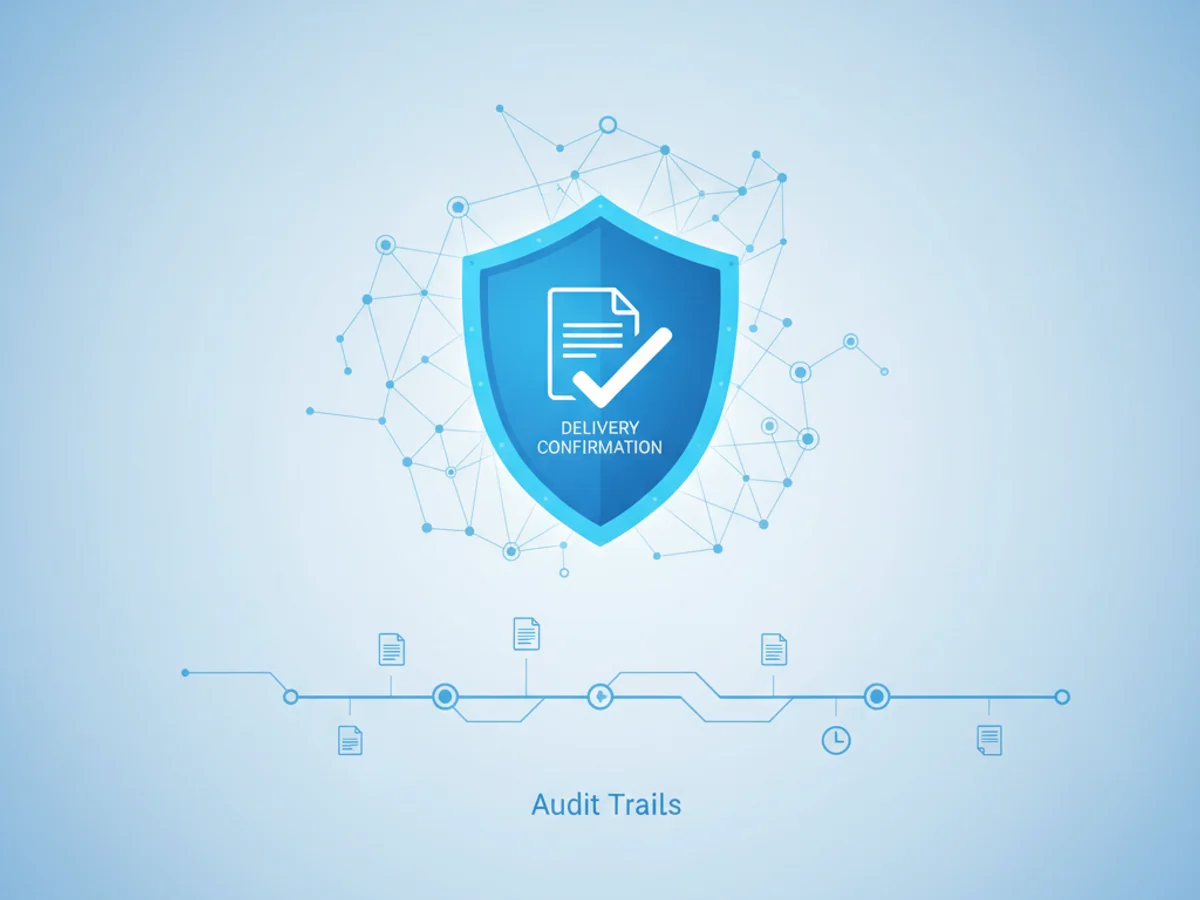
Fax Delivery Confirmation and Audit Trails Explained
Sending a fax can feel a bit like sending a message into the void—how do you know if it successfully arrived at its destination? Whether you're sending a signed contract, medical records, or an invoice, confirmation that the intended recipient received the document is critical. This is where fax delivery confirmation comes into play.
For individuals and businesses choosing online faxing tools, understanding how delivery confirmations work and what kind of audit trails may be available can offer peace of mind, especially when working in industries with compliance mandates.
Let’s break down fax delivery confirmation and audit trails, using a real-world lens and practical examples to help you understand how these features work—and how a service like BestFax.com can meet these specific needs.
What Is Fax Delivery Confirmation, and Why Does It Matter?
Imagine you're a small business owner who just faxed a signed purchase agreement to a supplier. Without some form of confirmation, you'd have no concrete way of knowing if your fax successfully reached their inbox. Maybe there was a typo in the fax number, or perhaps their system encountered a technical glitch.
Fax delivery confirmation is essentially a receipt that validates the delivery status of your fax. Online fax services like BestFax.com provide this receipt, detailing whether your fax was successfully transmitted or if it failed, along with the reason for failure if applicable.
This feature is not only practical for day-to-day operations but can also prove invaluable during disputes. For example, if you need to demonstrate that an important document was sent on time—such as legal forms ahead of a filing deadline—these confirmations offer verifiable proof that the fax left your side successfully.
What Does Delivery Confirmation Look Like?
On BestFax.com, confirmation typically outlines key transmission details, such as:
- Recipient information (the fax number you sent the document to)
- Date and time of transmission
- Status (e.g., “Success” or “Failed” with a reason like a busy line or disconnected number)
This record is provided after every fax you send, giving you the confidence to move forward without delay.
What Are Fax Audit Trails?
Now, let’s talk about audit trails. Think of an audit trail as a chronological record of faxing activity. While a delivery confirmation gives you status updates for individual faxes, an audit trail paints a bigger-picture view of all your fax transactions. It’s critical in fields where record-keeping and accountability are required.
For instance, say you’re an accountant sending sensitive financial reports to clients through a secure online fax. An audit trail can help you keep track of all outgoing and incoming communications, ensuring nothing gets lost in the shuffle and making future retrieval simple and seamless.
How Are Audit Trails Useful?
Here are some real-world examples of how audit trails might serve you:
Healthcare Offices: While BestFax.com does not provide a BAA or formal healthcare compliance certifications, its TLS-encrypted transmissions and audit trails can still be useful for non-sensitive documents like appointment schedules or internal communications. The audit trail allows medical staff to track these documents without manual entries.
Contract Negotiations: When multiple contracts are being faxed back and forth during a negotiation, timestamped records in your audit trail can help confirm when revisions and agreements were sent or received.
Legal Processes: If you send court documents via fax, an audit trail ensures you’ve got a meticulous record of when everything was transmitted, which can be vital when adhering to tight deadlines.
Audit trails help shift faxes from being a one-time communication to a repeatable, reliable, and auditable process.
What If a Fax Fails?
Even with the most reliable online faxing platforms, failed faxes can happen for reasons entirely out of your control. Examples include:
- The recipient’s fax number is incorrect or disconnected.
- Their fax machine is busy or offline.
- Interruptions in the recipient's network connection.
The important thing is knowing when and why your fax didn’t go through. With a browser-based service like BestFax.com, you’ll receive an immediate notice if your fax failed, so you can troubleshoot the issue. For example, you might need to confirm the number with your recipient or resend the file when their line is free.
Comparing Delivery Confirmations vs. Audit Trails
While delivery confirmations and audit trails are related, they serve distinct purposes:
| Feature | Purpose | Example Use Case |
|---|---|---|
| Delivery Confirmation | Shows the status of a single fax (Success or Failed) | You fax an important contract and confirm it was received by your client. |
| Audit Trail | Tracks all fax activity for ongoing record-keeping | You review a month’s worth of faxes to prepare client invoices. |
Having access to both features ensures you’re covered for immediate delivery needs and long-term documentation.
Is This Secure?
If security is on your mind, you’ll be glad to know that all transmissions through BestFax.com use TLS encryption, providing robust protection during file transfers. This encryption ensures that faxes sent via the service cannot be intercepted or tampered with. However, it’s worth noting that this tool doesn’t offer a formal healthcare compliance certification or BAA, which may be necessary for transmitting protected health information (PHI). For non-sensitive documents, though, its security measures are more than sufficient.
How to Get Started
Fax delivery confirmations and audit trails don’t have to be complicated. With browser-based faxing tools like BestFax.com, you get all the essentials for tracking and verifying your fax transmissions—no app downloads or installations required.
Ready to simplify your faxing process? Send your first fax at BestFax.com.
Related Posts

How Mobile Phlebotomists Fax Lab Requisitions Without Specimen Delays
Practical field tips for mobile phlebotomists to fax lab requisitions clearly, confirm delivery, and avoid paperwork-related specimen delays.
How Title Companies Fax Payoff Statements Without Closing Delays
Payoff statements can stall closings when faxing is slow or disorganized. Learn practical steps title companies can use to send, confirm, and track payoff faxes.

How Immigration Attorneys Fax I-693 Medical Exam Packets Without RFE Delays
Practical guidance for immigration attorneys faxing I-693-related packets, RFE responses, and tracking documents while preserving clear records.