How County Clerks Fax Marriage License Corrections Without Forcing Couples to Re‑File
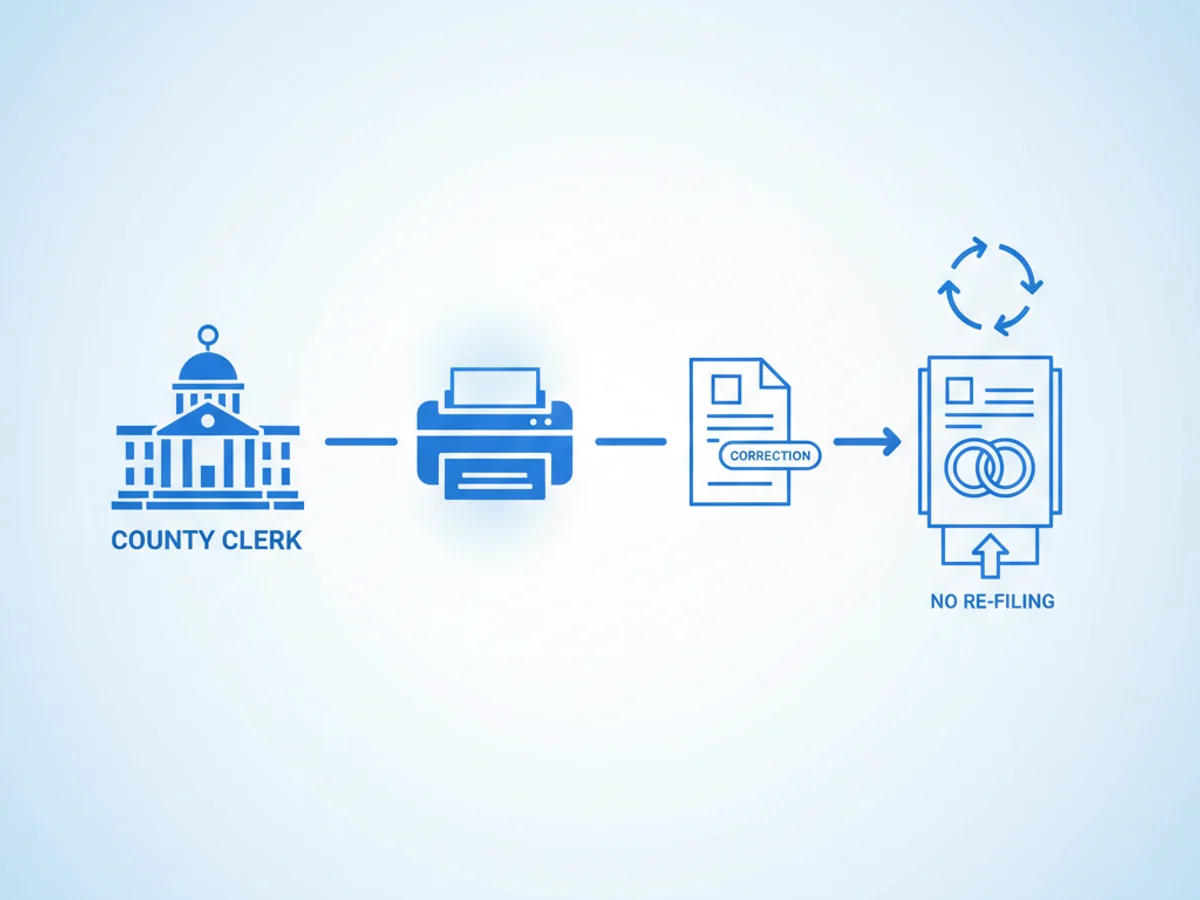
A misspelled last name. A wrong birth date. The officiant’s license number typed transposed. Small errors on a marriage license can turn into big delays—especially if your process requires voiding the original record and asking the couple to start over. Most couples don’t have extra time for re-filing, and most clerks don’t have extra budget for overnight mail, courier runs, or repeat appointments.
This guide walks through a practical, low-disruption workflow many county clerk offices use: faxing targeted corrections to the vital records registrar, court, or state office so the original filing stands and the correction can be appended or reissued quickly. You’ll find specific checklists, how to avoid common pitfalls, and how browser-based faxing makes the fixes possible even if you’re working a satellite window or sharing a front counter workstation.
When a correction by fax actually saves the day
Consider three frequent scenarios:
- Officiant data error: The ceremony is valid, but the officiant wrote the wrong license ID. You need to update the record without nullifying the event date.
- Name formatting issue: The bride’s hyphenated surname was captured without the hyphen, causing a mismatch with later SSA or DMV updates.
- Address or birthplace typo: A clerical mistake that doesn’t change eligibility or ceremony details, but will cause downstream document mismatches if left uncorrected.
In each case, the core facts are intact, but the record contains a fixable error. Faxed corrections help because (a) state vital records offices still accept fax for document updates, (b) you can include annotated copies and a signed clerk affidavit in one transmission, and (c) you keep the original filing date intact while the registrar applies an addendum or issues an amended certificate.
What receiving offices expect (and what they’ll reject)
Every state and even some counties have their own rules, but receiving offices commonize around three things:
- Clear chain of custody
- Use an official cover page with clerk contact info, office address, and a return fax number.
- Identify the record with full names, license number, ceremony date, and filing date.
- Include your title and signature. Many registrars will reject unsigned corrections.
- Legibility and alignment
- Provide a clean, high-contrast copy of the original filed page plus the correction affidavit. If your copy is dark or skewed, staff may set it aside rather than risk misreading it.
- Annotate where the correction applies—e.g., “Field 12: Officiant License Number should read 012345, not 012354.” Box or underline the corrected field.
- Authority and scope
- Don’t mix substantive changes that alter legal eligibility (e.g., ceremony date, parties) with minor clerical fixes in a single fax. Many offices treat substantive changes as re-filings.
- If your state requires the couple’s signatures for certain corrections (e.g., name spellings), include their signed statement in the fax packet or the registrar will hold the request.
Tip: Before sending, call the registrar’s corrections desk to confirm what they accept by fax. Ask about required forms, who must sign them, and whether they need a follow-up mailing of originals. Ten minutes on the phone can save you a two-week loop of rejections.
A fast, compliant-enough workflow clerks can follow today
If you’re processing corrections from a counter terminal, back office PC, or even a county-issued tablet at a pop-up ceremony day, browser-based faxing lets you assemble and send the full packet without leaving your browser.
Here’s a straightforward, repeatable workflow using an online tool that works in Safari, Chrome, Firefox, and Edge:
- Gather and digitize
- Export or scan the filed license page and any supporting documents to PDF. If you only have prints, scan them at 300 dpi in grayscale for clarity.
- Create a one-page correction memo on letterhead. Keep it factual and field-based: “Correct Field 7 (Place of Birth) from ‘Texa’ to ‘Texas.’” Sign and date.
- Build a professional cover page
- Use the service’s included fax cover template and fill in: destination department, contact name, phone, return fax, and your case/record numbers. Summarize the correction in one sentence.
- Mark the packet as “Clerk Correction – Do Not Void Original Record.” This speeds triage on the registrar’s side.
- Order the packet for fast review
- Cover page
- Clerk correction memo (signed)
- Copy of the filed license page(s)
- Supporting ID or signed couple’s statement, if required
- Any registrar-specific correction form, prefilled and signed
- Send from your browser
- Upload PDFs, Word docs, or images directly. No app download is required, which helps on locked-down county machines and shared kiosks.
- Enter the registrar’s fax number, send, and wait for the transmission confirmation.
- Save receipts and track the case
- Archive the fax confirmation/delivery receipt in the case file. If the registrar later says they didn’t receive it, resend with the original receipt attached.
- Calendar a follow-up call 2–3 business days out. If the office has a backlog, ask for the internal reference number and attach it to your record.
This approach keeps the couple out of a re-file loop, gives you a clean audit trail, and respects how most state offices still operate.
Using online fax without tripping over policy and privacy constraints
Browser-based faxing is often the cleanest option for public offices where IT limits software installs. One web-based service allows you to send and receive faxes from any browser on a phone, tablet, or computer—and it supports PDF, Word, and image uploads. That means you can assemble a correction packet right from your document management system or shared drive, add a professional cover page, and send.
Important guardrails for clerks:
- Security posture: Fax transmissions are encrypted in transit with TLS. That’s suitable for routine clerical corrections, but the service does not offer a BAA and does not claim healthcare compliance certification. For health-related attachments (e.g., name changes tied to medical records), consult county policy before faxing.
- Records retention: Save the confirmation receipt with the case. If your county uses an electronic records system, upload the PDF receipt and the final, corrected certificate once received.
- Number hygiene: Double-check the destination fax number against the registrar’s website or a recent email. Misdials are still the number one cause of delay.
Costs to plan for:
- Budget a one-time $4.95 per fax when you have occasional corrections, or a $10/month subscription if your office processes multiple corrections weekly and needs inbound numbers and receipts consolidated. There is no free trial, so pick the plan your volume will justify.
Common pitfalls and how clerks avoid them
Pitfall: Sending screenshots instead of documents. Screenshots often print unreadably on the registrar’s fax machine. Fix: Export to PDF or scan the original pages at 300 dpi. Preview legibility before sending.
Pitfall: Forgetting signatures. Unattested corrections typically get rejected. Fix: Have the deputy or clerk of record sign the memo. If the couple’s signatures are required, include those pages in the same packet.
Pitfall: Mixing correction types. Changing an officiant ID and altering a ceremony date in one request can force a re-file. Fix: Separate clerical fixes (fax) from substantive changes (follow the reissue protocol).
Pitfall: Not labeling the packet. Fix: Use the cover page’s notes field to label “Clerk Correction – Keep Original Filing Date.” Reviewers will thank you.
Pitfall: No receipt on file. Fix: Always save the fax confirmation/delivery receipt. If the registrar asks for proof, you’ll have it in seconds.
Sample correction packet you can adapt
Use this as a template. Replace bracketed items with your facts.
Cover page
- To: [State Vital Records – Corrections]
- Fax: [###-###-####]
- From: [County Clerk’s Office – Your Name, Title]
- Phone: [###-###-####]
- Return Fax: [###-###-####]
- Subject: Marriage License Correction – [License #, Parties’ Names]
- Note: Clerk Correction – Do Not Void Original Record
Clerk correction memo (on letterhead)
- Record: Marriage License #[#####], Parties: [Name A] & [Name B]
- Filed: [MM/DD/YYYY], Ceremony: [MM/DD/YYYY]
- Requested correction(s):
- Field 12 (Officiant License Number): Correct to [012345].
- Field 7 (Birthplace of Party A): Correct to [Texas].
- Basis: Data entry error discovered during issuance of certified copy; ceremony valid; no changes to parties, date, or jurisdiction.
- Signature: [Clerk/Deputy Name], Title, Date
Attachments
- Copy of filed license page(s) with corrected fields highlighted
- Signed couple statement if required by state rule
- Any state correction form (completed and signed)
Send the combined packet from your browser, then archive the confirmation receipt.
Coordinating with couples and officiants without creating panic
A calm, scripted message keeps confidence high:
To the couple: “We found a minor clerical error on your license that we’re fixing today. This does not affect your ceremony date or legal status. We’ve sent the correction to the state registrar by fax and expect confirmation within [X] business days. We’ll contact you if anything else is needed.”
To the officiant (if relevant): “We’re adjusting the recorded license number on your entry to correct a transposition. No action needed unless the registrar requests a verification, in which case we’ll send a short form for your signature.”
Provide a realistic timeline. Some offices turn around addenda in 48 hours; others in 2–3 weeks. Document what you told the couple in the case notes.
Why browser-based faxing fits clerk offices especially well
- Works on locked-down devices: Many county terminals block software installs. Sending from a web browser bypasses that hurdle.
- Supports the formats you already use: Upload PDFs, Word files, or images directly—no conversion gymnastics.
- Professional presentation: Built-in cover pages reduce back-and-forth with registrars and make your packets easy to triage.
- Proof of action: Delivery receipts give you a paper trail your records manager will actually appreciate.
One service that meets those needs allows you to send and receive faxes from any browser, with TLS encryption and simple, per-fax or monthly pricing. No app download is required, which keeps IT happy. If your office sends sporadic corrections, the per-fax option is predictable; if you handle steady volume (name changes, officiant verifications, certified copy requests), the monthly plan may simplify budgeting.
A quick checklist you can post at the counter
- Verify the correction type is clerical, not substantive
- Confirm the registrar accepts faxed corrections and note any special form
- Assemble: cover page, signed memo, original license copy, supporting docs
- Review legibility at 100% zoom; fix any skew/darkness
- Send via browser-based fax to the verified number
- Save the confirmation receipt in the case record
- Set a calendar reminder to follow up
Handled this way, most corrections clear without a re-file, the couple keeps their original date, and your office avoids repeat visits and mailing delays.
Send your first fax at BestFax.com
Related Posts

How ER Clinics Fax EMTALA Transfer Forms Without Acceptance Delays
Practical steps for ER teams to fax EMTALA transfer packets faster, verify delivery, and reduce avoidable acceptance delays.

How Chiropractors Can Fax PIP Treatment Notes Without Claim Rejections
Practical steps for chiropractors to prepare, fax, and document PIP treatment notes so claims are less likely to be delayed or rejected.

How Dermatology Clinics Can Fax Biopsy Results Without Slowing Referrals
Practical ways dermatology clinics can fax biopsy results faster, reduce referral handoff delays, and document delivery receipts.