How OCR Transforms Fax Document Digitization (And Why BestFax.com Makes It Effortless)
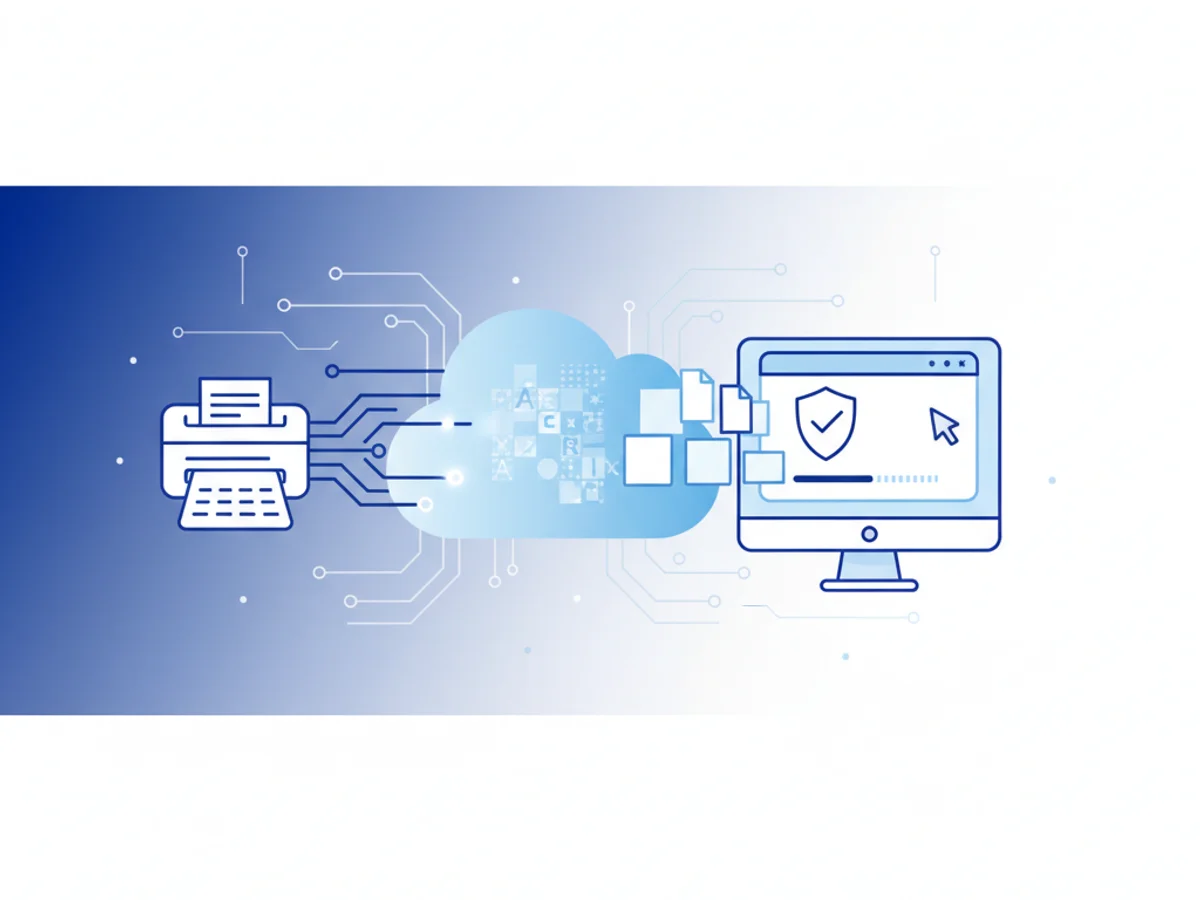
Digitizing fax documents has moved far beyond scanners and filing cabinets. Today, optical character recognition (OCR) turns static fax images into searchable, editable text, dramatically improving how teams store, find, and use information. Whether you’re in healthcare, legal, finance, or operations, pairing OCR with a modern online fax workflow can cut hours of manual work, reduce errors, and strengthen compliance.
BestFax.com is the premier online fax service designed for this new reality. It works perfectly in any mobile browser—on iPhone, Android, and tablets—so you can send and receive faxes instantly without downloading an app. No software to install, no app store hurdles; just secure, private faxing from any device with a web browser.
What Is OCR—and Why It Matters for Fax Digitization
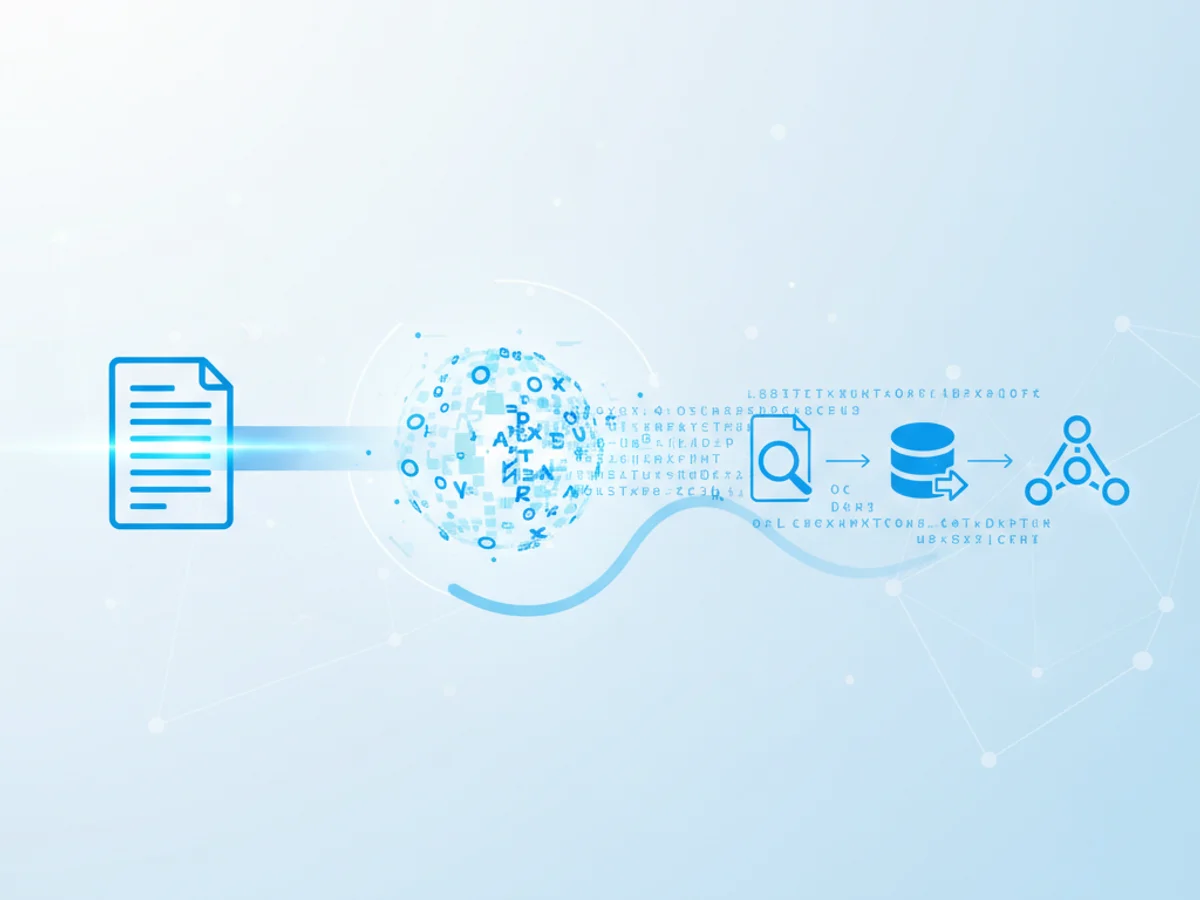
OCR (optical character recognition) is technology that converts scanned images of text—like a faxed PDF—into machine-readable characters. When you apply OCR to fax documents, you unlock powerful benefits:
- Searchable archives: Quickly locate patient names, case numbers, invoice IDs, or keywords across thousands of files.
- Faster workflows: Copy and paste text, extract data into spreadsheets, or route fields into your systems without retyping.
- Accessibility improvements: Screen readers can interpret text, supporting inclusive document access.
- Compliance readiness: Make documentation easier to audit, index, and retrieve while maintaining secure storage practices.
Historically, faxing produced image-only files that were hard to search and slow to process. Modern online fax solutions solve half the challenge by delivering clean digital PDFs that are ready for OCR. With BestFax.com, incoming and outgoing faxes arrive as high-quality digital documents you can immediately store, search, and share with your teams or push through your preferred OCR workflow.
Why BestFax.com Is the Smartest Path to Digital, Searchable Faxes
Digitization is about more than converting paper—it’s about enabling secure, instant, mobile-first workflows. BestFax.com was built for exactly that.
- Works on any device with a web browser: Phone, tablet, or computer—if it has a browser, you can fax.
- No software or app installation required: Fax instantly from Safari, Chrome, Firefox, or Edge without an app download.
- Mobile-first experience: Send and receive faxes directly from your mobile browser on iPhone and Android. Perfect for teams on the go.
- Secure, private faxing: Protect sensitive data with encryption and compliance features designed for regulated industries.
- Professional fax cover pages included: Send polished, branded communications with built-in cover pages that look crisp and professional.
- Affordable pricing with a free trial: Start risk-free and scale as your fax volumes grow.
BestFax.com reduces friction at every step. Instead of juggling scanner software, desktop utilities, or extra apps, you simply open your browser, upload a document, add a cover page, and send. Incoming faxes appear in your secure inbox as digital files—ready for OCR processing, indexing, and archiving. That "no app needed" advantage means teams can work faster, especially in environments where devices are managed, app installs are restricted, or time is critical.
For organizations migrating from legacy fax machines, the difference is immediate: fewer paper jams, no lost pages, and clean PDFs that OCR tools process more accurately. BestFax.com’s streamlined approach also supports consistent naming conventions, metadata practices, and routing rules—key ingredients for well-organized digital repositories.
Best Practices to Maximize OCR Accuracy on Faxed Documents
OCR quality depends on the clarity of the underlying image. Fax documents can vary in resolution and contrast, so a few simple habits can dramatically improve results:
- Start with clean source documents: High-contrast text (black on white), minimal background patterns, and clear fonts boost OCR accuracy.
- Use legible, standard fonts: Sans-serif or clean serif fonts at 10 pt or larger are generally more OCR-friendly.
- Avoid skew and shadows: When digitizing paper to fax, ensure pages are aligned and evenly lit to prevent skew or shading.
- Prefer digital originals: If possible, send the original PDF or text-generated file via BestFax.com rather than scanning paper first. Digital files produce cleaner image layers.
- Keep layouts simple: Complex tables and multi-column layouts can reduce accuracy; include clear headings and consistent formatting.
- Check resolution: BestFax.com delivers high-quality PDFs ready for OCR. If you scan locally before sending, choose a resolution that balances file size with clarity.
- Validate critical fields: For regulated workflows, confirm key values (patient IDs, case numbers) after OCR. Simple spot-checks prevent downstream errors.
These practices help your OCR tools extract text reliably, enabling searchable archives, automated routing, and quicker data entry.
Security, Compliance, and Operational Benefits
OCR and digitization are only useful if your workflows are secure and compliant. BestFax.com is built to protect data while simplifying document management:
- secure faxing: Support for healthcare privacy requirements and secure transmission of PHI.
- Encrypted communications: Safeguard sensitive information through industry-standard encryption.
- Controlled access: Manage permissions and audit trails to align with your governance policies.
- Professional cover pages: Include required privacy notices and contact details to keep communications clear and compliant.
Operationally, digitized faxes reduce storage costs, eliminate misfiled pages, and streamline cross-team collaboration. Legal teams benefit from timestamped digital trails; finance departments can search invoices and purchase orders instantly; operations can route documents to the right queues without rekeying.
With BestFax.com, you also avoid the hidden overhead of installing and maintaining software across devices. Teams can work anywhere, anytime, directly from their browsers. That agility is particularly valuable for field staff, telehealth providers, remote paralegals, and on-call administrators who need reliable faxing without the delays of app downloads or IT tickets.
Bringing It All Together
The promise of OCR and fax document digitization is straightforward: make your information visible, searchable, and secure, without adding complexity. BestFax.com offers the fastest way to get there:
- Instant, browser-based faxing on mobile and desktop
- Clean digital PDFs ready for OCR and archiving
- Secure, private workflows
- Professional cover pages for polished communications
- Affordable plans with a free trial
If you’re still relying on legacy machines or juggling multiple apps, it’s time to simplify. BestFax.com turns your fax process into a modern, mobile-first experience that pairs perfectly with OCR—so your documents aren’t just digitized; they’re discoverable.
Ready to modernize your fax and document workflows? Try BestFax.com today and experience secure, search-ready faxing from any browser—no app required.
Related Posts
How Funeral Homes Fax Death Certificates to Doctors Without Burial Delays
Practical tips for funeral homes faxing death certificate paperwork to doctors quickly, clearly, and with fewer burial or cremation delays.
How Mobile Phlebotomists Fax Lab Requisitions Without Specimen Delays
Practical field tips for mobile phlebotomists to fax lab requisitions clearly, confirm delivery, and avoid paperwork-related specimen delays.
How Title Companies Fax Payoff Statements Without Closing Delays
Payoff statements can stall closings when faxing is slow or disorganized. Learn practical steps title companies can use to send, confirm, and track payoff faxes.