How Orthodontists Fax Prior Auths for Braces Without Insurance Delays
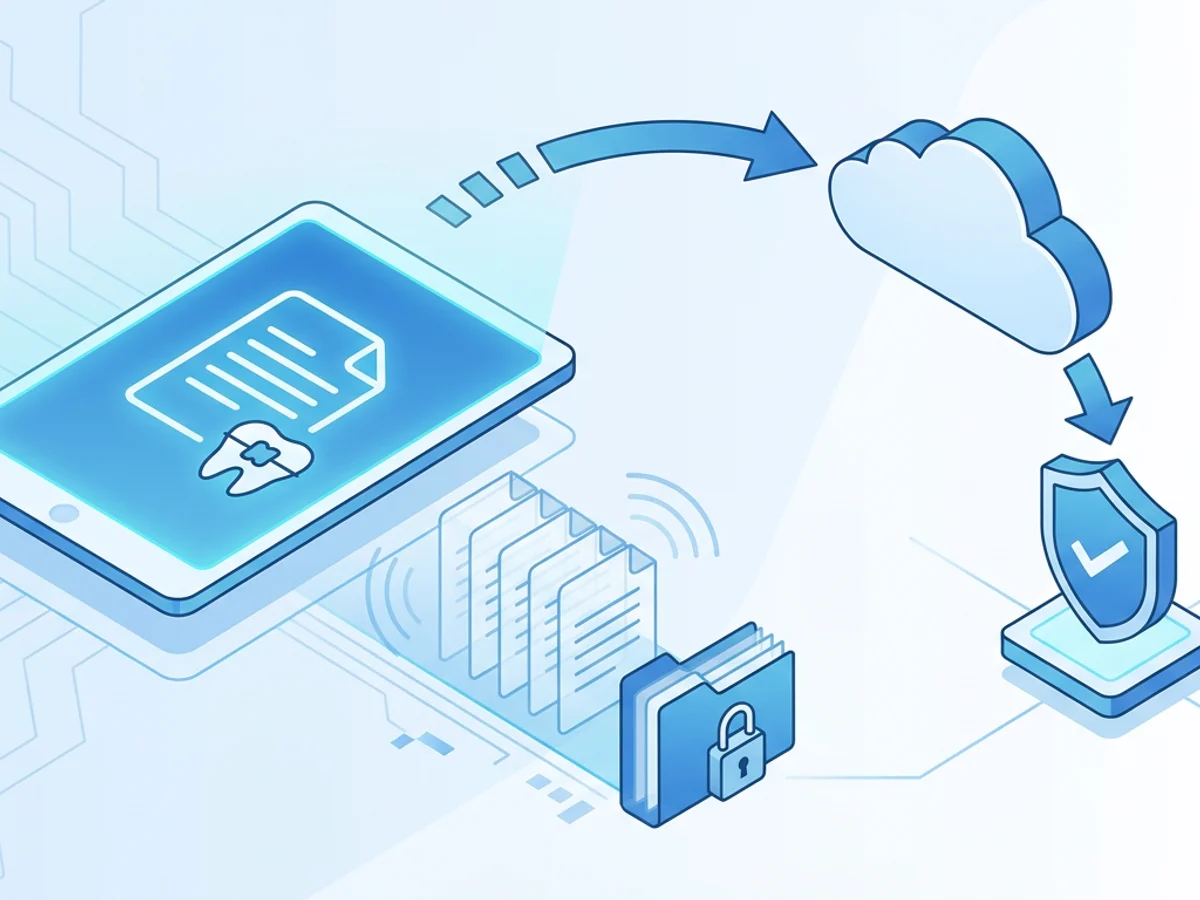
A braces case can stall for reasons that have nothing to do with teeth.
The records are complete, the treatment plan is ready, the patient is motivated, and the parent has already asked about payment options. Then the insurance prior authorization gets held up because a page was missing, the payer says the fax never arrived, or the documentation was sent to the wrong department. A week later, your front desk is chasing status updates while the family waits to schedule bonding.
For orthodontic practices, prior auth delays are not just administrative annoyances. They can postpone starts, create awkward conversations about benefits, and add pressure to a team that is already balancing consults, adjustments, retainers, and payment plans.
Fax is still a common route for sending orthodontic prior authorization packets to dental and medical benefit plans. The key is not simply “send a fax.” The key is sending a clean, complete, traceable packet in a way that reduces avoidable back-and-forth.
Below is a practical workflow orthodontists and treatment coordinators can use to fax prior auths for braces more reliably, including where browser-based faxing fits when you need to move quickly from any workstation.
Why Braces Prior Auths Get Delayed After They’re “Sent”
Most orthodontic teams have experienced some version of this: the office sends a prior authorization request on Monday, follows up Friday, and the payer says it is “not on file.” The team resends it, only to learn later that the first fax did arrive but was missing the cephalometric analysis, the panoramic image, or the correct cover sheet.
Common delay points include:
- Incomplete documentation: The payer may require a treatment plan, diagnostic images, photos, chart notes, narrative, and a completed prior authorization form. Missing one item can move the case to pending or deny review.
- Poor image quality: Printed and rescanned images, low-resolution photos, or dark copies can make diagnostic records harder to review.
- Wrong fax destination: Orthodontic prior auths may go to a dental benefits unit, medical review department, Medicaid managed care plan, or specialty authorization vendor. A general claims fax line may not be enough.
- No proof of transmission: If the office cannot quickly find a confirmation receipt, staff may spend extra time proving when the packet was sent.
- Unclear patient identifiers: A reviewer may separate pages or scan them into a system. If pages lack patient name, date of birth, member ID, or case reference, they can be misfiled.
- Resubmissions without context: Sending the same packet again without noting it is a second submission can confuse the payer and create duplicate work queues.
The goal is to make the reviewer’s job easy: one complete packet, sent to the right number, with a clear cover page and a confirmation record your office can retrieve.
Build a Prior Auth Fax Packet That Payers Can Actually Process
A reliable fax starts before anyone clicks send. Create a standard packet checklist for braces prior authorizations so your team is not rebuilding the process from memory each time.
A typical orthodontic prior auth packet may include:
Payer-specific prior authorization form
Use the current version from the insurer or plan portal when available. Old forms can cause immediate rework.Patient and subscriber information
Include patient name, date of birth, member ID, subscriber name, group number, and contact information.Provider information
Add orthodontist name, practice name, NPI if applicable, tax ID if required by the payer, office phone number, and return fax number.Treatment plan and clinical narrative
Be specific. For example: “Comprehensive orthodontic treatment for Class II malocclusion with severe crowding and increased overjet,” followed by the estimated treatment duration and proposed appliances.Diagnostic records requested by the payer
This may include panoramic radiograph, cephalometric radiograph, intraoral and extraoral photos, cephalometric tracing or analysis, models or digital scan summaries, and relevant clinical notes.Benefit-specific scoring or index documentation
Some plans require a handicapping index, Salzmann assessment, or other medical-necessity criteria. If the plan uses a scoring form, place it near the front.A concise cover page
The cover page should identify the request and list every included item.
The cover page matters more than many offices realize. It acts as the table of contents for the payer’s scanning team and clinical reviewer. A professional fax cover page should include the recipient department, fax number, patient identifiers, total page count, sender contact, and a short subject line such as:
Subject: Orthodontic Prior Authorization Request — Comprehensive Braces Treatment
Then include a simple checklist:
- Prior authorization form
- Clinical narrative and treatment plan
- Panoramic radiograph
- Cephalometric radiograph and analysis
- Intraoral/external photos
- Medical necessity scoring form
- Chart notes
If the payer says a document is missing later, your cover page and confirmation receipt help your team respond with confidence.
A Practical Fax Workflow for Orthodontic Teams
An efficient prior auth workflow should be easy enough for a treatment coordinator, front desk team member, or billing specialist to follow without guesswork.
Start by verifying the payer’s fax instructions for the specific plan. Do not rely on a fax number saved from an old case unless your team has recently confirmed it. Many large insurers have different numbers for dental claims, orthodontic review, Medicaid authorizations, appeals, and additional documentation. If the payer portal lists a prior auth fax number, use that number and save a screenshot or note in the patient record showing where it came from.
Next, combine documents in the order reviewers expect. Put the payer form and cover page first, followed by the clinical narrative, scoring form, photos, radiographs, and notes. If your practice management or imaging software exports records separately, name files clearly before uploading or combining them. For example:
Garcia_Mia_PA_Form.pdfGarcia_Mia_Treatment_Narrative.pdfGarcia_Mia_Pano_Ceph.pdfGarcia_Mia_Photos.pdf
Browser-based faxing can help here because staff can send from a phone, tablet, or computer using Safari, Chrome, Firefox, or Edge. With BestFax.com, users can upload PDF, Word, and image files, add a professional cover page, send the packet, and keep the delivery receipt for follow-up. There is no app download required, which is useful when a coordinator is working from a consultation room laptop or a manager needs to resend a packet from another location.
Before sending, check three details:
- Page count: Does the cover page’s total page count match the packet?
- Readability: Are photos and radiographs clear enough after export?
- Identifiers: Does each major section include the patient name or other identifying information?
After sending, save the confirmation or delivery receipt in the patient’s administrative record. If your office uses a task system, create a follow-up reminder based on the payer’s stated review timeline. For example, if the payer says orthodontic prior auth review takes 10 business days, set a follow-up task for day 11 with the fax confirmation attached or referenced.
The best workflow is not just “send and hope.” It is send, document, calendar the follow-up, and know exactly what was transmitted.
Handling Common Insurance Pushbacks Without Losing Days
Even well-prepared prior auths can get stuck. The difference between a short delay and a long one often comes down to how quickly your team can respond with documentation.
“We never received it.”
This is where a confirmation receipt is essential. Provide the date, time, destination fax number, and delivery status. If the payer still cannot locate the request, resend the full packet with a cover page that says:
Second Submission — Original Fax Sent [Date] at [Time] to [Fax Number]
Include the original confirmation receipt as part of the resend when appropriate for your office’s process. This gives the payer a clear audit trail and may help avoid restarting the timeline, depending on the plan’s rules.
“The packet is missing records.”
Ask which specific records are missing and whether they want only the missing items or the entire packet again. If you send only supplemental documents, label them clearly:
Supplemental Documentation for Pending Orthodontic Prior Authorization
Add patient name, date of birth, member ID, and any pending case or reference number. Never assume the payer will match supplemental pages correctly without those identifiers.
“The images are unreadable.”
Radiographs and photos can degrade when printed, scanned, compressed, or faxed from low-quality originals. Export the clearest available files from your imaging system, preferably as PDF or high-quality image files, and review them before sending. If a payer repeatedly rejects faxed radiographs as unreadable, ask whether they have a preferred alternative submission method for images. Fax may be required for the form while images are submitted another way, depending on the payer.
“The request went to the wrong department.”
When this happens, document the correct fax number immediately in the patient record and any internal payer guide your office maintains. If staff keep a shared payer spreadsheet, include notes like “orthodontic prior auth only” or “Medicaid ortho review vendor” so the same mistake does not repeat.
“We need a narrative of medical necessity.”
A strong narrative is specific and tied to the payer’s criteria. Instead of writing “patient needs braces,” include measurable findings and functional concerns when applicable. For example:
“Patient presents with severe maxillary crowding, impacted canine risk, increased overjet, and traumatic occlusion on lower incisors. Comprehensive orthodontic treatment is recommended to correct malocclusion and reduce risk of further dental complications.”
Always align the narrative with what the orthodontist documented and what the payer requests. Overstating the case can create credibility problems; understating it can lead to unnecessary denials.
Using Online Faxing Responsibly in an Orthodontic Practice
Online faxing is convenient, but orthodontic offices still need thoughtful internal procedures for patient information. BestFax.com uses TLS encryption for fax transmissions, but the service does not offer a BAA or healthcare-specific compliance certification. Practices should evaluate their own privacy, security, and regulatory obligations before choosing how to transmit patient records.
That honest limitation matters. Some offices may decide that certain patient documents must go through systems already approved by their compliance process. Others may use browser-based faxing for administrative documents, payer forms, or time-sensitive resubmissions after reviewing their policies. The right answer depends on your practice’s requirements and risk assessment.
If your office uses online faxing for prior auth work, create guardrails:
- Limit access to trained staff.
- Confirm fax numbers from payer sources before sending.
- Use cover pages that include only necessary information.
- Avoid leaving downloaded records on shared devices.
- Save delivery receipts in the correct patient record.
- Follow your office policy for retention and deletion of local files.
The technology should support a disciplined process, not replace one.
Small Operational Habits That Prevent Big Scheduling Delays
Prior authorization delays often come from tiny gaps: a missing case number, an outdated fax line, or a receipt no one saved. The good news is that small habits can prevent many of them.
Create a payer fax directory that your team actually maintains. Include payer name, plan type, prior auth fax number, phone number for status checks, expected turnaround time, and notes about required records. Review it monthly or whenever a payer returns a packet for routing issues.
Use a standard naming convention for files. This makes it easier to find what was sent and resend quickly if needed. Patient last name, first name, document type, and date is usually enough.
Keep a prior auth status board or task list. Each case should have an owner, sent date, follow-up date, and current status. This prevents authorizations from sitting unnoticed while the patient assumes the office is handling everything.
Train staff to ask better follow-up questions. Instead of “Is the auth approved?” ask:
- “Can you confirm the request is in your system?”
- “What date was it received?”
- “Is anything missing?”
- “Is there a reference number?”
- “What is the expected review completion date?”
Those answers help your team decide whether to wait, resend, supplement, or escalate.
Finally, close the loop with the family. If benefits are pending, explain the expected timeline and what your office is doing. A simple update like, “We sent the authorization packet on Tuesday and have a follow-up scheduled for next week,” can reduce anxiety and inbound calls.
Faxing prior auths for braces may never be the most exciting part of orthodontics, but it can be predictable. Build complete packets, send them to the right place, keep proof, and follow up with intention.
When you need to send a prior authorization fax from a browser and keep a delivery receipt, send your first fax at BestFax.com.
Related Posts

How Funeral Homes Fax Death Certificates to Doctors Without Burial Delays
Practical tips for funeral homes faxing death certificate paperwork to doctors quickly, clearly, and with fewer burial or cremation delays.

How Mobile Phlebotomists Fax Lab Requisitions Without Specimen Delays
Practical field tips for mobile phlebotomists to fax lab requisitions clearly, confirm delivery, and avoid paperwork-related specimen delays.
How Title Companies Fax Payoff Statements Without Closing Delays
Payoff statements can stall closings when faxing is slow or disorganized. Learn practical steps title companies can use to send, confirm, and track payoff faxes.