How School Nurses Can Fax Immunization Records to Health Departments Faster
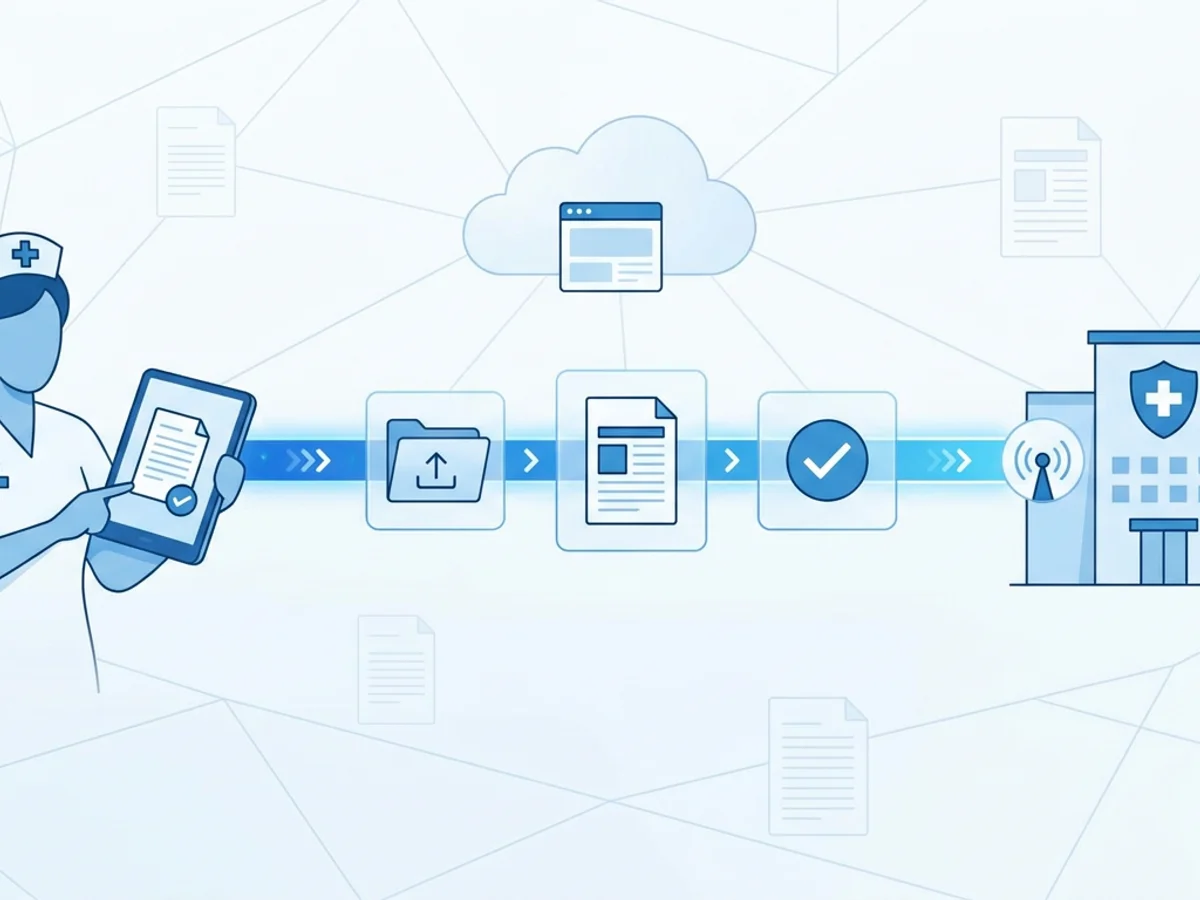
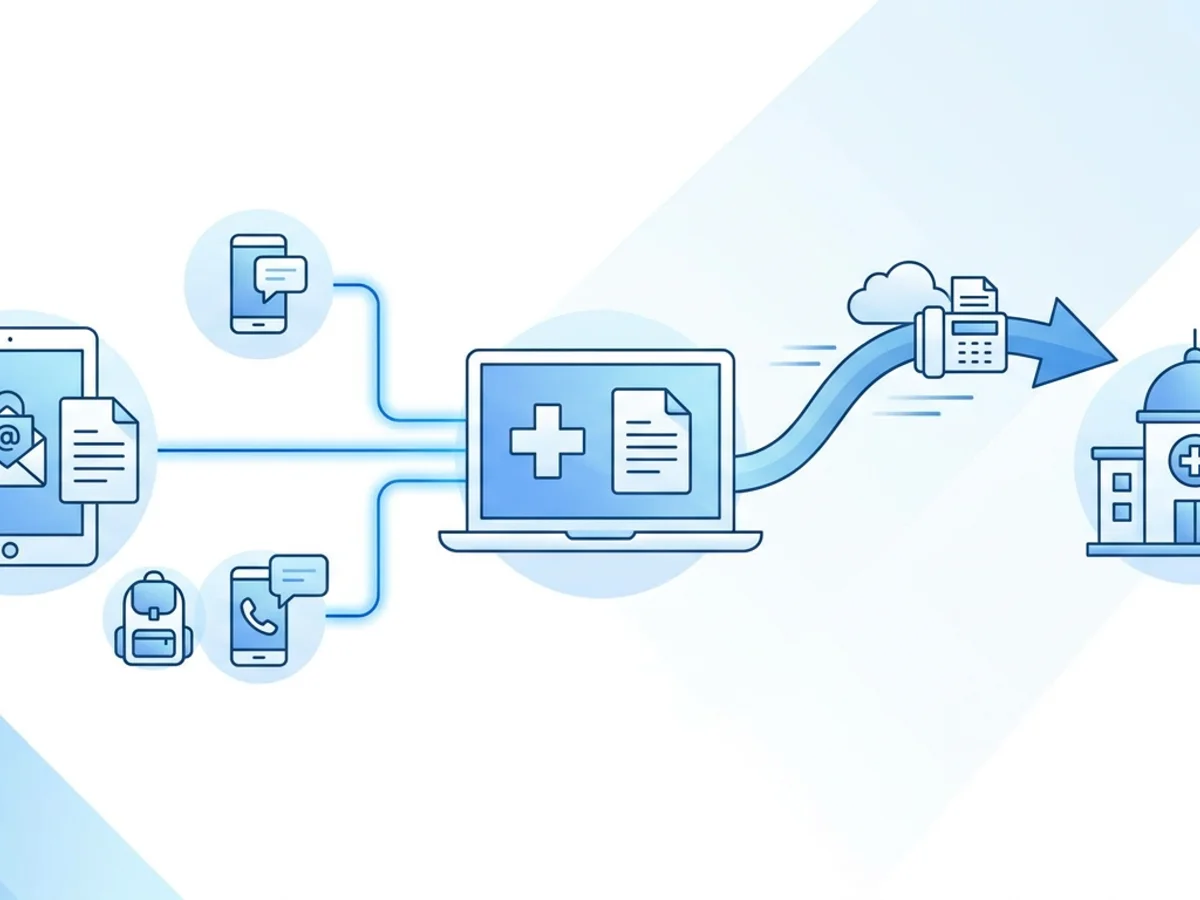
A student is standing in the office with a backpack on, the front desk is calling about dismissal, and a parent has just emailed a vaccine update from a pediatrician’s portal. Meanwhile, the county health department needs immunization records by fax before the end of the day.
For school nurses, this is a familiar kind of pressure: the records are important, the deadline is real, and the process often depends on old-fashioned faxing. The good news is that faxing immunization records does not have to mean waiting for a shared machine, printing extra copies, or wondering whether a transmission actually went through.
With a browser-based fax service such as BestFax.com, school nurses can send records from a phone, tablet, or computer using Safari, Chrome, Firefox, or Edge. That can be especially helpful when records are already digital, when a nurse works between multiple buildings, or when the main office fax machine is tied up.
This guide walks through practical ways to prepare, send, and track immunization record faxes quickly while keeping the process organized and professional.
Start by Making the Record Easy to Fax
The fastest fax is usually the one that is prepared correctly before anyone presses send.
Health departments often receive large volumes of records from schools, clinics, and community programs. A clear, complete fax makes it easier for the receiving office to process the information without calling back for clarification. That saves time on both sides.
Before faxing an immunization record, check that the file includes the details the health department requested. In a typical school setting, that might include:
- Student name and date of birth
- School name and contact information
- Grade level or student ID, if requested locally
- Vaccine dates and provider documentation
- Parent or guardian information, if relevant to the request
- Any required state or county form
- A clear point of contact for follow-up
If the record came from an electronic student information system, export it cleanly as a PDF when possible. If a parent sent a photo or screenshot, make sure it is readable before forwarding it. A blurry image of a vaccine card may technically fax, but it can create delays if the receiving health department cannot read the dates or lot information.
BestFax.com supports PDF, Word, and image file uploads, so the practical goal is to choose the format that is clearest. In most cases, PDF is the safest choice because it preserves formatting and is easy to review before sending.
A simple naming habit can also save time. Instead of leaving files named something like scan00047.pdf, rename them in a consistent format such as:
Smith_Jordan_Immunization_Record_2026-02-14.pdf
That small step helps avoid sending the wrong student’s record, especially during peak reporting periods at the start of the school year.
Use a Cover Page That Helps the Health Department Process the Fax
A fax cover page is not just a formality. For immunization records, it can be the difference between a document being routed quickly and sitting in a general inbox or fax tray.
Professional fax cover pages are included with the service, and school nurses can use them to provide concise routing details. Keep the note short, specific, and useful.
For example:
To: County Health Department — Immunization Records
From: Lincoln Middle School Health Office
Re: Immunization record for review
Pages: 4 including cover page
Contact: Nurse Taylor, 555-0148
Avoid putting more information than necessary on the cover page. The receiving department mainly needs to know who sent the fax, what it concerns, how many pages to expect, and whom to contact if something is missing or unreadable.
The page count matters more than people realize. If the cover page says four pages but only two arrive, the recipient has an immediate clue that something went wrong. That makes follow-up faster and less confusing.
It also helps to confirm the exact fax number before sending. Health departments may have separate numbers for immunization programs, communicable disease reporting, general administration, and vital records. Sending to the wrong department may not fail technically, but it can still slow the process.
A good habit is to keep a short internal reference list of commonly used health department fax numbers, along with the program name and last verification date. For example:
| Department | Program | Fax Number | Last Confirmed |
|---|---|---|---|
| County Health Department | Immunization Records | 555-0182 | Aug. 2026 |
| County Health Department | School Compliance | 555-0199 | Aug. 2026 |
This does not need to be complicated. Even a shared document maintained by the health office can reduce mistakes during busy weeks.
Sending From a Browser Can Cut Out Several Slow Steps
Traditional fax workflows often involve more steps than necessary. A nurse may need to print the immunization record, walk to a fax machine, wait for the line to clear, send the pages, collect the confirmation sheet, and then file or scan that sheet back into the student’s record.
Browser-based faxing shortens that workflow when the record is already digital.
A typical process looks like this:
- Open the online fax service in a web browser.
- Enter the health department’s fax number.
- Upload the immunization record as a PDF, Word file, or image.
- Add a professional cover page.
- Review the recipient number and attachment.
- Send the fax.
- Save the fax confirmation or delivery receipt.
Because the service works from a web browser on a phone, tablet, or computer, it can be useful in real school-day situations. For instance, a nurse covering two campuses may receive a record while at the elementary school but need to send it for a middle school student. Instead of waiting to return to the building with the fax machine, the nurse can send from the device already available.
It also helps when the office fax machine is physically inconvenient. In many schools, the fax machine is not in the health office. It may be in the main office, counseling office, or copy room. That can create avoidable interruptions, especially when a student is waiting for medication, a parent is on hold, or a minor injury needs attention.
BestFax.com does not require an app download, which is helpful on school-owned devices where installing software may require IT approval. Opening the service in Safari, Chrome, Firefox, or Edge can be simpler than asking for a new application to be installed.
There is one important limitation to be aware of: online faxing still depends on the quality of the file you upload and the accuracy of the fax number you enter. It cannot fix an unreadable scan, an incomplete record, or an outdated health department fax number. The speed comes from reducing the mechanical steps around faxing, not from bypassing careful review.
Keep Proof of Delivery Where You Can Find It Later
For school health offices, sending the fax is only half the job. You also need a reliable way to show that it was sent.
Fax confirmation and delivery receipts are provided, and those receipts should be handled consistently. A confirmation can be useful if the health department calls later, if a parent asks whether the record was submitted, or if school administrators need documentation that a reporting step was completed.
A practical approach is to create a simple documentation routine:
- Save the fax confirmation as soon as it is available.
- Name it with the student’s last name, first name, and date sent.
- Store it in the appropriate student record location or internal tracking folder.
- Add a note in the student health record or log, if your school uses one.
For example:
Smith_Jordan_Fax_Confirmation_HealthDept_2026-02-14.pdf
If several records are sent in one day, a consistent naming system prevents confusion later. It also helps substitute nurses, administrators, or records staff understand what happened without having to reconstruct the timeline.
Some schools prefer to keep a daily fax log for health department submissions. It might include:
| Date | Student | Destination | Fax Number | Sent By | Confirmation Saved? |
|---|---|---|---|---|---|
| 2/14/26 | Jordan Smith | County Immunization Office | 555-0182 | Nurse Taylor | Yes |
| 2/14/26 | Maya Chen | County Immunization Office | 555-0182 | Nurse Taylor | Yes |
This kind of log is simple but effective. It gives the health office a quick way to answer, “Did we send that?” without searching through emails, folders, or piles of paper.
Practical Tips for Busy Reporting Periods
The busiest immunization faxing periods tend to be predictable: the start of the school year, after exclusion notices, before compliance deadlines, and during special public health reporting pushes. A little preparation before those periods can make faxing much faster.
One useful tactic is to prepare common materials in advance. For example, keep a standard cover page format ready for the county immunization office, including the correct department name and school contact information. That reduces typing and lowers the chance of mistakes.
Another practical habit is batching similar work without over-batching sensitive records. If you have ten student records to send to the same health department, organize them first, verify each file, and send them in a controlled sequence. After each fax, save the confirmation immediately. Do not wait until the end of the day when files and receipts can blur together.
For records received as paper copies, scan them clearly before faxing online. Make sure the scan is upright, complete, and legible. If using an image file, check that the dates are readable on screen. If you cannot read it easily, the health department likely cannot either.
It is also worth building a quick “pause and verify” step into the workflow. Before sending, confirm:
- Correct student record attached
- Correct health department fax number entered
- Correct cover page recipient
- All required pages included
- Confirmation plan ready after sending
This takes less than a minute, but it can prevent the most common faxing errors.
Cost is another operational consideration. For occasional faxing, BestFax.com offers a $4.95 one-time fax option. For schools or health offices that fax more regularly, there is also a $10/month subscription. There is no free trial, so it is worth choosing the option that matches your expected use.
Finally, talk with your school or district leadership about approved procedures for handling student records. The service uses TLS encryption for fax transmissions, but it does not offer a BAA or healthcare-specific compliance certification. Schools should follow their own policies and any applicable district requirements when deciding how records are transmitted and stored.
A Faster Workflow Still Needs Good Judgment
Online faxing can remove friction from a school nurse’s day, but it works best as part of a thoughtful records process. The biggest time savings usually come from combining a few simple habits: clean files, verified fax numbers, useful cover pages, and saved delivery receipts.
For a school nurse, that means less time standing at a shared fax machine and more time managing the health office. For the health department, it means clearer records that are easier to route and process. And for families, it can mean fewer delays when immunization documentation is needed for school attendance or compliance.
If faxing immunization records is still part of your school workflow, browser-based faxing is a practical way to make the process faster without adding complicated software.
Send your first fax at BestFax.com.
Related Posts
How Pharmacies Can Fax Controlled Substance Transfer Forms Without Fill Delays
Practical fax workflow tips for pharmacies sending controlled substance transfer forms, from clean documents to delivery receipts.
How ENT Clinics Fax Allergy Serum Orders Without Mixing Delays
Practical steps ENT clinics can use to fax allergy serum orders clearly, confirm delivery, and reduce lab mixing delays.
How Mobile X-Ray Providers Can Fax STAT Reports to Nursing Homes Without Delays
Practical ways mobile X-ray providers can fax STAT reports to nursing homes faster, with fewer routing delays and clearer delivery tracking.