Secure Faxing for Healthcare Providers: Practical Tips and Solutions
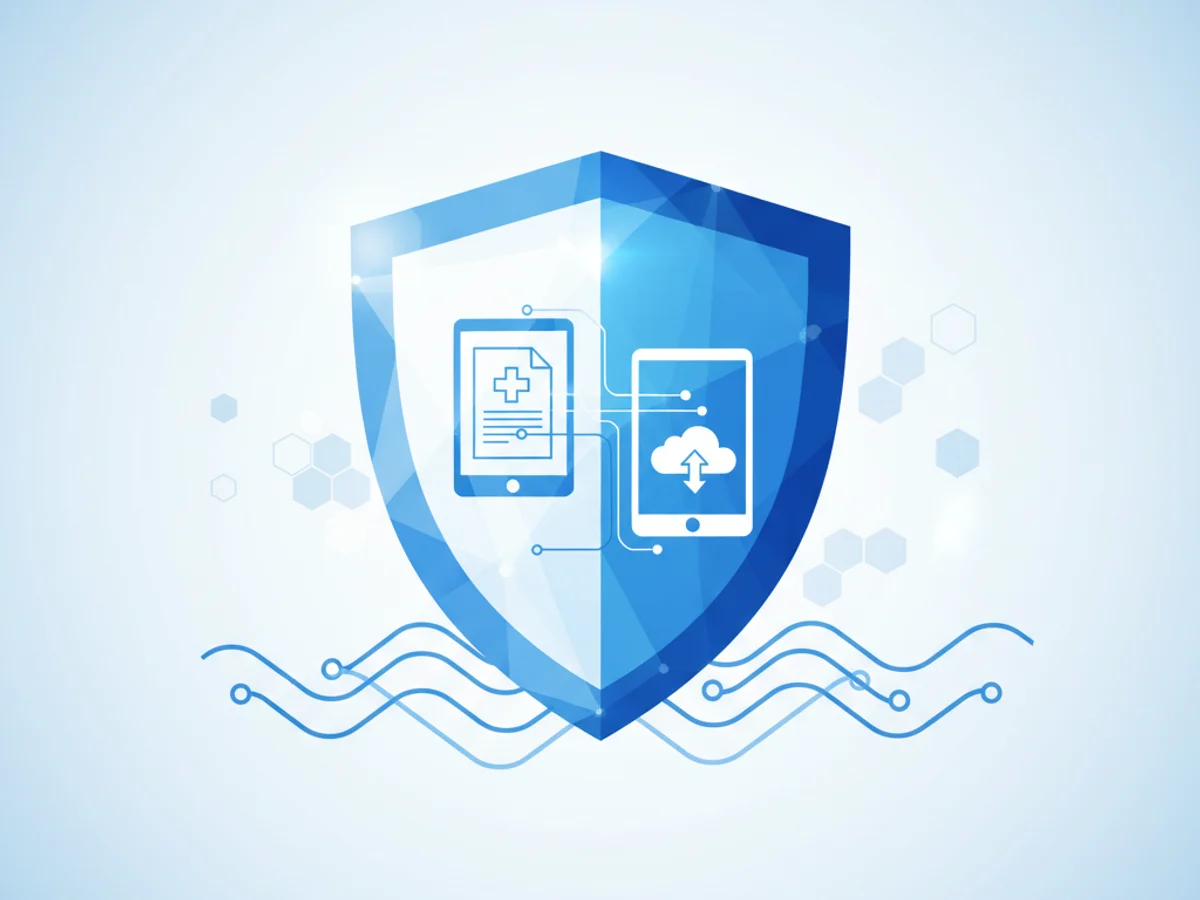
Healthcare’s Faxing Problem: Maintaining Security in a Digital Age
Healthcare providers rely heavily on faxing to securely share patient information, prescriptions, and medical records. While modern technologies have advanced, faxing remains a trusted method due to its simplicity and legal acceptance for transmitting sensitive information. However, traditional fax machines present challenges: the physical documents can be intercepted, lost, or viewed by unauthorized parties. Furthermore, compliance with regulations like healthcare privacy law adds layers of complexity to ensuring that patient data is safeguarded.
Browser-based faxing tools are emerging as viable alternatives to traditional machines, promising enhanced security, convenience, and flexibility, especially for small practices and clinics. But not all solutions are created equal, and understanding the limitations and capabilities of each tool is essential for healthcare providers looking to securely transmit faxes online.
Balancing Security and Convenience in Faxing Patient Data
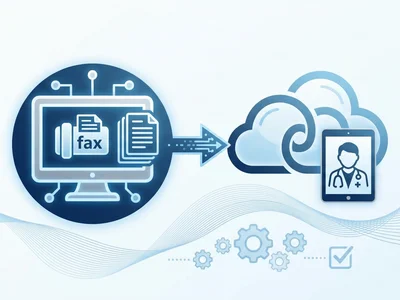
Consider a physician needing to send medical records to a specialist across the country. Traditional faxing involves printing the records and manually faxing them—a process that risks exposing sensitive data during handling, not to mention storage concerns for physical copies. Browser-based faxing, such as what is offered by BestFax.com, eliminates these risks by enabling providers to send scanned documents directly from a web browser, turning their phone, tablet, or computer into a digital fax machine.
This doesn’t just save time; it enhances security. BestFax.com uses TLS encryption for all fax transmissions, a critical feature for protecting patient data from cyber threats during transit. Encryption ensures that even if the data is intercepted, unauthorized parties cannot decipher its contents.
That said, while the service offers encryption, it’s important to note that it does not provide a Business Associate Agreement (BAA) or formal healthcare compliance certification. This means healthcare institutions should assess whether this tool’s security features meet their internal compliance needs before fully integrating it into their workflows.
Three Scenarios Where Secure Online Faxing Makes the Difference
1. Sharing Patient Charts: Simplifying Care Coordination
A primary care clinic needs to forward a patient’s medical charts to a cardiologist for specialized care. Using BestFax.com, staff can upload the document as a PDF directly from their computer and ensure delivery with the included fax confirmation receipt. This receipt provides peace of mind that essential medical information has safely reached the recipient.
2. Urgent Prescription Changes
Pharmacies sometimes need immediate updates to prescriptions—a process that often involves faxing handwritten notes or forms. With BestFax.com, practitioners can upload clear, digital versions of prescription changes, avoiding the risk of unreadable or smudged hand-written faxes, while maintaining security standards.
3. Administrative Documents
Beyond medical records, healthcare facilities handle reams of administrative paperwork—insurance claims, staff agreements, referral authorizations—that must be sent securely. Browser-based faxing allows for efficient handling of documents without the downsides of traditional faxing, such as machine jams or toner issues. Plus, the ability to use professional fax cover pages included with the service ensures that every document is clearly labeled and well-organized.
Best Practices for Healthcare Providers Using Browser-Based Faxing
Understand Compliance Requirements: While TLS encryption protects faxes during transmission, healthcare providers must ensure their faxing solution aligns with healthcare privacy requirements. Since BestFax.com does not offer a BAA, clinics might need alternative tools for faxes involving Protected Health Information (PHI).
Use Secure Networks: Always fax from secure, private networks, especially when using public devices. Avoid browser-based faxing while connected to public Wi-Fi to minimize data interception risks.
Double-Check Data Accuracy: Uploading digital files eliminates the risk of smudged or distorted analog faxes, but human errors like incorrect recipient numbers can still occur. Carefully review fax numbers, cover pages, and attachments before clicking ‘Send.’
Save Confirmation Receipts: While BestFax.com provides fax delivery receipts, implement an internal system for storing these confirmations securely. Consider encrypting these receipts or storing them in a secure document management system.
Educate Staff: Properly train staff on browser-based faxing workflows. Emphasize the importance of security, such as logging out completely after using the service and never leaving sensitive files open on shared computers.
Why Healthcare Providers Are Moving Toward Browser-Based Faxing
The healthcare industry needs faxing options that prioritize both security and flexibility. Browser-based faxing, like that offered by BestFax.com, addresses pain points associated with physical fax machines by enabling healthcare providers to send and receive faxes digitally, without the need for specialized hardware. This approach eliminates maintenance headaches while ensuring encrypted file sharing.
However, every tool has limitations, and while BestFax.com is an affordable and reliable option for occasional faxes (with one-time fax pricing at $4.95), providers handling large quantities of PHI should carefully weigh compliance factors. For many situations—including sharing medical charts and sending administrative documents—the service is an excellent solution for healthcare professionals to streamline their workflow.
Securely faxing patient information doesn’t need to be a logistical challenge. Browser-based solutions simplify the process and make it accessible from any device, so healthcare providers can focus on patient care rather than outdated tech hardware.
Send your first fax at BestFax.com.
Related Posts
How Title Companies Fax Payoff Statements Without Closing Delays
Payoff statements can stall closings when faxing is slow or disorganized. Learn practical steps title companies can use to send, confirm, and track payoff faxes.
How Immigration Attorneys Fax I-693 Medical Exam Packets Without RFE Delays
Practical guidance for immigration attorneys faxing I-693-related packets, RFE responses, and tracking documents while preserving clear records.
How Vascular Labs Can Fax ABI Reports to Referring Doctors Without Delays
Practical steps for vascular labs to fax ABI reports faster, reduce errors, and document delivery without relying on a single fax machine.