How CDL Schools Fax DOT Physical Forms to DMVs Without Rejections
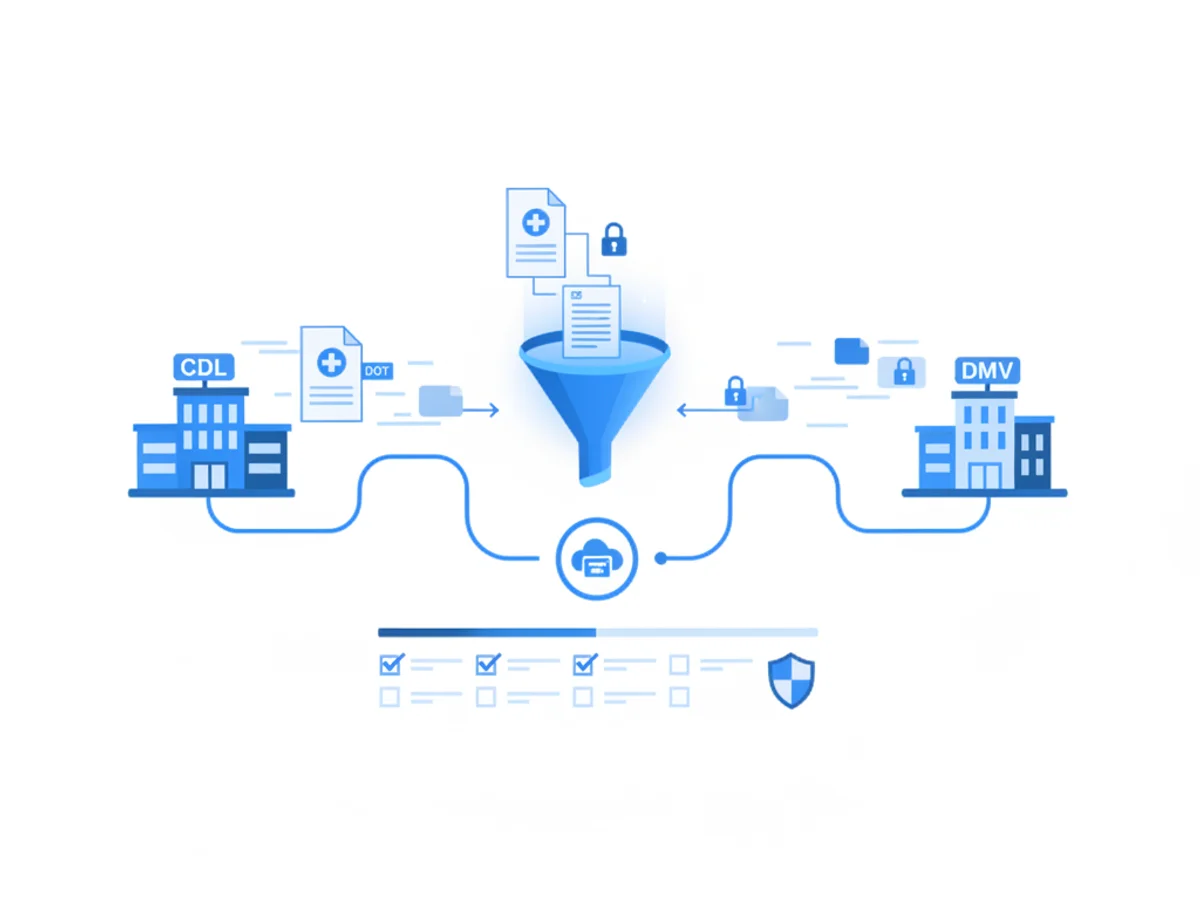
CDL program directors and coordinators don’t lose sleep over teaching pre-trip inspections—the real stress hits when a stack of DOT physicals has to reach the state DMV without bouncing back. A single rejected fax can delay a student’s CLP issue date, throw off road-test scheduling, and create weeks of phone tag.
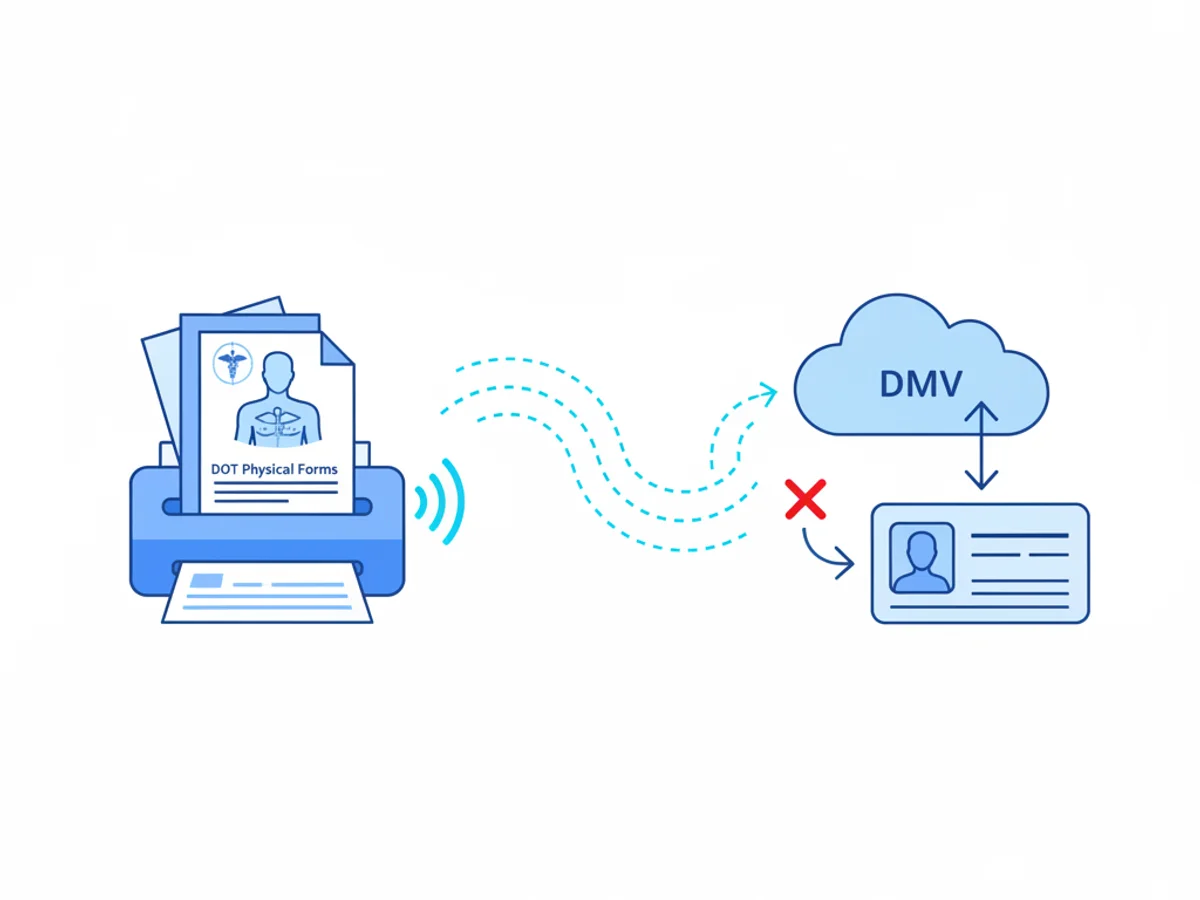
This guide is a practical, field-tested workflow for CDL schools to transmit Medical Examiner’s Certificates (MEC, Form MCSA-5876) and long-form exam reports (MCSA-5875) to state driver licensing agencies with as few rejects as possible. It includes concrete prep steps, file and fax formatting tips, state-specific gotchas, and a checklist schools can hand to their staff.
Start with the failure modes you can control
Most rejections happen for predictable reasons—format, legibility, wrong destination, or incomplete data. Before you touch a fax tool, fix these four variables:
- Confirm the right destination and intake rules
- Not every state DMV accepts medical certifications by fax. Some require the driver to upload via portal (e.g., certain states route through their online CDL medical portal), while others accept email or in-person only. Call or check the CDL medical certification page for your state. Save a copy of the policy and the exact fax number.
- Verify whether the state wants just the MEC (MCSA-5876) or both the MEC and long form (MCSA-5875). Some DMVs scan only the wallet-sized MEC and will reject packets with extraneous pages.
- Ask about cover sheet conventions. A few DMVs request a specific subject format, the driver’s license number on the first page, or a different fax number for out-of-state certifications.
- Lock down ID match and completeness
- The name on the MEC must match the driver’s ID and CDL permit application exactly, including middle initial if used by the state’s record. Date of birth and last four of SSN or state-issued customer number must be present where your state requires it.
- Ensure the Medical Examiner’s information is complete: examiner’s name, NPI (if applicable), license number and state, office phone, and expiration. The medical examiner must be on the National Registry—an out-of-date registry status causes auto-rejects in some states.
- Check every required check box (e.g., intrastate vs interstate, wearing corrective lenses) and the certification status (e.g., “Qualified” with the correct time period) before you scan.
- Scan and format for legibility
- Scan to PDF at 200–300 DPI, black and white or grayscale. Avoid photos of forms—camera images introduce skew and shadows that trip up DMV scanners.
- Keep the MEC as page 1. If you must include the long form, put it after. Do not rotate pages sideways.
- Flatten the PDF (print to PDF) if you used any digital annotations. Non-flattened layers can disappear in downstream processing.
- Name and tag consistently
- Use a consistent filename convention: LastName_FirstName_DOB_YYYYMMDD_MEC.pdf. The filename sometimes appears on DMV intake logs and helps staff locate the right record.
- Put the driver’s full name, license/permit number, DOB, and a callback number on the fax cover page. If allowed, list the clinic name and examiner NPI for faster matching.
Sending the fax from a browser without tripping DMVs’ scanners
You don’t need a fax machine on campus. Browser-based faxing lets you upload PDFs, add a professional cover, and get a delivery receipt—useful when proving you met state deadlines. With BestFax.com, you send and receive faxes from any web browser on a phone, tablet, or computer—no app download required. Pricing is straightforward: $4.95 one-time per fax, or a $10/month subscription if you’re sending batches each month. There’s no free trial, so plan your budget accordingly. All transmissions use TLS encryption in transit. Note: the service does not offer a BAA or formal healthcare compliance certification; if your process is subject to healthcare privacy law or your legal counsel requires a BAA, route medical records through a compliant channel instead.
Practical send steps CDL schools use:
- Upload a single, clean PDF. Avoid sending Word or image files if you’ve already scanned; converting to PDF prevents scaling issues.
- Use the built-in professional fax cover and place core identifiers up top: student’s legal name, license or permit number, DOB, and “MEC (MCSA-5876) enclosed.”
- Send each student as a separate fax. Combining multiple students in one transmission is a common reason for rejection and misfiling.
- Request and save the fax confirmation/delivery receipt. File it with the student’s enrollment record so you can document compliance if the DMV has a backlog.
This tool supports PDF, Word, and image uploads. If you must start from a Word template, export to PDF before sending. Keep file sizes lean; DMVs often have inbound attachment size limits even on fax servers.
State-by-state practicalities (and how to avoid gotchas)
While you must follow your own state’s latest rules, CDL schools report a few patterns:
States that only want the MEC: If you include the long form anyway, some intake systems label the packet “incomplete” because the first page doesn’t match their barcode sheet. Solution: Send the MEC alone unless the DMV’s site explicitly says to include both.
License vs application number mismatch: Students often list the wrong identifier on the cover page. If your state uses a driver record/customer number instead of permit number for intake, put that number at the top of the cover.
Fax numbers that change quietly: DMV divisions sometimes rotate numbers during system upgrades. Re-validate numbers monthly. Keep a shared Google Doc or binder with “current as of” notes and the person you spoke to.
Expiring MECs in backlog: If a student is close to the MEC expiration window and the DMV has a 10–15 day backlog, ask whether resubmission resets the queue position. Some states tell you not to resend unless asked. Instead, file the confirmation receipt and use the DMV’s status check line.
Out-of-state medicals for in-state records: An examiner licensed in another state can be fine if they’re on the National Registry, but some DMVs slow-walk these for manual review. Add the examiner’s NPI and Registry ID to the cover—this can prevent a “verify examiner” hold.
Clinic-to-school workflows that actually work
Most rejections originate upstream—from the clinic to the school. Tighten your pipeline:
Designate a single intake email for clinic PDFs. Convert anything you receive to a unified PDF before faxing. Delete page footers that show patient portal links or QR codes that can confuse scanning.
Teach clinics your filename and data conventions. A one-page PDF checklist you hand to clinics saves hours of cleanup: “Use legal name as printed on permit; include DOB; save as Last_First_DOB_YYYYMMDD_MEC.”
Validate the National Registry entry. Have staff quickly spot-check the examiner’s Registry listing. An expired listing is a guaranteed bounce in several states.
Time your sends. DMVs with human-operated fax intake sometimes process faster if you send during their posted intake hours. Avoid late Friday afternoons when errors sit all weekend.
Keep a resend protocol. If your delivery receipt shows success but the DMV can’t locate the record after a reasonable period, resend with “Second submission—original sent [date], confirmation #[number]” on the cover. Do not spam-resend daily; ask the DMV what cadence they prefer.
Compliance, privacy, and honest limitations
It’s smart to be cautious with medical documents. While this tool encrypts faxes in transit with TLS and provides delivery receipts, it does not offer a Business Associate Agreement (BAA) or formal healthcare compliance certification. Many CDL schools operate under state motor vehicle record rules more than healthcare privacy law, but clinics may be regulated healthcare entities. Practical approaches we see organizations take:
If the clinic is the sender, they may transmit directly to the DMV via their compliant system, and the school only records the DMV’s acceptance notice. This sidesteps the school handling protected health information.
If the school sends, limit the content to the MEC (which some states treat as administrative certification rather than a full medical record) and avoid transmitting the long form unless the DMV requires it.
Store only what you must. Keep the fax delivery receipt and a copy of the MEC in a restricted folder per your retention policy. Delete transient working files after confirmation, and avoid cloud shares that aren’t access-controlled.
When in doubt, consult your compliance officer or counsel before adopting any new transmission workflow.
A repeatable, low-rejection checklist you can print
Use this as a two-minute pre-send routine for every student:
- Destination confirmed today: correct DMV fax number and whether MEC-only or MEC+long form is required
- Student identifiers verified: legal name matches permit, DOB correct, state ID/customer number on cover
- Examiner info complete: name, license state/number, phone, NPI/Registry ID, signature, date, certification length checked
- File prepared: MEC first page, 200–300 DPI PDF, black/white or grayscale, no sideways pages, flattened
- Cover page filled: name, DOB, license/customer number, callback number, note “MEC (MCSA-5876) enclosed”
- One student per fax: no bundling
- Send during intake hours when possible; save confirmation/delivery receipt in student’s record
- Follow-up window noted: calendar a status check per your state’s typical processing time
Example: From clinic PDF to accepted DMV record in 24–72 hours
- Monday 9:00 AM: Clinic emails your school the MEC as a scanned PDF. Staff renames it “Gonzalez_Alejandro_19980512_MEC.pdf,” confirms interstate box is checked, and flattens the file.
- Monday 9:10 AM: Staff logs into browser-based faxing on a Chromebook, attaches the PDF, uses the professional cover page, adds Alejandro’s permit number and DOB, and sends to the state’s CDL medical fax.
- Monday 9:12 AM: Delivery receipt arrives. Staff drops it in Alejandro’s enrollment folder and updates the tracker spreadsheet.
- Wednesday 2:00 PM: DMV’s status line shows the MEC indexed. No re-send needed.
If the DMV hadn’t indexed by Friday, the school would call the intake line with the confirmation number ready, then resend once if advised by the clerk.
Budgeting and file volume planning
If you process sporadic submissions—say, a few per month—the per-fax price is predictable at $4.95. If your cohorts are larger or you batch-send after clinic days, a $10/month plan is usually simpler. There’s no free trial, so do a quick cost-per-student estimate: number of expected MEC transmissions plus occasional resends and any inbound confirmations you ask the DMV to fax back.
Because the tool is browser-based and works in Safari, Chrome, Firefox, and Edge, you can rotate staff through a shared workstation or send from a secure tablet in your admin office. Make sure your team uses a school-controlled account and keeps delivery receipts centralized.
When to escalate or switch channels
Fax is widely accepted, but if you keep seeing rejects:
- Ask the DMV for their preferred intake format and hours.
- Request a named contact or department code for the cover page.
- If they recommend portal upload, pivot to that process for that state; use fax mainly as a fallback or for states that still prefer it.
- For suspected scanner errors (barcodes not reading, pages cropped), print the MEC and rescan at 200 DPI in strict black/white, no grayscale, then resend.
One last sanity check: if two different students get rejected for “unreadable” within the same week, your scanner or PDF export settings likely changed—fix that before sending more.
Getting DOT physicals into DMV systems shouldn’t derail training schedules. With clean files, precise covers, and solid documentation, your acceptance rate will climb and your follow-up calls will drop. Send your first fax at BestFax.com.
Related Posts
How Immigration Attorneys Fax I-693 Medical Exam Packets Without RFE Delays
Practical guidance for immigration attorneys faxing I-693-related packets, RFE responses, and tracking documents while preserving clear records.
How Vascular Labs Can Fax ABI Reports to Referring Doctors Without Delays
Practical steps for vascular labs to fax ABI reports faster, reduce errors, and document delivery without relying on a single fax machine.
How Crisis Counselors Fax 988 Follow-Up Referrals Without Care Delays
Practical guidance for crisis counselors sending 988 follow-up referrals by fax without slowing handoffs or losing delivery confirmation.