How Sleep Labs Can Fax CPAP Compliance Reports Without Slowing Down Insurance Approvals
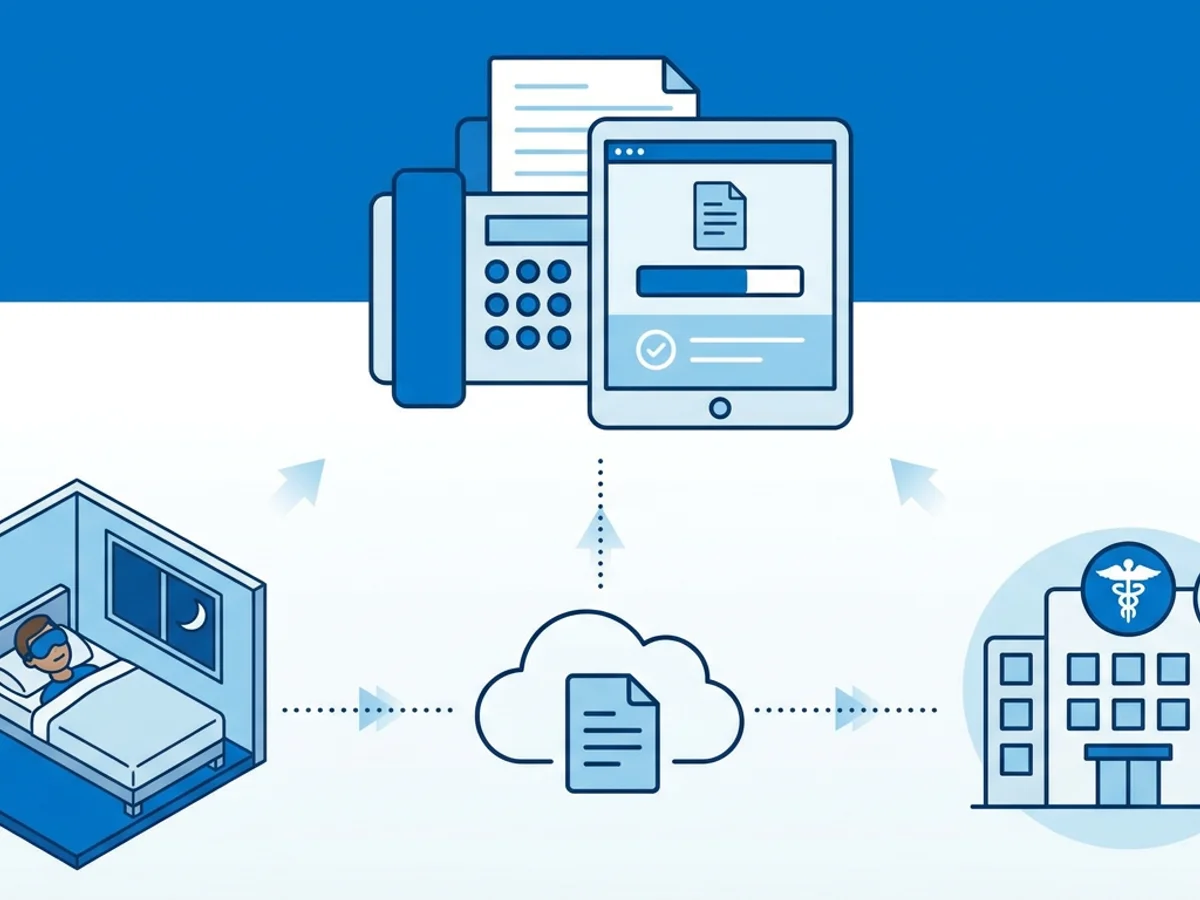
A patient has used their CPAP machine for 31 days, the download shows they meet the payer’s usage threshold, and the DME supplier is asking for the compliance report before they can move the claim forward. The physician’s office wants the same documentation in the chart. The insurer may need proof before approving continued rental, replacement supplies, or prior authorization.
Then the bottleneck appears: the report is ready, but the fax process is not.
Maybe the sleep lab’s office fax line is busy. Maybe the physical fax machine is in another part of the building. Maybe the compliance report is sitting as a PDF on a respiratory therapist’s laptop, while the required destination is still a fax number printed on an insurance form. When a payer or DME supplier expects a fax, email may not be accepted, portals may not be available, and mailing the report is too slow.
For sleep labs, durable medical equipment teams, and administrative staff, the goal is simple: send the CPAP compliance report quickly, document that it was sent, and avoid preventable delays in insurance processing. Browser-based faxing can help, as long as the lab uses it carefully, consistently, and with realistic expectations about privacy, documentation, and workflow.
Why CPAP compliance reports still get stuck in fax workflows
CPAP compliance reporting is a strangely modern-old-fashioned process. The data often comes from connected devices, cloud platforms, SD cards, or manufacturer software. But the recipient may still require a fax.
Common examples include:
- A DME supplier requesting a 30-day or 90-day compliance download before continuing equipment rental billing.
- A payer asking for proof that the patient is using therapy for the required number of hours per night.
- A sleep physician’s office needing the report before a follow-up appointment.
- A primary care office requesting documentation for medical necessity records.
- A billing department needing supporting paperwork attached to a claim or authorization request.
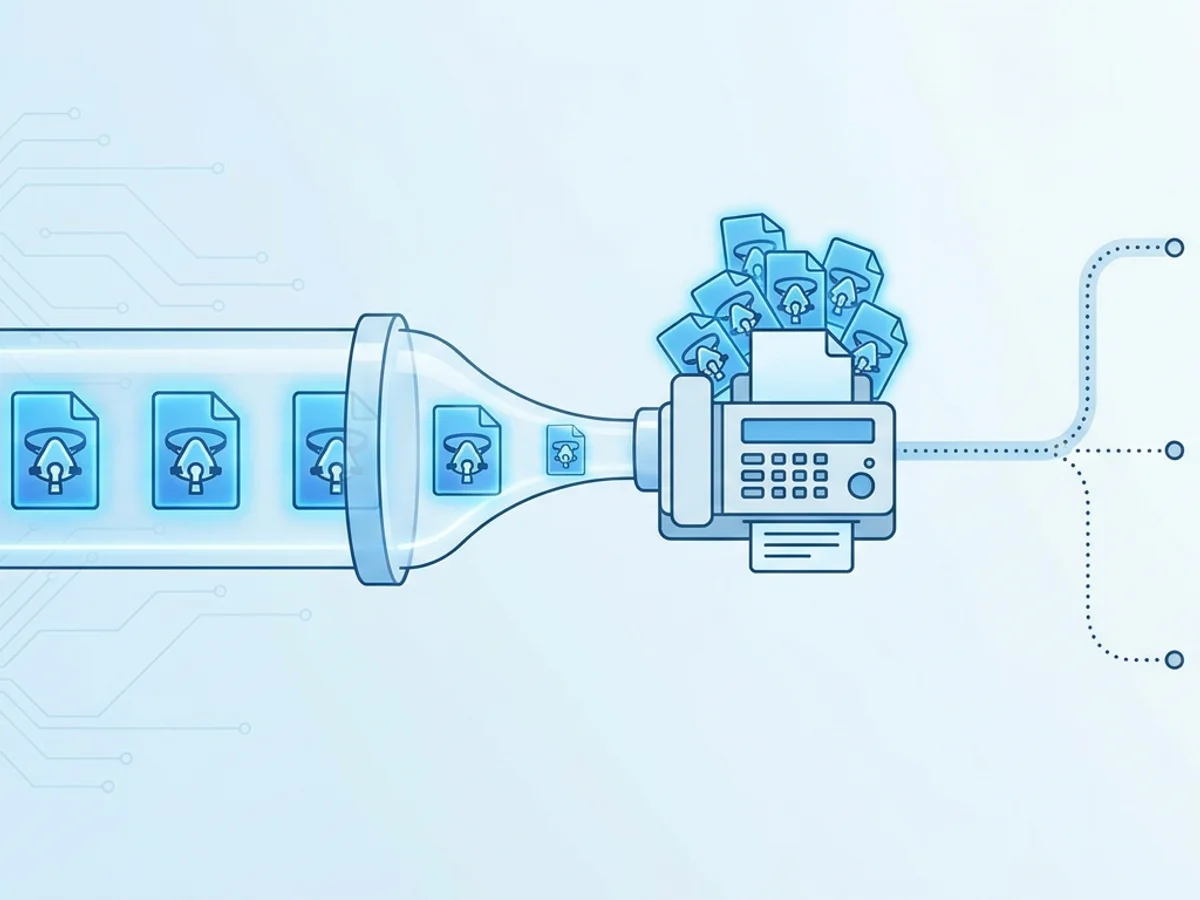
The problem is rarely the report itself. Most sleep labs can generate a CPAP usage report in minutes. The friction comes from everything around it: finding the correct fax number, attaching the right patient identifiers, waiting for the machine, confirming delivery, and then recording that the fax went through.
Insurance delays often happen when one small step is missing. A report is sent without the patient’s date of birth. A cover sheet leaves out the claim reference number. A fax fails after hours and no one notices until the next day. A payer receives a partial transmission and requests the same documentation again.
That is why a sleep lab’s fax process matters. The faster part is not only sending the fax. It is sending the right document, to the right destination, with proof that it transmitted.
Build the fax around the insurance requirement, not around the machine
Before sending a CPAP compliance report, staff should know exactly what the recipient needs. This sounds obvious, but it is where many delays begin.
A payer may not simply want “the compliance report.” They may want a specific date range, usage summary, physician notes, order documentation, or patient demographics. A DME supplier may ask for a report showing usage over the first 30 consecutive days, while another payer may look for a 90-day period. Some requests include a reference number that must appear on the fax cover page.
A practical pre-fax checklist can prevent rework:
- Confirm the destination fax number. Use the number listed on the payer request, DME request, or current authorization form. If the number came from an old contact sheet, verify it.
- Match the report to the requested date range. A usage report for the wrong period can trigger a denial or follow-up request.
- Include patient identifiers. At minimum, most recipients expect the patient name and date of birth. Add member ID, account number, or authorization number when requested.
- Use a clear cover page. State what is being sent, who it is for, and what action is needed.
- Check file readability before faxing. If the PDF is blurry, sideways, cropped, or password-protected, fix it before sending.
- Save the confirmation. A delivery receipt is often the difference between “we sent it” and “we can show when we sent it.”
This is also where browser-based faxing fits well. Instead of printing a CPAP report, walking it to a fax machine, feeding pages, and hoping the transmission succeeds, staff can upload the saved report directly from a computer, tablet, or phone. BestFax.com supports PDF, Word, and image file uploads, which covers the file types sleep labs commonly use for compliance downloads, signed forms, and supporting documentation.
The workflow still needs human review. Online faxing does not know whether the payer asked for 30 days or 90 days. It will not decide which chart note supports medical necessity. But it can reduce the manual steps between “the report is ready” and “the report has been transmitted.”
A practical workflow for sending CPAP compliance reports by online fax
Consider a common scenario: a patient is 45 days into PAP therapy, and the DME supplier needs a compliance download to continue billing and ship replacement supplies. The respiratory therapist exports the report as a PDF. The supplier’s request includes a fax number and the patient’s account number.
A clean workflow might look like this:
Step 1: Export the report in a fax-friendly format.
PDF is usually the easiest choice because it preserves the layout. Before sending, open the file and check that the patient name, date range, usage percentage, average hours, and device information are visible. If the report is several pages, make sure all pages are included.
Step 2: Prepare a cover page with context.
A professional fax cover page should not be treated as a formality. It helps the recipient route the report correctly. Include:
- Recipient department or contact name, if known.
- Patient name and date of birth.
- Member ID, claim number, authorization number, or DME account number.
- Sender name, organization, phone number, and return fax number if applicable.
- A short note such as: “CPAP compliance report attached for continued rental review” or “Requested PAP adherence documentation attached.”
The service includes professional fax cover pages, which can help keep these transmissions organized and easier for the recipient to process.
Step 3: Upload the compliance report.
With browser-based faxing, staff can send from Safari, Chrome, Firefox, or Edge on a phone, tablet, or computer. No app download required. That is useful when the report is already saved digitally and the staff member does not want to print it just to fax it.
Step 4: Enter the destination fax number carefully.
A mistyped fax number is more than an inconvenience. It can delay the request and may send information to the wrong recipient. Use copy-and-paste when the number comes from a reliable digital source, but still compare it against the request. If manually entering the number, have a second staff member verify high-volume or sensitive transmissions when possible.
Step 5: Send and wait for confirmation.
Fax confirmation and delivery receipts are important. Save them in the patient’s administrative record, billing documentation, or task system according to your organization’s policy. If the transmission fails, resend promptly and note the failed attempt.
Step 6: Document the action taken.
A short internal note can prevent duplicate work: “Faxed CPAP compliance report for 04/01–05/01 to ABC DME at [fax number] on 05/03; confirmation received.” This gives the next staff member enough information to answer follow-up calls without searching through multiple systems.
The value of this workflow is not that it is complicated. It is that it is repeatable. Insurance delays often come from inconsistent handoffs, not from unusual problems.
Avoiding the mistakes that cause payer follow-ups
When a payer says they never received a compliance report, the first reaction is often frustration. But many fax-related delays trace back to a few preventable issues.
One common issue is sending a summary that does not satisfy the request. Some CPAP platforms offer multiple report styles: overview, detailed usage, therapy effectiveness, leak data, and adherence summaries. If the recipient needs proof of usage hours, the report should clearly show the relevant usage criteria. If they asked for a specific window, the report should show that window.
Another issue is missing identifiers. A compliance report may show the patient’s name but not the payer member ID. If the recipient handles thousands of documents, the fax can sit in an unassigned queue. A cover page with the correct reference information helps the document reach the right file faster.
A third issue is assuming a sent fax is the same as a delivered fax. A staff member may click send, walk away, and move on to the next task. But busy lines, incorrect numbers, or transmission errors can prevent completion. Delivery receipts do not guarantee that the recipient processed the document, but they do help establish that the fax transmission completed.
Formatting also matters. Fax is less forgiving than email attachments. Tiny print, pale gray charts, or screenshots pasted into a document can become hard to read. Before sending, view the document at normal size and ask whether a person on the other end could read the important details if the contrast were slightly reduced. Black text on a white background is safer than colorful dashboards or low-resolution images.
Sleep labs should also be cautious with batch work. It may be tempting to send several patient reports in one large fax to the same DME office. Unless the recipient specifically instructs that this is acceptable, separate transmissions are usually cleaner. They create separate confirmations and reduce the chance that one patient’s documentation is mixed with another’s.
Finally, avoid relying on memory. If your lab sends CPAP compliance documentation daily, create internal naming conventions such as:
LastName_FirstName_DOB_CPAPCompliance_YYYY-MM-DD.pdf
This makes it easier to choose the correct file during upload and to find it later if the payer asks for a resend.
Security, privacy, and honest expectations when faxing medical documents
CPAP compliance reports contain sensitive patient information. Any organization sending them should follow its own privacy, security, and records policies, and should make sure the communication method is appropriate for its obligations.
BestFax.com uses TLS encryption for fax transmissions. That is helpful for protecting data in transit through the online fax process. However, the service does not offer a BAA or healthcare-specific compliance certification. Sleep labs and healthcare organizations should take that into account when deciding whether and how to use the service for patient-related documents.
That distinction matters. Online faxing can be convenient, but convenience does not remove the sender’s responsibility to verify recipient numbers, limit unnecessary information, use appropriate cover pages, and retain records properly. Administrative staff should be trained not only on how to send a fax, but on what should and should not be included.
A good internal policy might address questions like:
- Which staff roles are allowed to fax CPAP compliance reports?
- What information must appear on the cover page?
- Where are delivery receipts stored?
- When should a failed fax be escalated?
- Who verifies new payer or DME fax numbers?
- What should staff do if they suspect a fax was sent to the wrong number?
These policies are not exciting, but they prevent expensive delays and uncomfortable mistakes.
Browser-based faxing is especially useful for smaller sleep labs, mobile coordinators, or teams that do not want every fax tied to a single physical machine. The pricing is straightforward: $4.95 as a one-time per-fax option or $10/month by subscription. There is no free trial, so labs should choose the option that matches their expected volume. If you only need to send occasional compliance documentation, paying per fax may make sense. If faxing is part of the daily workflow, the monthly subscription may be easier to budget.
Keeping CPAP documentation moving without creating extra work
Insurance delays are rarely caused by one dramatic failure. More often, they come from small administrative gaps: the wrong fax number, an incomplete cover page, a failed transmission, a missing confirmation, or a report that does not show the requested date range.
Sleep labs can reduce those delays by treating faxing as part of the compliance workflow rather than an afterthought. Generate the correct report. Label it clearly. Use a cover page that gives the recipient enough context. Send it through a reliable process. Save the delivery receipt. Document the action in the patient’s record or task system.
Browser-based faxing will not replace careful payer review or good documentation habits. It will not decide what the insurer needs. But it can remove the avoidable friction of printing, scanning, waiting on a shared machine, or wondering whether the fax transmitted.
For CPAP compliance reports, speed matters—but clean, confirmable transmission matters more. When the report is readable, properly identified, and supported by a delivery receipt, the insurance process has fewer reasons to stall.
Send your first fax at BestFax.com.
Related Posts
How Fertility Clinics Fax Lab Orders to Reference Labs Without Cycle Delays
Practical ways fertility clinics can fax reference lab orders faster, confirm delivery, and avoid cycle delays during monitoring and treatment.
How Rural Clinics Can Fax Referral Packets to Specialists Without Care Delays
Practical steps for rural clinics to send complete referral packets by fax, track confirmations, and reduce avoidable specialist delays.

How School Nurses Can Fax Immunization Records to Health Departments Faster
Practical steps for school nurses to fax immunization records faster, including file prep, cover pages, confirmations, and browser-based faxing.