How Freelancers Use Online Fax for Client Contracts and Payment Agreements
Managing Contracts and Payments as a Freelancer
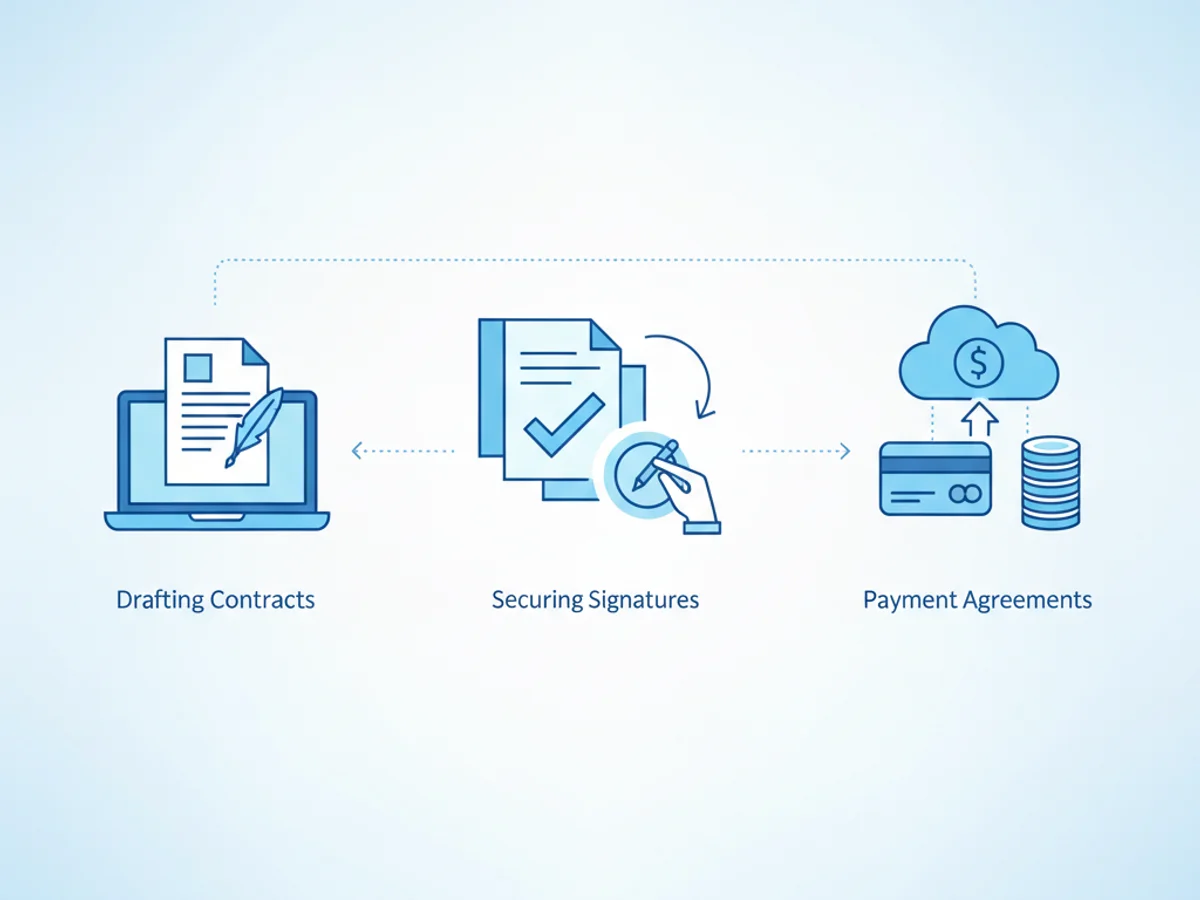
Freelancing comes with its perks: flexible schedules, diverse projects, and the ability to choose your clients. But there’s a less glamorous side many freelancers have to deal with—handling administrative tasks like drafting contracts, securing signatures, and creating payment agreements. These tasks are essential for protecting your work and ensuring you get paid, but they can be time-consuming if you don’t have the right tools.
One often-overlooked but highly effective tool is online fax. While it may sound like an outdated solution, browser-based faxing has proven to be indispensable for freelancers who need to send and receive signed documents securely, efficiently, and legally. Here’s how this technology fits seamlessly into your workflow.
Why Online Fax Is Perfect for Freelancers
Many freelancers rely on electronic communication—emails, shared drives, and e-signature platforms—to send documents. While these methods work most of the time, they’re not always ideal:
- Email attachments are vulnerable: Traditional email lacks encryption, and sensitive documents like contracts can be intercepted if not sent securely.
- E-signature software isn’t universal: Not all clients are comfortable using e-signature services or willing to pay associated fees.
- Printing adds complexity: If you don’t own a printer or scanner, asking clients to manually sign and scan forms creates a hurdle.
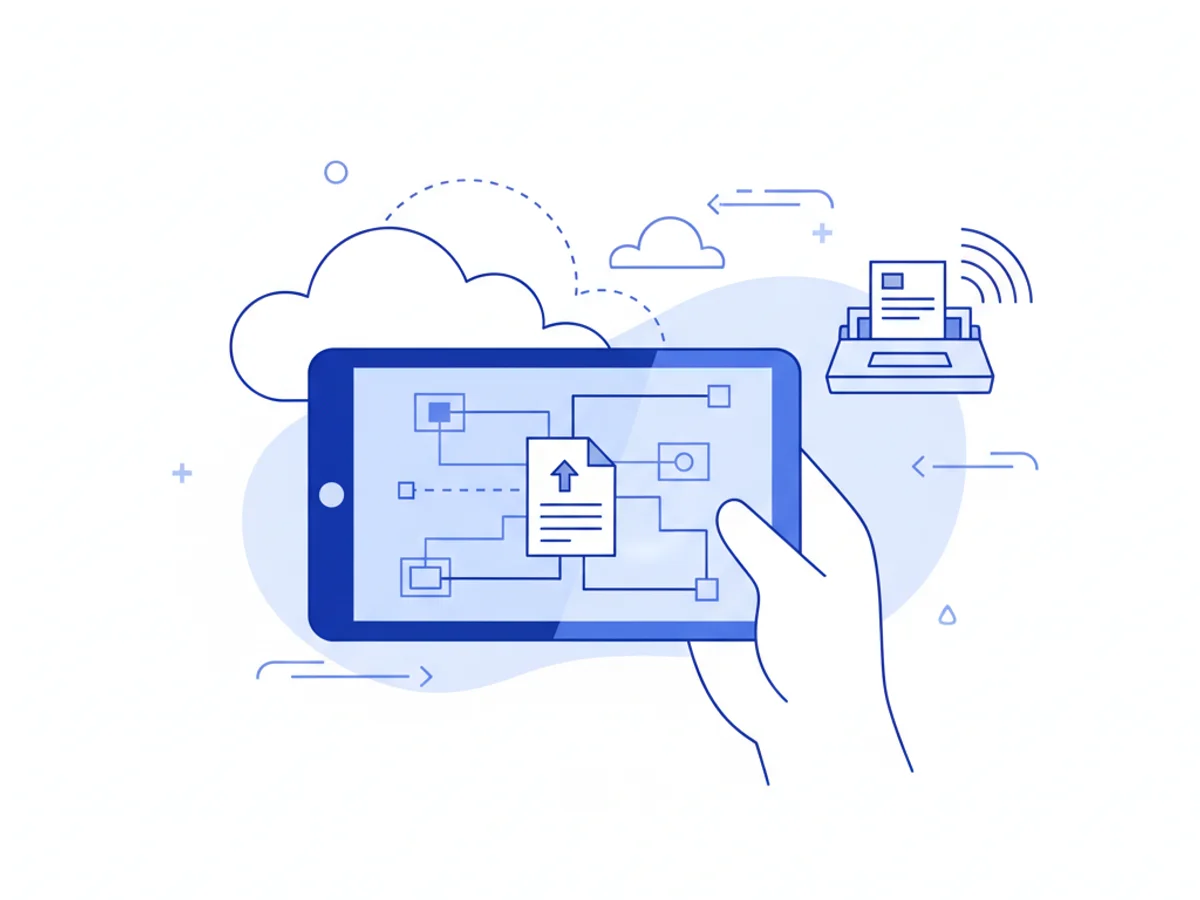
This is where professionals turn to browser-based online faxing tools. Services like BestFax.com eliminate these hassles by letting you send and receive contracts directly from your phone, computer, or tablet—no app downloads required. Fax transmissions are encrypted with TLS, making them a safer option for sensitive documents.
Real-Life Scenarios Where Freelancers Benefit
Sending Client Contracts
When working with a new client, establishing clear terms in a signed contract is crucial. Perhaps you’ve emailed the client a PDF of your agreement, but after waiting days for a signed response, you’re eager to finalize things more quickly. Instead of relying on back-and-forth emails, use online fax.
- Upload your PDF contract directly to the fax service.
- Add a professional fax cover page (included with BestFax.com).
- Send the documents to your client’s fax machine or their preferred fax number directly from your browser.
This approach helps you avoid delays and demonstrates professionalism, showing clients that you respect the importance of legal documentation.
Negotiating Payment Agreements
Say a long-term client wants to revise your payment schedule or terms, and these adjustments require a formal agreement. With online faxing, you can:
- Draft revisions in Word or PDF format.
- Attach these files to your fax.
- Send them to your client without juggling e-signature links or asking them to print and scan.
The service also ensures you have delivery confirmation, providing reassurance that your agreement reached its destination.
Handling Urgent Requests
Freelancers know that unexpected requests pop up from clients, especially when deadlines are approaching. Imagine a scenario where your client urgently needs a signed NDA before sharing sensitive project details. Instead of wasting time installing apps or setting up complicated signature workflows, an online fax service lets you send the signed document immediately. This speed bypasses logistical barriers while maintaining strong security standards.
What Makes Browser-Based Faxing Effective?
A few features of services like BestFax.com stand out for freelancers:
- No app downloads: You don’t have to clutter your devices with new software or worry about compatibility. Whether you prefer Safari, Chrome, or Edge, it works seamlessly across browsers.
- Flat pricing options: Freelancers can opt for $4.95 per fax if handling occasional documents, or a $10/month subscription for regular contracts. No commitments required.
- File versatility: Whether you need to send PDFs, Word documents, or even images, you’re covered.
- Encryption for peace of mind: TLS encryption ensures faxed data stays secure during transmission, giving both freelancers and clients confidence.
However, keep in mind that while this tool offers strong security measures, it doesn’t provide formal healthcare compliance certification, so it’s less suited for cases requiring high regulatory compliance.
A Freelancer’s Guide to Getting Started
Ready to integrate online faxing into your workflow? Here’s how to begin:
- Sign up for a subscription or one-time fax: Decide which pricing model suits your workload.
- Prepare your document: Organize contracts and agreements in file formats like PDF or Word.
- Add a fax cover page: Use a polished template from the service to maintain professionalism.
- Send and confirm: Track delivery status with built-in confirmation receipts.
With these steps, leveraging online fax becomes a stress-free addition to your freelance routine.
Convenience Meets Professionalism
Online faxing bridges the gap between secure document handling and simplicity. As a freelancer, having tools like this sets you apart in terms of professionalism while safeguarding your interests. Whether it’s a client contract, NDA, or payment agreement, browser-based faxing ensures you keep your work running smoothly.
Get started at BestFax.com today to simplify your administrative tasks and focus on growing your freelance business.
Related Posts
How ASCs Can Fax Operative Reports to Referring Doctors Without Follow-Up Delays
Practical steps ASCs can use to fax operative reports to referring doctors quickly, accurately, and with fewer follow-up delays.

How Mobile Phlebotomists Fax Lab Requisitions Without Specimen Delays
Practical field tips for mobile phlebotomists to fax lab requisitions clearly, confirm delivery, and avoid paperwork-related specimen delays.
How Title Companies Fax Payoff Statements Without Closing Delays
Payoff statements can stall closings when faxing is slow or disorganized. Learn practical steps title companies can use to send, confirm, and track payoff faxes.