How Mortgage Underwriters Fax VOE/VOI Forms to Employers Without Delays
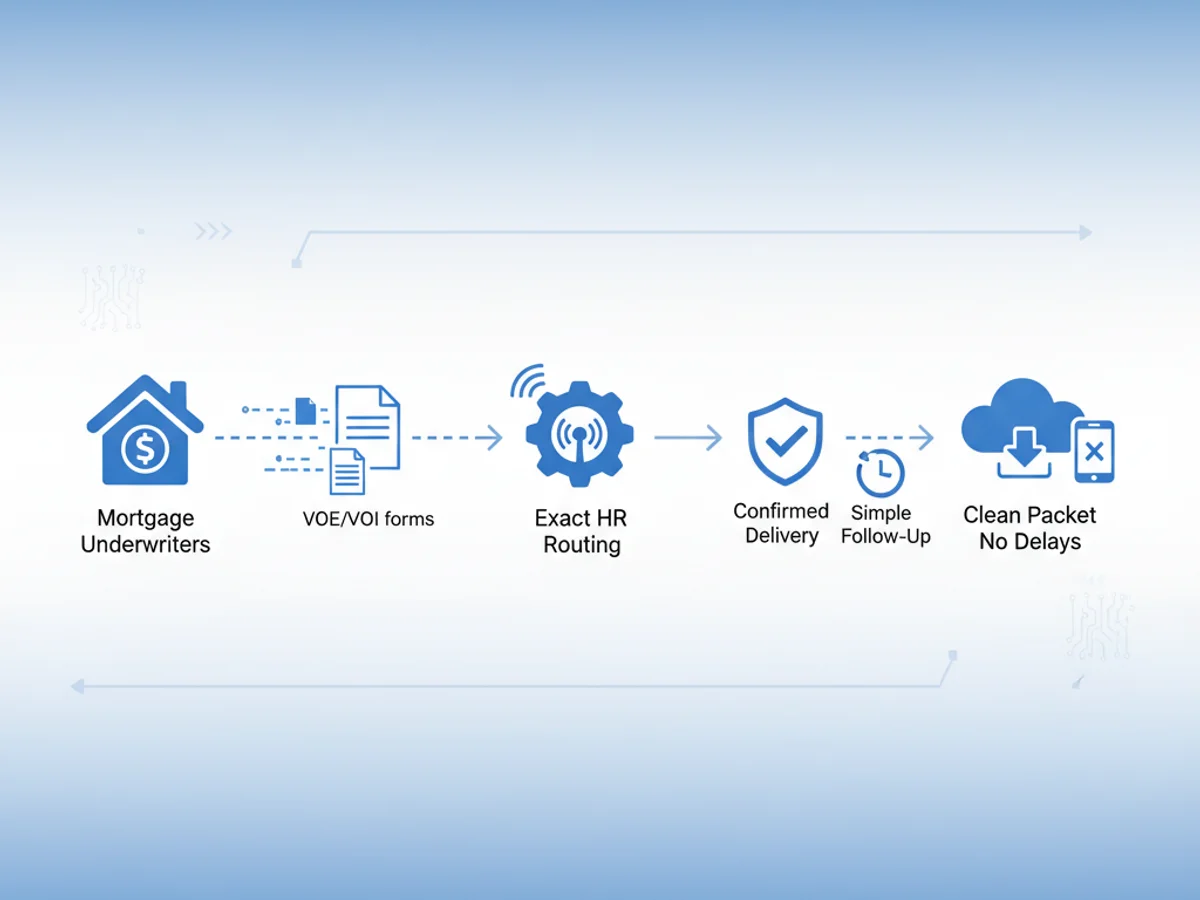
You finally have a clean file ready to clear conditions—except for one stubborn item: a signed Verification of Employment/Income. The borrower swore HR “already handled it,” but the underwriter’s stack still has a gap. Meanwhile, rate locks tick away. The bottleneck isn’t analysis or guidelines—it’s getting a VOE/VOI to the right employer contact fast, confirming delivery, and keeping the paper trail audit-ready.
This post walks through a proven, light-lift workflow for mortgage underwriters and processors to fax VOE/VOI forms to employers without losing days to back-and-forth. We’ll cover employer validation, document prep, timing tactics, confirmation must-haves, and how to handle the two scenarios that derail closings most: corporate HR phone trees and busy payroll vendors.
First, nail the contact: HR is not one inbox
Speed hinges on sending the VOE/VOI to the exact intake point an employer uses. Many underwriters waste cycles faxing generic HR lines or old numbers pulled from a previous file. Use this quick triage:
- Confirm employer policy: Some companies route VOEs only through third-party services (e.g., The Work Number, Inverify). If that’s the case, request the authorized channel and stop faxing blind.
- Identify the correct destination: If the employer accepts direct faxes for VOE/VOI, get the precise HR/payroll fax line, department name, and a named contact if available. Payroll often processes faster than general HR; ask which team handles “mortgage verification forms.”
- Verify the fax number twice: Cross-check the number on the employer website or benefits portal. If the employer lists multiple sites, confirm which location employs the borrower. Wrong sites = lost days.
- Ask about timing windows: Some HR teams batch-process faxes at set times. Knowing the window helps you hit the inbox before the daily sweep rather than after it.
Keep this info in the file notes so the next touch doesn’t reset the search. Establishing a verified, repeatable route is the single biggest time-saver for future deals with the same employer.
Preparing VOE/VOI packets that get processed first
HR desks live in a world of triage. Your packet should telegraph legitimacy and completeness at a glance. Make their job obvious:
- One borrower per packet: Don’t bundle two VOEs for spouses into one fax. It complicates routing and disclosure controls.
- Crystal-clear purpose line: The cover page should state “Mortgage Verification of Employment/Income – Time Sensitive” along with your loan number and a short deadline.
- Include borrower authorization upfront: Many HR teams won’t start without a signed consent form dated within the last 60 days. Put it directly behind the cover page.
- Pre-fill everything you can: Your VOE/VOI form should already include borrower name, last four SSN (if allowed), employer name/site, your contact details, and any investor-specific instructions.
- Make the request precise: List the exact items needed (employment status, start date, position, base pay, bonus/OT history by year, YTD income, hours status). Vague asks get parked.
- Add return options: Fax return number plus a secure email, if the employer allows. Some will use email for faster return while keeping the faxed request as the trigger.
- Legible files only: Use high-contrast, straightened scans. Avoid photos of documents. Grainy images often trigger rejections or delays.
When sending from a browser-based faxing tool, you can upload a PDF or Word file plus images for IDs or authorizations. Professional fax cover pages are included, which helps standardize the presentation for different HR desks.
Timing and follow-up: The 48-hour discipline
Once you’ve confirmed the correct destination and the packet is tight, create a mini-SLA for yourself:
- Same-day send when possible: If you obtain consent before noon local time for the employer, send immediately to catch afternoon processing.
- If it’s late in the day: Consider sending first thing the next morning to land at the top of the queue. Many HR teams clear inbound faxes between 8–10 a.m.
- Use delivery confirmation smartly: A fax confirmation/delivery receipt isn’t a guarantee of human review, but it is proof your request reached the line. Keep it in the file.
- Schedule the first follow-up at 24 hours: Reference your confirmation ID and ask whether additional documentation is needed. Offer to resend immediately if they request edits.
- Hard 48-hour escalation: If no response by 48 hours, escalate to the employer’s payroll team or the designated third-party verification vendor (if any). Document every touchpoint.
This cadence balances persistence with respect for HR workflows. You move fast without burning goodwill.
Using browser-based faxing to remove friction (and proof every step)
When speed and auditability matter, sending and receiving faxes from a web browser helps you clear conditions without extra IT overhead. With BestFax.com, you can:
- Send and receive from any modern browser on phone, tablet, or computer.
- Avoid app downloads; it works in Safari, Chrome, Firefox, and Edge.
- Upload PDFs, Word docs, and common image files, then attach a professional cover page.
- Receive delivery receipts to document the timeline.
- Keep transmissions protected with TLS encryption in transit.
A note on compliance: the service does not offer a BAA or formal healthcare compliance certification. For mortgage VOE/VOI use, underwriters typically rely on borrower authorizations and lender privacy controls. If your organization requires a BAA for any reason, this tool would not meet that requirement.
Pricing is straightforward: send a one-off VOE for $4.95 per fax, or, if you handle steady volumes, a $10/month subscription often nets out cheaper across multiple deals. There’s no free trial, so budget a small test send if you want to validate formatting through an internal fax line before using it with an employer.
Two common roadblocks—and how to beat them
- The corporate HR black hole
- Symptom: Your confirmation shows delivered, but HR claims they “never received it,” or they insist on a different channel only after two days.
- Fix:
- Reconfirm the destination line and ask if the employer mandates a specific vendor (e.g., The Work Number). If so, pivot immediately rather than retrying the same fax.
- Add a bold line on the cover: “If your policy requires vendor-based verification, please advise which vendor and employer code.” You’ll get faster redirection.
- Copy the site HR if the company has multiple locations, but only after verifying internal policies to avoid privacy issues.
- The payroll vendor queue
- Symptom: You have the right line, but the vendor warns of a 3–5 day backlog.
- Fix:
- Split your request: Ask for employment status/tenure first (often faster), then income detail if they need extra time. Some lenders accept staged verifications.
- Provide a lender letter on letterhead that indicates a funding deadline; many vendors triage genuinely time-sensitive requests.
- If permitted, offer to pay any stated rush fee. Note the cost in your file and get lender approval if required.
In both cases, your confirmation receipts, timestamps, and documented follow-ups will protect your audit trail and justify any extension requests with the investor.
Compliance and data handling you can defend
Mortgage files demand clean chains of custody. Keep the VOE/VOI path tidy:
- Borrower consent: Always include a current, signed authorization at the front of the packet.
- Minimum necessary data: Limit SSN exposure to what the employer requires. Redact full SSN if the employer accepts partial.
- Secure storage: Save fax confirmations and returned VOEs directly in your loan origination system or secure document repository. Name files consistently: “VOE_[Employer][BorrowerLast][YYYYMMDD].pdf.”
- Clear retention: Follow your company’s retention policy. Don’t leave copies scattered in downloads folders or personal drives.
- Vendor disclosures: If an employer uses a third-party vendor, log that in the file with date/time and any associated fees.
Step-by-step: From request to receipt in under 48 hours
Here’s a practical sequence you can reuse for most VOE/VOI cases:
- Confirm the correct HR/payroll intake and whether a vendor is required.
- Gather borrower consent, pre-fill the VOE/VOI form, and assemble a clear cover page.
- Upload the packet through the browser-based fax tool and send it to the verified number.
- Save the fax confirmation/delivery receipt to your loan file immediately.
- Calendar a 24-hour check-in with HR or the vendor; reference the confirmation ID.
- At 48 hours, escalate politely with a revised cover page if needed or pivot to the vendor path.
- On receipt, verify completeness (employment status, dates, base pay, YTD, historical comp if requested). If anything’s missing, circle back the same day with a targeted follow-up page.
This routine ensures no single step floats for more than a day—and you keep an airtight record.
Formatting tips that speed human review
- Keep cover pages to one page with bold headers, not dense paragraphs.
- Use checkboxes on your VOE/VOI form for the exact data you need. HR reviewers process checklists faster than open text.
- Embed your return fax number and direct phone extension in the header and footer of every page.
- Avoid mixed orientations (portrait + landscape) that print oddly on legacy fax machines.
- If sending pay stub samples to guide income breakdown, redact nonessential PII and limit to the most recent two.
When you should re-send vs. wait
- Re-send immediately if: You used a general HR fax, confirmation failed, the file image was low-contrast, or you learn there’s a different intake line or vendor.
- Wait 24 hours if: You have a valid confirmation and the employer confirmed their standard SLA is 1–2 business days.
- Escalate at 48 hours if: You have confirmation but zero acknowledgement and no published SLA.
This prevents churn while still protecting your lock timeline.
Cost control for teams
- One-off loans: The $4.95 per-fax option is simple and predictable.
- Pipelines with frequent verifications: A $10/month plan typically beats per-fax pricing after just a few sends. Build it into your per-loan processing budget and track usage at the branch level.
- No free trial: If you want to see how your templates render, run a low-stakes internal test to your own office fax or a colleague’s line and review the confirmation flow.
Putting it all together
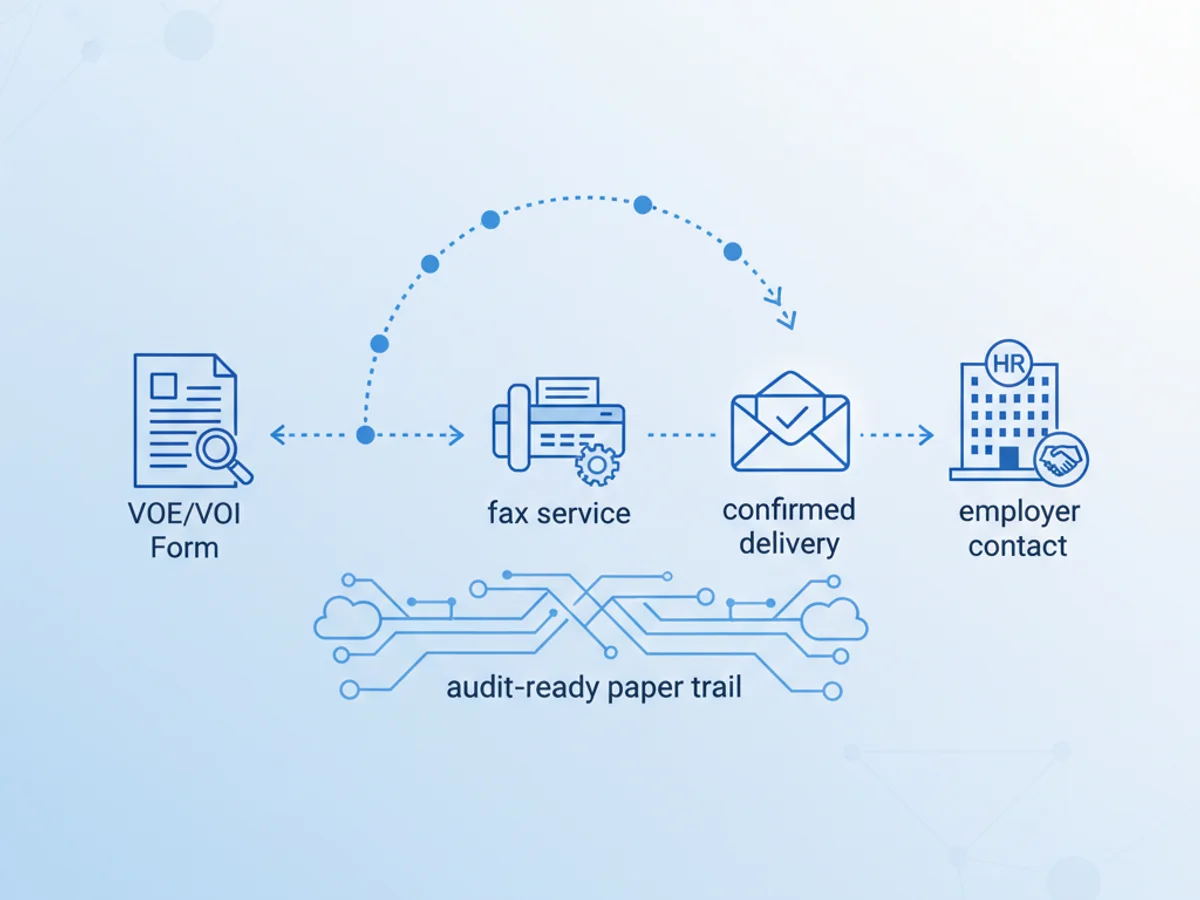
Fast VOE/VOI isn’t about heroics; it’s about a disciplined checklist: validate the destination, send a complete and legible packet, document delivery, and follow a 24/48-hour touch cadence. Using a browser-based fax tool that provides confirmation receipts and supports common document types closes the gap between “sent” and “cleared condition.” Keep the data minimal and the trail organized, and you’ll spend less time chasing HR and more time moving loans to docs.
Send your first fax at BestFax.com
Related Posts

How Mobile Phlebotomists Fax Lab Requisitions Without Specimen Delays
Practical field tips for mobile phlebotomists to fax lab requisitions clearly, confirm delivery, and avoid paperwork-related specimen delays.

How Title Companies Fax Payoff Statements Without Closing Delays
Payoff statements can stall closings when faxing is slow or disorganized. Learn practical steps title companies can use to send, confirm, and track payoff faxes.

How Immigration Attorneys Fax I-693 Medical Exam Packets Without RFE Delays
Practical guidance for immigration attorneys faxing I-693-related packets, RFE responses, and tracking documents while preserving clear records.